I have been building Copilot Studio agents for several years now, and in the car I use the voice feature of M365 Copilot a lot. Together with other MVPs I have been waiting for that same capability to arrive in Copilot Studio agents. Waiting for the moon to rise, as we say in Finnish.
There is a route through Dynamics 365. It needs a fair amount of setup, and it still goes through a phone call. We have also wondered whether something would appear at the edge of Copilot Studio itself. Agents almost always end up embedded in Teams, so would there be a microphone there?
Then I decided I am not going to wait any longer. I would solve it myself.
An hour a day in the car
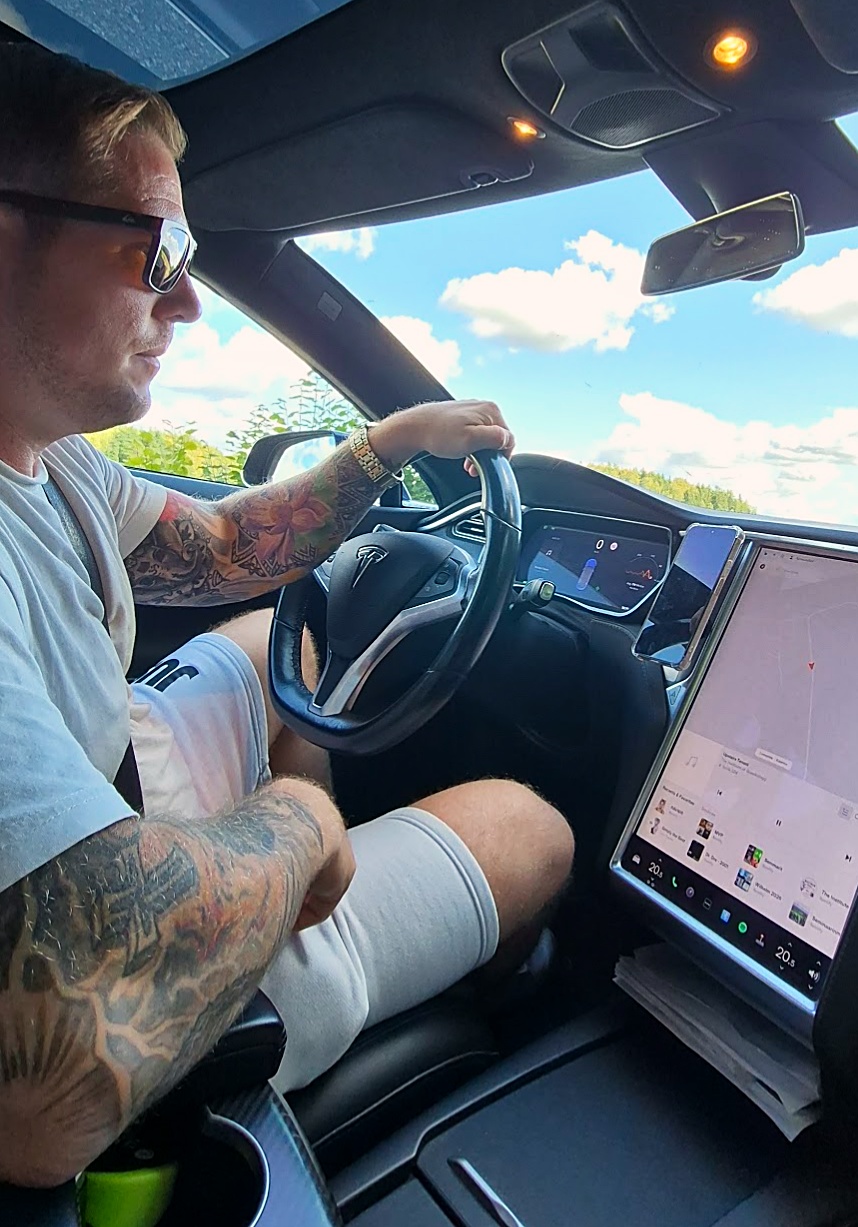
I work remotely a lot, especially on the weeks I have the kids. Morning drop-off, then lunch somewhere, then pick-up, then sports. I easily spend more than an hour a day in the car.
I do listen to audiobooks. But I noticed that my work is very often left half finished. I am in the middle of something, and then the clock forces me to leave.
So at first I built this only for my own needs. A tool that lets me carry on with the same task when I start driving. I can just keep talking and get it done.
What I tried first
I have tried several tools for this. Dictation keyboards. A microphone button here, a read-aloud feature there. They are perfectly good and they work.
But they all need the same thing from you first. You have to tap to get into it. You have to set it up. Then you have to look at the text it produced, check it, and only then send it.
That is three glances at a screen you should not be looking at.
What I actually wanted
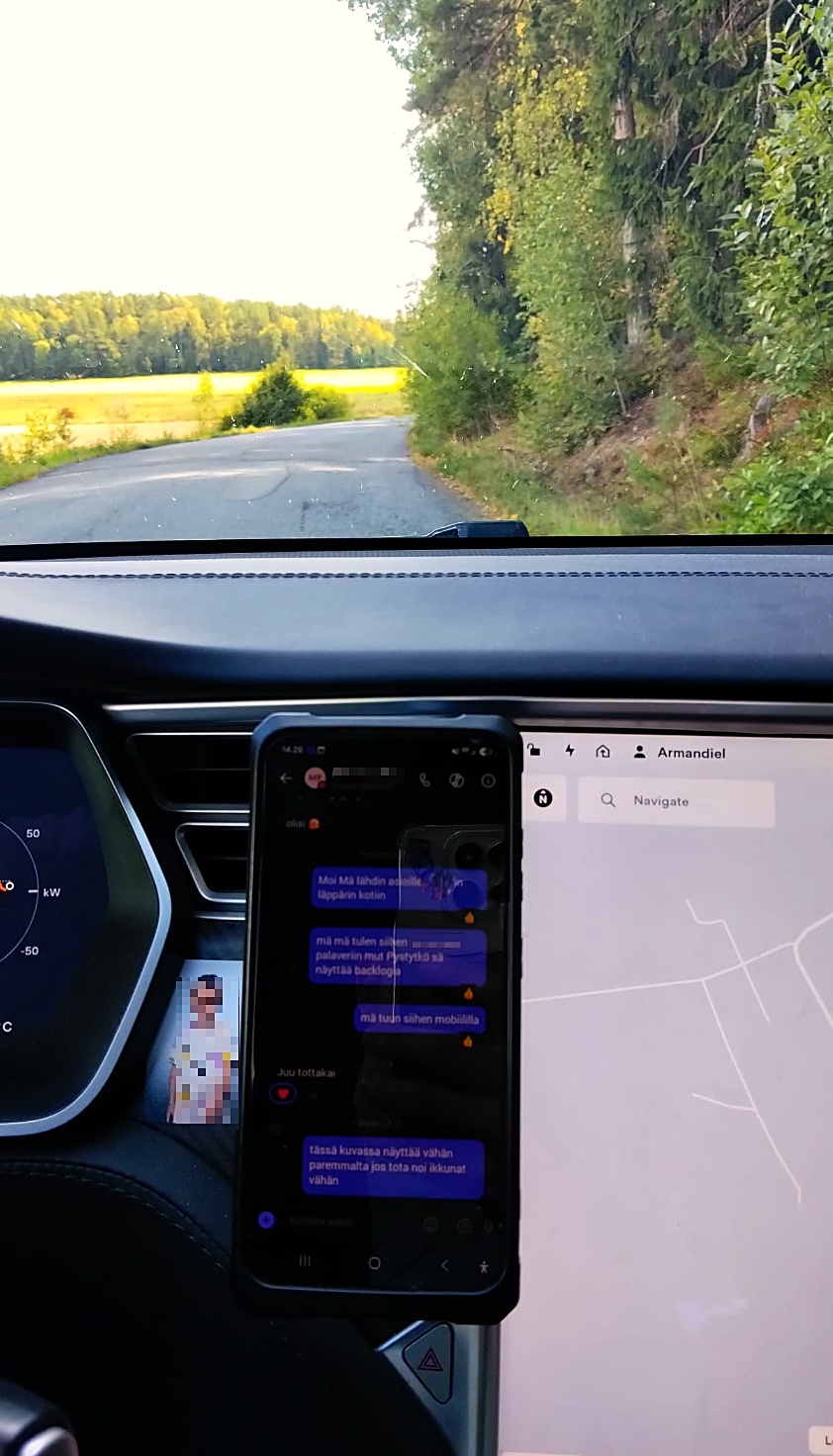
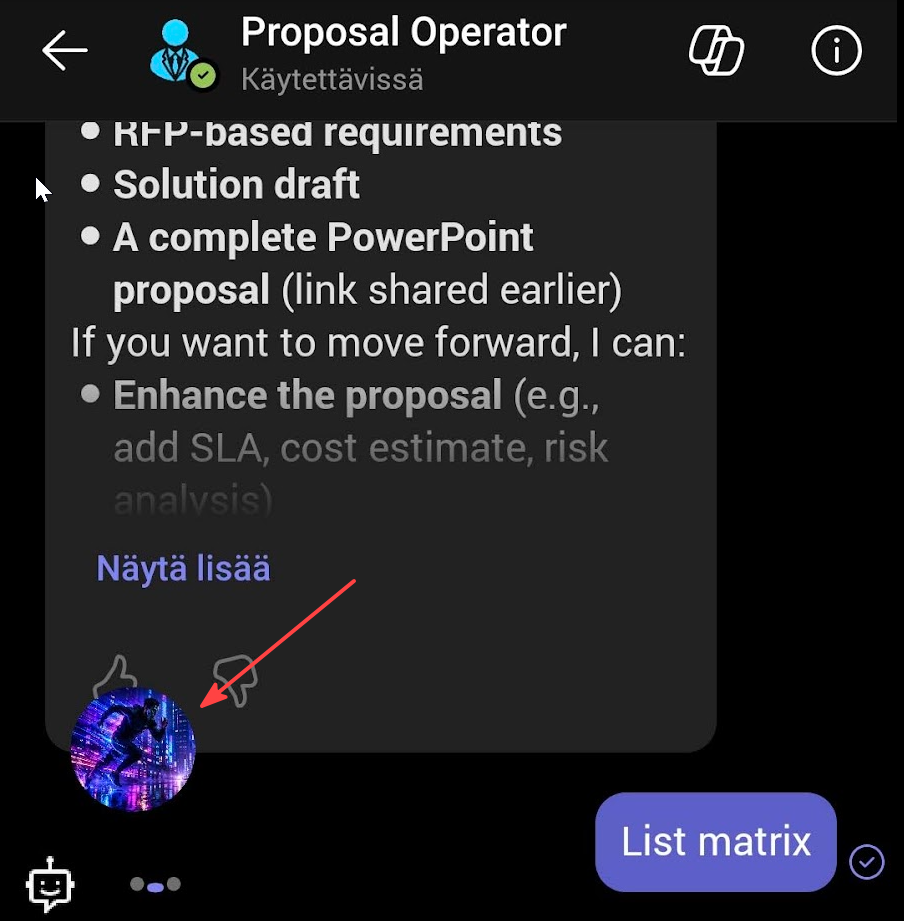
I wanted my own tool that floats on top of whatever is already open. I say the thing and it sends it. Nothing to open, nothing to tap.
And the other half: when I am driving I do not want to read the answer either. It should read the reply back to me out loud.
That is where the idea for Tarvis came from.
Building it was the messy part
I built several different versions of it and wrestled with it quite a lot.
At some point I had to build a diagnostics side into it just to see what was going on. The overlay would disappear. Then it would come back. Sometimes the message simply did not send. It has been a proper learning battle.
The technical reason for most of it is that the app does not talk to an API. It reads and writes the Teams interface itself through Android’s accessibility service, and it draws itself on top with an overlay permission. That is a very different thing from calling an endpoint, and it is where all the interesting failures live.
I am fairly happy with where it landed. I can cook, or do the laundry, and carry on working, pretty much like I was talking to a friend.
It is maybe not as smooth as M365 Copilot voice. It does not need to be.
Nothing of mine sits in the middle
The accessibility service is a serious permission, and people are right to stop and look at it. It is the same mechanism screen readers use, and Android tells you plainly that the app can read what is on your screen. If that gives you pause, good.
So here is exactly what Tarvis does with it. It reads the Teams window and it types into it. That is the whole job.
There is no Karlex server anywhere in this. Your messages do not travel through anything I own, because I do not run anything for this app to talk to. The speech recognition and the reading out loud are Android’s own services, the same ones your phone already uses when you dictate a message.
Why this matters beyond me
Here is the part that made me put it out rather than keep it.
I build agents for people for a living. Copilot Studio agents, and they generally end up in Teams. With this tool those same people can do what I just described. They can carry on with their work hands-free, with an agent someone built for them.
That was the actual need. That is where I started from.
Then it occurred to me that I might as well let others use it too.
Why one payment and not a subscription
I chose a small one-time payment.
The honest reason is that I may not develop this much further. Bug fixes yes, of course. But this is probably not a growing service, and in my opinion hanging a monthly fee on people for something like this is not right. A small one-off price suits the product, and you can see what you are getting.
Why Android only
It only works on Android.
Android allows one app to float on top of another, and the accessibility service makes the rest possible. On iPhone you simply cannot do this. That is not a roadmap item, it is a platform boundary.

Closing
I spent the summer with a few testers, and I also learned how to actually get something into the store, which was its own education.
It has been a genuinely nice learning path over this summer. And it is finally out.