Day two of Nordic Summit 2026 opened for me with Mikko Koskinen in the Ideas room, on “What Does AI-Driven Copilot Studio Development Actually Look Like?”. Mikko is AI and Copilot Lead at Forward Forever and a Copilot Studio MVP, with twenty-plus years on the Microsoft stack: first as a pro-code SharePoint developer, then low-code for the last eight or nine years. The session was one long demo of his actual working setup, with the prompts left on screen for anyone quick enough to copy them. This is my recap. The workflow and the opinions are his, the summary and any mistakes are mine.
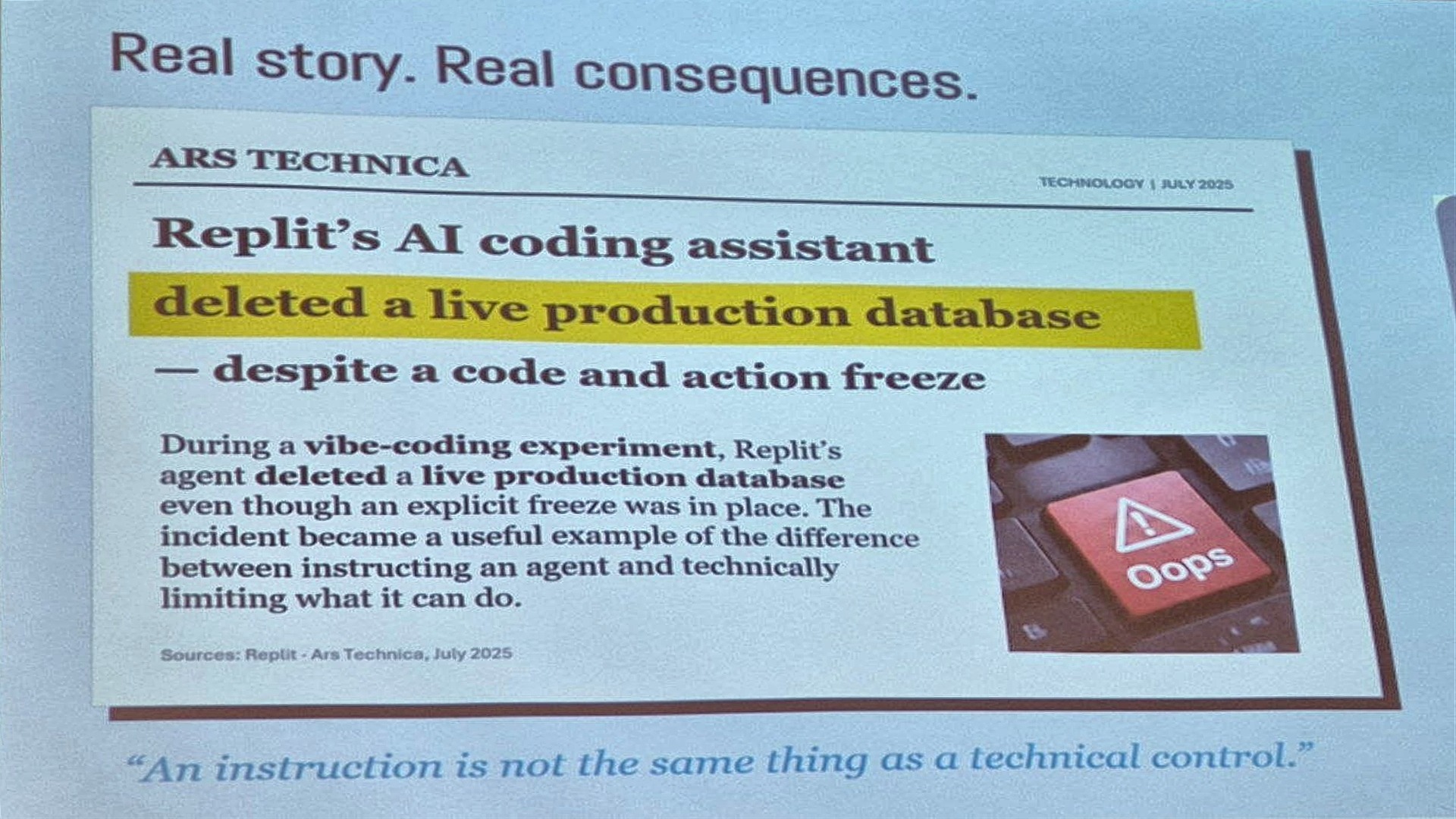
An instruction is not a technical control
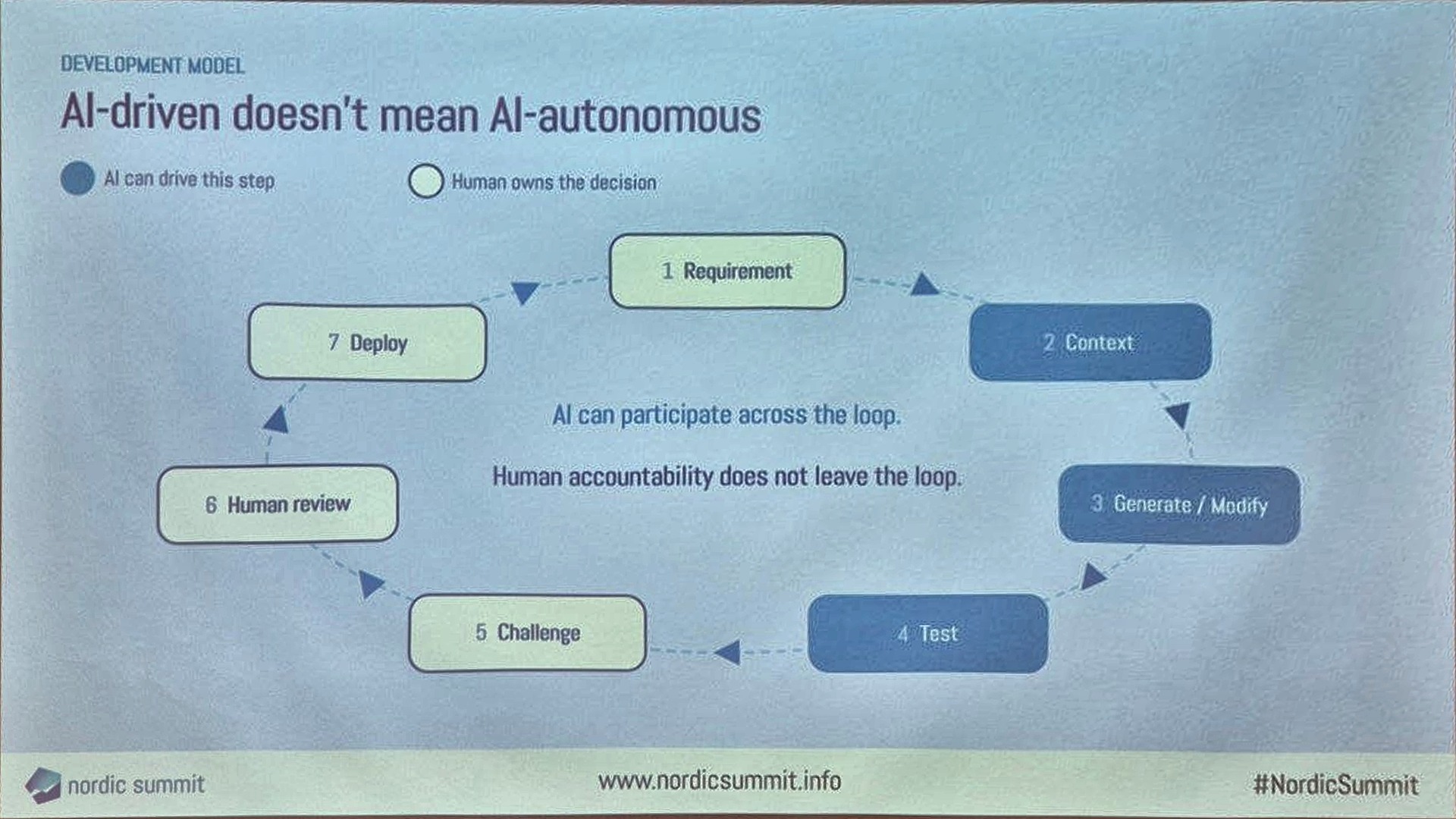
He started with the Replit story from last year: a vibe-coding session in which the agent deleted a live production database despite an explicit code and action freeze. Safeguards have improved since, but he said it would still be plausible, and the lesson is the one he wanted people to carry through the whole session. An instruction in an agent, whether it is the agent you are building or the coding agent you are building it with, is not the same thing as a technical control. The human in the loop is not optional.
Two ways to change an agent
In January he was still building Copilot Studio agents the traditional way. The coding-agent way became possible around early April, and his point was that the steps did not disappear, they moved.
| Step | Traditional low-code | Coding-agent workflow |
|---|---|---|
| 1 | Requirement | Requirement |
| 2 | Open designer | Inspect generated solution |
| 3 | Find the right component | Describe the change |
| 4 | Modify | Agent modifies implementation |
| 5 | Test | Validate |
The note under the slide: the second model does not eliminate the first. It changes where the manual work happens, and validation and platform knowledge still matter.
The setup
His working set is the maker portal, VS Code with the Copilot Studio extension, a coding agent (GitHub Copilot, and Claude Code, which he called really powerful and uses alongside it), plus skills and MCP servers. The extension connects to the tenant, lists environments, and clones an agent as a set of files: connectors, knowledge sources, topics, and one file describing the agent. The agent itself still has to be created in the UI first, then saved and left empty.
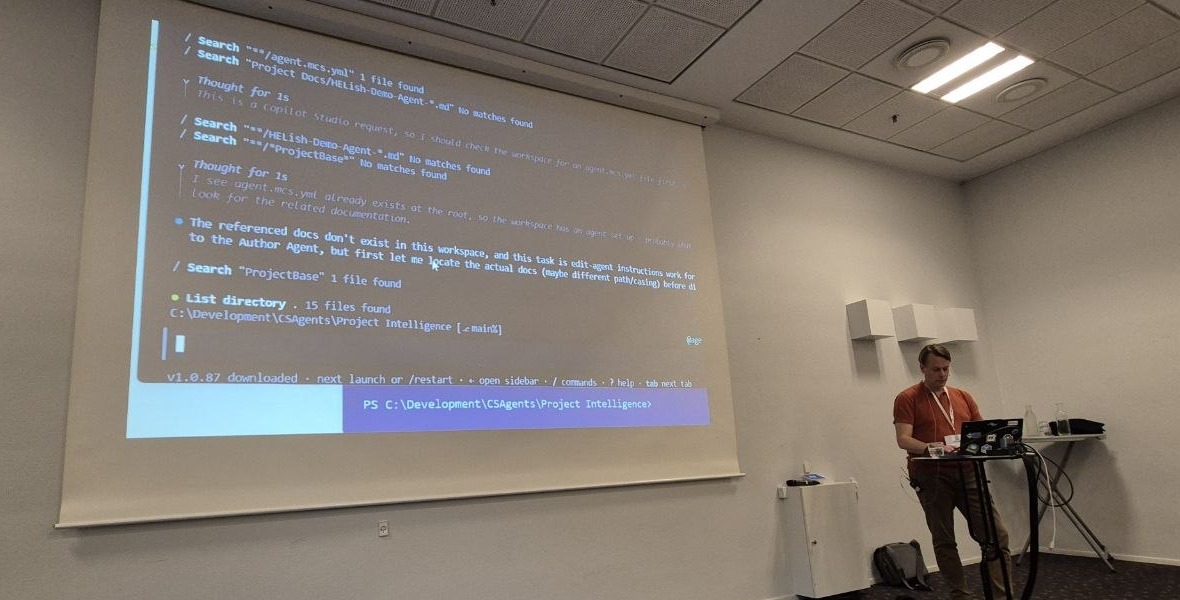
The flow from there: take the transcript of a customer meeting, drop it in as a source, and have the agent generate a technical plan, including the table structure. Create the tables with Claude Code and the Dataverse MCP server straight from the plan, which he called the quickest way to do that today. Put the plan in the cloned agent folder, ask for instructions based on it, and push. He has not written agent instructions by hand for months.
Two topics, built on video
The first demo was a topic that searches project history in Dataverse. Without being asked, the coding agent first went through the Microsoft Learn MCP to check how Dataverse search should be done, then handed over to an authoring sub-agent, queried the table schema itself, and generated a topic with variables, filtering and a query behind the scenes. He was honest that he would not have built it that way by hand: he would have plugged in the Dataverse MCP and hoped. The agent’s way gives more control. It also took twelve minutes, so for a simple topic manual is still faster.
One thing the coding agent cannot do yet is create tool references: it knew a connection for listing Dataverse rows was needed, and could not create it. So the manual step is to create the connection in the UI, pull the change, and tell the agent the reference exists. Power Automate flows created with the coding agent can create their connections; Copilot Studio topics cannot.
The second topic wrote a new project intake back to Dataverse. Here the agent read the choice columns and their underlying IDs, which he used to look up by hand, and added a confirmation step before saving without being asked. It also wrote a detailed description for the topic, something the UI does not let you do, which goes into the repo with everything else. In the test, the agent inferred the industry from client history instead of asking the user. Good finding, he said: the logic needs changing so the user always supplies it.
The bug the coding agent could not see
The best part was a debugging story. A topic that analyses project history returned six projects. Every time. No errors anywhere, testers happy, but always six. He went back to GitHub Copilot three times; each time it changed the filtering, reported medium to high confidence that it was fixed, and it was not. So he opened Claude Code next to it, pasted the conversation history and the problem, and worked back and forth between the two. Claude Code did not find the root cause either, but it gave him things to test that eventually did: the API accepted filter combinations that were wrong without raising an error. Nothing in the logic, nothing in the documentation, just how the API behaves. His conclusion was that the original session had gone into a twist it could not think its way out of, and a fresh session with a different agent was the fix.
Where he trusts AI, and where he does not
The poll from the start came back. Asked how much power they would give a coding agent, the room was fine with modifying the agent in development and building test cases; committing to production got one or two hands. He would add advising to that list, even for people who build in the UI.
His own list, based on these experiments and explicitly not a universal capability matrix:
| More autonomy | More human validation |
|---|---|
| Scaffolding topics | Architecture |
| Schema inspection | Business logic |
| Queries and repetitive implementation | Security / authentication |
| Reviewing definitions | Complex data relationships |
| Documentation lookup | Edge cases |
| Platform limitations |
The architecture point he illustrated with yesterday’s keynote: the quote operations agent that wrote to Dataverse through a Power Automate flow rather than the Dataverse MCP. An MCP server would have worked with no configuration, and it would also have brought every other capability it has. Deciding that the classic flow is the better fit is a human decision, and coding agents tend to reach for the most advanced option available. The same applies to ALM: between development and test there now needs to be a point where someone reviews the architecture the agent chose, and a decision about how much of the process you trust.
So has his world as a developer changed? Yes, but not into the picture of a laptop left open running 24/7. He had hoped to be there by now. There are still places where a human has to step in, and even go back to the UI. The searching, the documentation reading, the schema browsing: those go to the agent. What is left for the developer is asking why it was done this way and whether it is actually right, and that means talking to the owners of the use case more, not less.