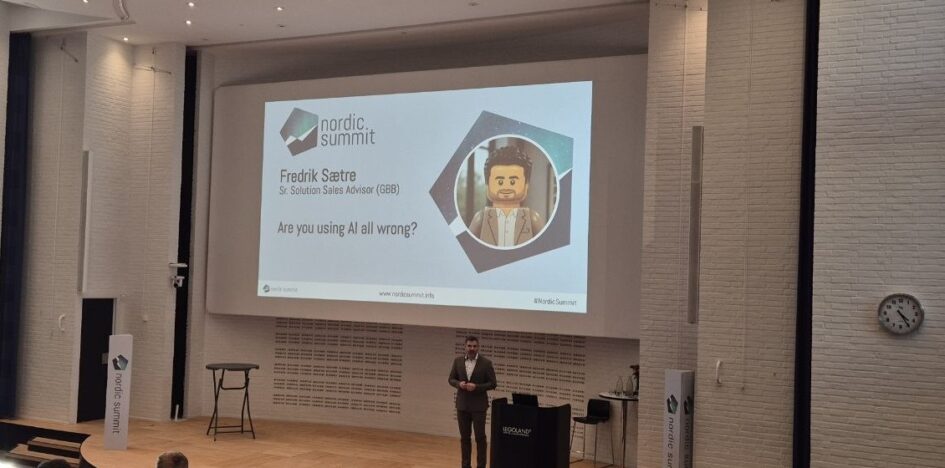
The closing keynote of Nordic Summit 2026 was Fredrik Saetre asking whether we are all using AI wrong. He opened by admitting he had wanted to do a VJ set and was given this topic instead, then spent forty minutes walking through how he actually works, what he stopped doing, and where he thinks most of us are wasting money. It was the least polished and most useful keynote of the two days. This is my recap. The examples are his, the summary and any mistakes are mine.
Which photograph are we standing in
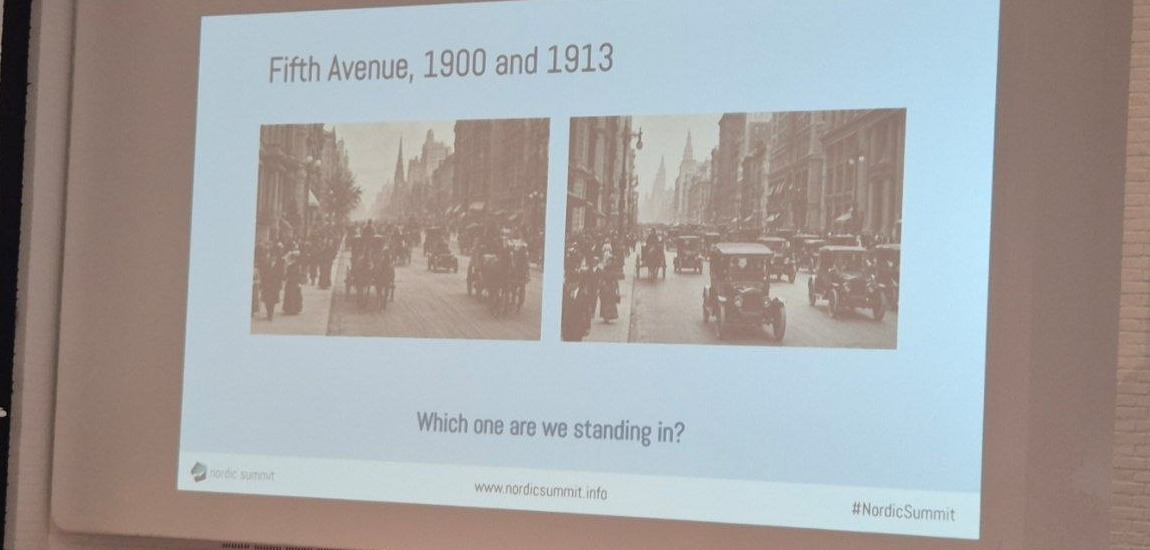
The two photographs were his frame for the whole talk. In one there is a single car in a street of horses; in the other a single horse in a street of cars, thirteen years later. He sees the same split today: a few people using these tools in ways that surprise him, and he spends as much time as he can watching how they work. His question was which of the two pictures you intend to be standing in.
And his diagnosis of what holds people in the first picture was not the technology. It is habits. That was the biggest single blocker on AI adoption he sees, and the argument for changing how you work rather than adding AI to how you already work.
The shift from prompts to harnesses
He described a real turning point in how he uses these tools, and it was recent. In the early phase everyone learned prompt engineering, because the models needed it: structure the prompt, be precise, follow the formula. What changed for him was the maturity of the harness, the engine that runs the reasoning loop around the model, calls tools and decides what to do next. Once he was working through a proper harness rather than a chat box, the utility went up steeply and the way he operates changed with it.
His example was expenses. He came back from a trip to Switzerland, and with a skill that knows how his expense process works, one prompt did the whole thing: pull the receipts, categorise them, fill in the form, fifteen line items. He submitted it and, for the first time ever, got no questions back from the person who approves them.
Stop wrapping deterministic processes in agents
This was the argument he most wanted the room to take home, and he made it twice. A lot of what he sees built as agents is a deterministic process with a model bolted on top. If you can write the process down as rules, and people often do write it down and then hand it to an agent anyway, you have just built an expensive button. That belongs in a workflow or a Power Automate flow.
His rule of thumb: agents are for things that are genuinely complex, triggered by a scenario, or that need interpretation. Everything else is cheaper and more reliable as automation. On document processing, he pointed out that there are much cheaper ways to get data out of a receipt than sending it to a model, and cheaper ways to put it into the target system.
The example that made the distinction concrete was Norwegian expense rules, where an alcoholic drink counts as entertainment rather than a meal. Building that deterministically means a category for every alcoholic beverage in every language you might see on a receipt. A person just looks at the receipt and knows. That is where the intelligence belongs: the interpretation, not the extraction and not the data entry.
He also told the story of why he moved away from agent-heavy design: every variation in a process sent him back to rewrite the agent’s instructions, again and again. Structured processes with some information extraction are a good fit. Everything else was churn.
The HTML report trap
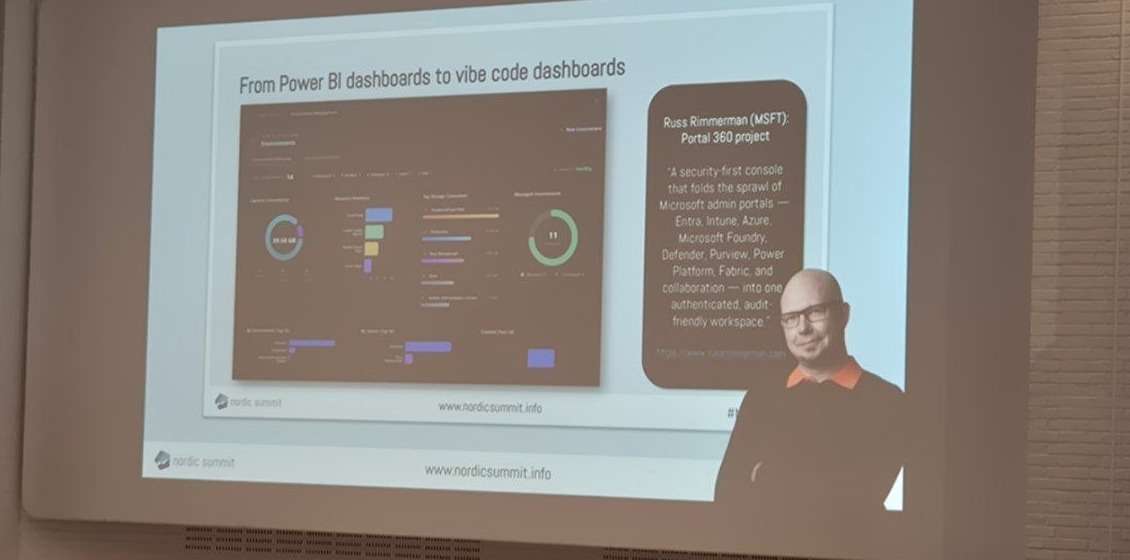
He asked who generates HTML outputs from their agents, and plenty of hands went up, including his own. Then the practical problems: how do you share it, does it open in Teams, does the JavaScript survive, and how do two people edit the same document or track versions. His answer was to use the HTML generation for design while drafting, then produce PDF or Office files as the finished artefact so it lands in the formats organisations actually run on.
And a sharper version for anything repeating. Imagine a controller receiving a differently structured report every week, having to work out what each chart means. A recurring report belongs in a proper dashboard; AI-generated HTML is for a single-purpose look at something you will not need again. For research he does like the format, including turning long material into an infographic, which he uses partly because he is dyslexic and takes in visual explanations better.
Copilot then and now
His illustration of how much the assistant layer has improved was a 2023 failure he clearly enjoys retelling. Asked to summarise his three most important emails, it returned three out-of-office replies from his manager, because his manager is important. Asked how many emails he received last month, it answered fourteen, because fourteen was as many as it had pulled.
What fixed that was Work IQ underneath: you write a plain request, it works out what you actually want, gathers across the whole surface, and the answer comes back aggregated and far more complete. His current division of labour is Copilot for the interactive, collaborative work, and Cowork for long-running tasks.
The Cowork example was the one I will steal. He was given a spreadsheet of about 47 opportunities to follow up. He handed it over with an instruction to message everyone on the list about their open opportunities and report back, approved a couple of steps, and then watched his Teams light up as it reached out to each of them. Days later he asks it to check who has replied, and it finds the answers, chases the ones who have not, and builds the follow-up sheet. Five people out of the 45 had still not answered when he checked that morning. He is using AI to do the shape of the work while keeping control of it, which was his definition of human in the loop.
Local harnesses, and skills that halve the bill
The other harness he uses runs on his own machine, which gives it access his cloud tools do not have: open local files, run things, work with his code. That local utility was the second thing that changed how he works. He also uses it to keep his PC healthy, asking it to kill unnecessary processes or clear out drivers he does not use, and it does.
The cost point closed the argument about habits. He ran a reporting job that cost him about eleven dollars in tokens the first time. Then he asked the agent to turn that process into a skill, so the next run would not rediscover where everything lives. The same job through the skill came in at roughly half the cost. His advice followed: when you do not like the formatting, do not fix the spreadsheet by hand, tell the skill so the next run is right, and for anything you repeat every Monday let it run on the schedule.
Two caveats he was careful to state. A local harness has access to a lot of your information, so think about what that means before you enable it. And the reason he prefers the newer GitHub Copilot harness in Microsoft’s own tooling is cost: in his experience it is significantly more efficient through these processes than what came before.
His closing ask was the same as his opening one. Go and try these things, let go of some of the control you are used to having, and change the habit rather than the tool.