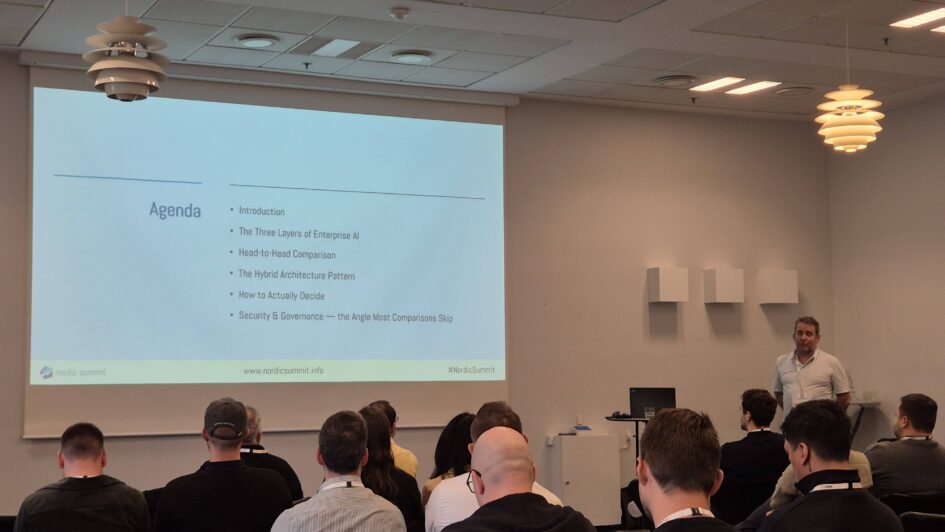
The 90-minute deep dive I sat in on day two of Nordic Summit 2026 was Zsolt Zömbik, Senior Solution Architect at HSO and a Microsoft MVP, on “Microsoft Copilot Studio vs Azure AI Foundry”. The framing was a head-to-head, and the conclusion was a hybrid: the two platforms answer different questions, and the useful work is deciding which one a given project is asking. This is my recap, built mainly from his slides. The comparison is his, the summary and any mistakes are mine.
Three layers, not two products
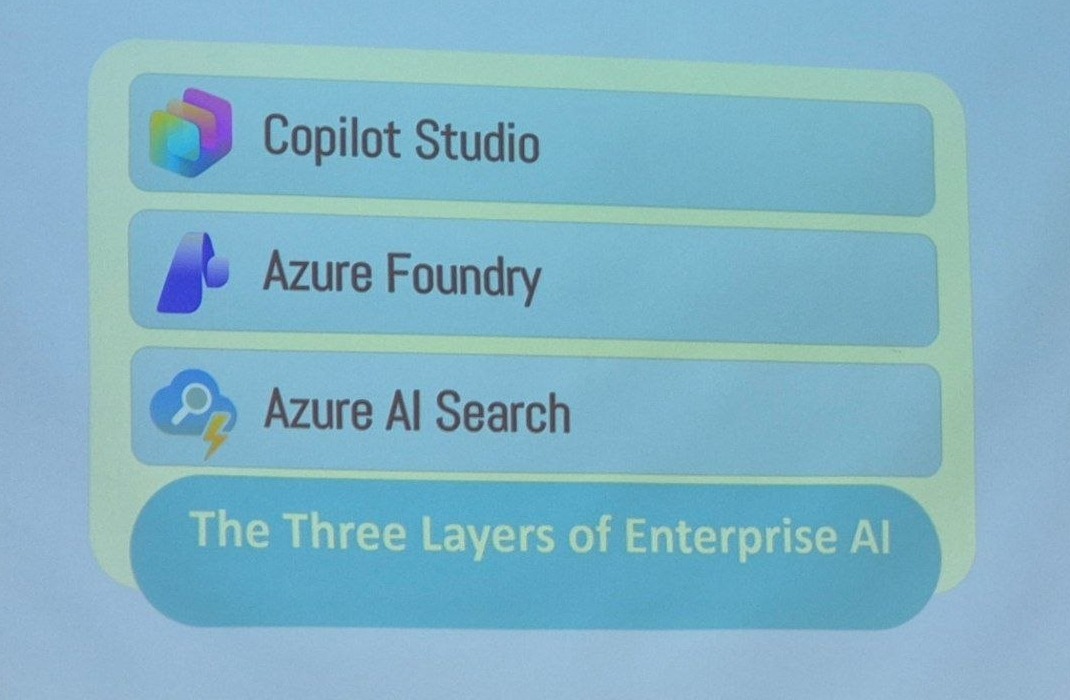
His starting point was that this is not a two-way choice, because a working enterprise AI solution has three layers and the products sit in different ones.
The three layers of enterprise AI
Copilot Studio is the business-facing agent layer, delivered as SaaS: low-code and no-code agent building with topics and agent flows, native integration with Microsoft 365, Teams, SharePoint and Power Platform, rapid deployment of conversational experiences and business process automation, and fully managed by Microsoft with no infrastructure and automatic updates.
Azure Foundry is the AI engineering layer, delivered as PaaS: advanced RAG architectures and multi-agent systems, custom AI applications and APIs, model selection and experimentation, advanced evaluation and observability as a developer control plane with custom tools and business logic, and it runs in your own Azure subscription, so you own the compute, the networking and the data residency.
Azure AI Search is the knowledge and retrieval layer underneath both: hybrid keyword and vector search with semantic ranking, metadata filtering and enterprise-scale retrieval.
The comparison, condensed
He spent three slides on feature parity and key differences. Condensed into one table:
Copilot Studio (SaaS, low-code) vs Microsoft Azure AI Foundry (PaaS, pro-code)
| Factor | Copilot Studio | Azure AI Foundry |
|---|---|---|
| Target users and skills | Business domain experts, IT pros and pro-makers comfortable with low-code. Little to no coding needed. Ideal for quick solutions inside business units | Professional developers, software engineers and data scientists with coding and DevOps expertise. Suited to complex, large-scale AI projects |
| Platform model | Software-as-a-Service, fully managed by Microsoft. Agents run in Microsoft’s cloud with no infrastructure to manage, automatic updates, built-in Microsoft 365 compliance | Platform-as-a-Service, runs in your Azure subscription. You deploy and manage compute, networking and storage, and control environment, updates and data residency |
| Integration and data | Out-of-box connectors for Microsoft 365 and third-party SaaS via Power Platform connectors. Data stays in Microsoft’s cloud with M365 compliance and Purview governance by default | Deep custom integration with any system via code. Native with Azure services, and connects to on-premises or multi-cloud through custom connectors. Suitable when data or code must stay in your network |
| Development experience | Visual designers and prompt editors, no-code orchestration through topics and agent flows, a rich library of pre-built components maintained by Microsoft. Speed and simplicity over granular control | Code-first, with a web studio plus SDKs, CLI and VS Code integration. Full DevOps: GitHub or Azure DevOps CI/CD, custom testing, version control. Maximum flexibility at the cost of time and skill |
| Control and governance | Managed environment with minimal configuration. Governance through the standard M365 admin centers, Entra ID, Purview and Defender. Limited ability to tweak infrastructure or model behaviour | Full stack control over how and where agents run. Azure identity and RBAC, Key Vault, private endpoints and VNETs, logging and telemetry via Azure Monitor and App Insights, plus a developer control plane for observing, debugging and evaluating agents |
| Deployment channels | One-click publishing to Teams, Outlook, web chat, SharePoint and email. Everything runs in the cloud, no hosting to worry about | Exposed via APIs or the Activity Protocol, integrated through the M365 Agents SDK, or deployed as web apps, containers, Azure Functions or private endpoints. More setup, more freedom |
| Common scenarios | HR or finance teams building departmental assistants, sales operations automating workflows and knowledge retrieval, fusion teams starting without developer-heavy resources | Embedding agents into production SaaS apps, teams using Semantic Kernel, LangChain or AutoGen, multi-agent architectures with complex toolchains, integration with existing app code or multi-cloud, full observability and custom DevOps |
The line he kept returning to is in the control row: Copilot Studio trades fine-grained control for simplicity and speed, which accelerates development and limits how deeply you can change the agent’s behaviour. Foundry gives you that depth at the cost of setup and effort.
The evaluation demo
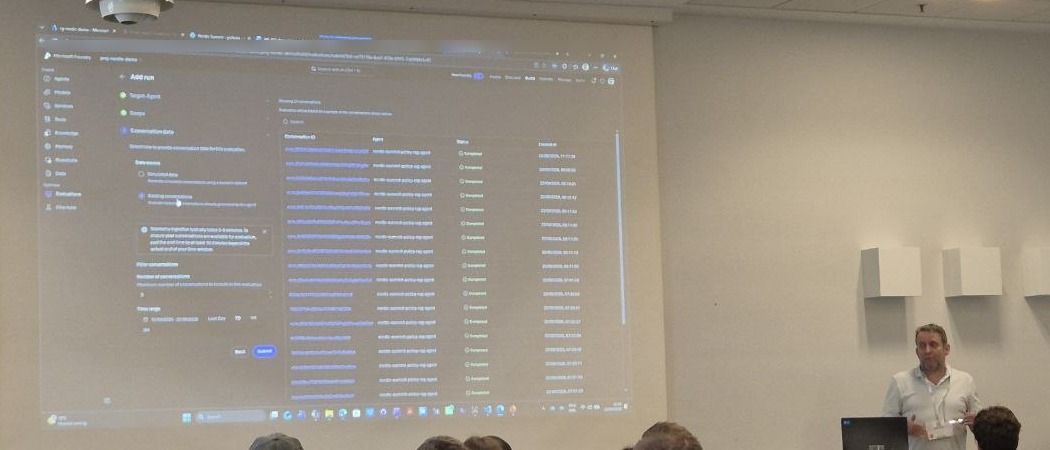
The part that showed the developer control plane best was a Foundry evaluation run: pick the target agent, define the scope, and instead of simulated data, point the evaluation at conversations the agent has already had, filtered by time range and number of conversations.
Cost, briefly and honestly
Asked about cost, he did not pretend to have a tidy answer, and said he did not want to give one he was not sure of. His summary was that Foundry works out more expensive than Copilot Studio in the cases he had run, because in Foundry you pay for the tokens and the compute your agents consume rather than a fixed rate per action. He had tested a small agent setup himself and was surprised how quickly the consumption added up; his point was to check and calculate rather than assume.
That is worth flagging against the structure we have used in our own comparisons, where the Foundry Agent Service itself is free and the cost lands on model tokens and tools, while Copilot Studio charges a fixed credit rate per action regardless of context size. Those two views are not contradictory: a fixed rate is cheaper exactly when the context is large, which is the case he was describing. If you are pricing this for a customer, the honest version is his: model the actual consumption for the actual workload.
So which one
The answer was both, and the decision belongs per use case rather than per organisation. If the problem is a business process inside Microsoft 365 that a domain expert can describe, Copilot Studio gets there faster and the governance is already in place. If the problem needs custom code, model selection, on-premises or multi-cloud data, rigorous evaluation, or an agent embedded in a product you ship, Foundry is the layer that supports it. And both sit on the same retrieval layer, which is where the quality of the answers actually comes from.