
Artificial Intelligence has quickly moved from experimentation into everyday tools. Yet, in real-world business environments, many AI initiatives fail—not because the technology is lacking, but because the approach is wrong.
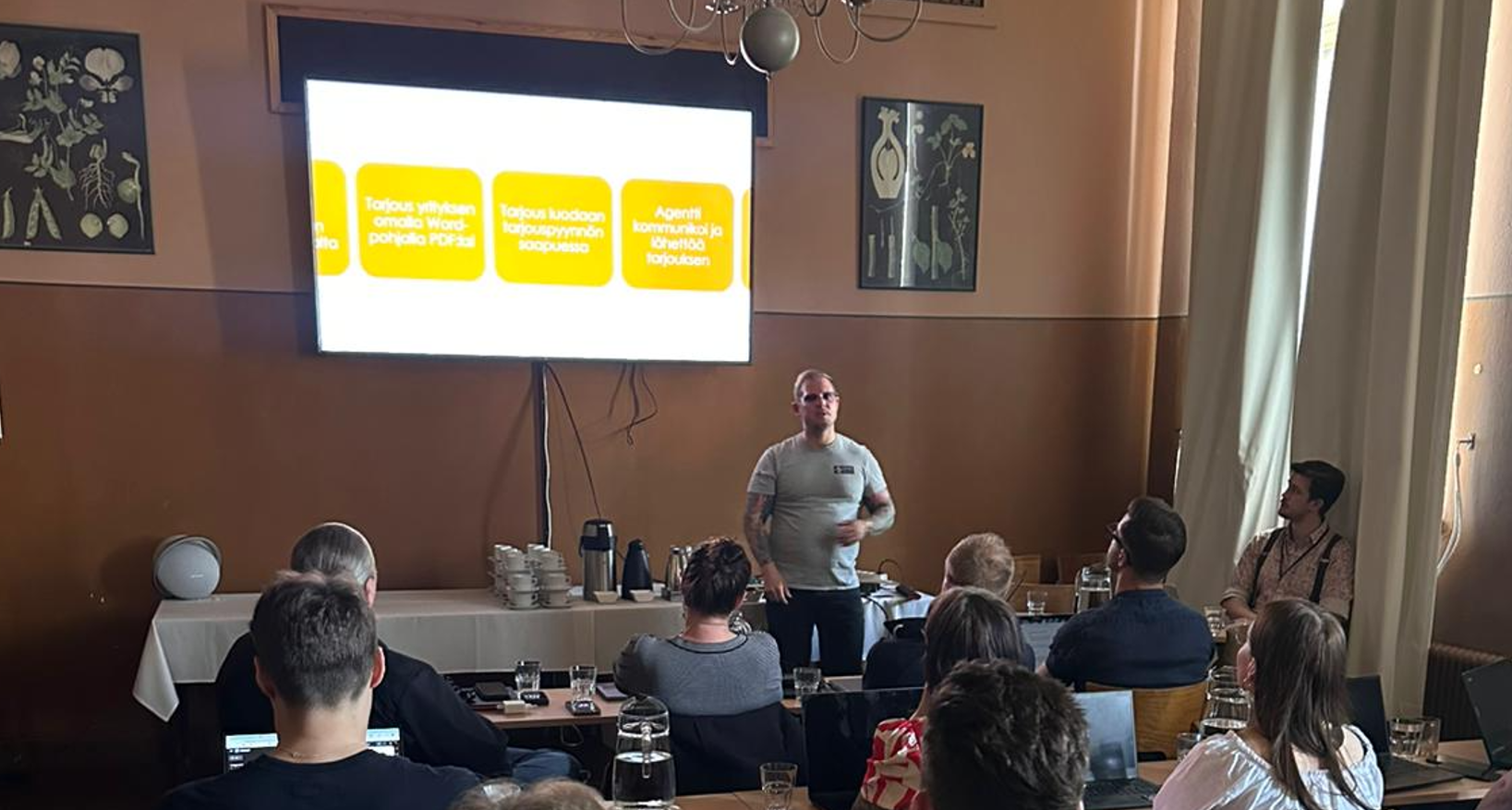
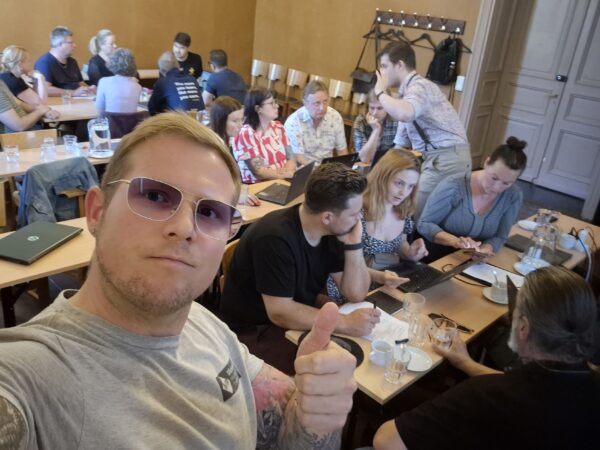
Recently, I co-organized a hands-on AI workshop together with Turun Yrittäjät ry, bringing entrepreneurs into the same room to move beyond theory and into real implementation. The goal was simple:
👉 Help business owners understand how AI can be embedded into their daily processes — not as a concept, but as working solutions.
Instead of discussing abstract use cases, we focused on one core principle:
AI should solve real, measurable problems—not create new complexity.
AI is Not the Solution – It’s a Component
One of the first concepts we clarified during the workshop:
AI is a tool. It is powerful, but it is not a complete solution.
In practice, successful implementations are composed of three layers:
- Deterministic workflows (Power Automate, backend integrations)
- AI components (language models, classification, summarization)
- Agents or orchestration layers
This maps directly to the Microsoft ecosystem:
- Microsoft 365 Copilot → reactive AI embedded into daily tools
- Copilot Studio agents → proactive and process-driven automation
- Power Platform → deterministic workflows and orchestration
Understanding this separation is critical when moving from experimentation to production.
Copilot vs Agent: The Architectural Shift
A major theme in the workshop was clarifying the difference between using Copilot and building agents.
Microsoft 365 Copilot
- Reactive by nature
- Requires user interaction
- Helps individuals be more productive
- Embedded in apps like Outlook, Teams, Word
Copilot Studio Agents
- Proactive and goal-driven
- Can operate without continuous user input
- Integrated into processes and workflows
- Capable of orchestrating actions across systems
This distinction is fundamental:
👉 Copilot helps you do work faster
👉 Agents do work as part of the system
For organizations, the real value emerges when moving from Copilot usage to agent-based architectures.
Why This Workshop Matters
Many SMEs and entrepreneurs are currently stuck in the same situation:
- They know AI is important
- They experiment occasionally
- But they struggle to turn experiments into value
This is exactly why this workshop was organized.
Together with Turun Yrittäjät ry, we wanted to:
- Lower the adoption barrier
- Provide hands-on experience
- Help identify real use cases
- Avoid common architectural mistakes early
The goal was not to teach tools.
The goal was to change thinking: from “what can AI do?” to “where should AI be used?”
Start Small: Incremental AI Adoption
One of the biggest mistakes in AI projects today is trying to design everything upfront.
Instead, we focused on incremental development:
Build functionality step by step towards automation.
A concrete example we worked through:
Offer generation process (step-by-step evolution)
- AI generates a draft based on previous offers
- Improve output with better context and data
- Format into company templates (Word/PDF)
- Trigger automatically when a request arrives
- Agent handles communication
- Agent stores results into CRM
This reflects a typical maturity path:
- Manual → Assisted → Semi-automated → Fully orchestrated
👉 Do not start with autonomy. Build towards it.
Practical Use Cases in Microsoft Ecosystem
During the workshop, we mapped real business problems to practical solutions using Microsoft technologies.
Content Generation → Microsoft 365 Copilot
Challenge:
Content creation is slow and inconsistent.
Solution:
Use Microsoft 365 Copilot to:
- Generate blog drafts in Word
- Summarize content for LinkedIn / Teams
- Reformat content across channels
👉 Copilot accelerates creation — but human validation is still required.
Offer Automation → Copilot Studio + Power Platform
Challenge:
Offer creation is repetitive and time-consuming.
Solution Architecture:
- Trigger: incoming email or CRM event
- Workflow: Power Automate
- AI: language model for drafting
- Agent: Copilot Studio orchestrating process
Result:
- Faster response times
- Consistent structure
- Scalable process
Fragmented Data → Microsoft Graph + Copilot
Challenge:
Customer data is scattered across tools.
Solution:
- Leverage Microsoft Graph
- Combine signals from Outlook, Teams, files
- Use Copilot for contextual understanding
- Extend with Copilot Studio agent
👉 AI adds value when it connects silos—not when it replaces tools.
Knowledge Bottleneck → Agent-Based Systems
Challenge:
Critical business knowledge exists only in one person’s head.
Solution:
- Codify knowledge into structured instructions
- Feed historical data into an agent
- Use Copilot Studio as an interface
Result:
- More scalable business operations
- Better delegation
- Consistency in decision-making
Why AI Projects Fail (and How to Fix It)
A key realization during the workshop:
The problem is not AI—it’s missing structure.
AI initiatives fail when:
- The problem is not defined
- The process is unclear
- There is no measurable outcome
- AI is treated as a shortcut
We used a structured approach:
AI Agent Design Checklist
Before building anything, define:
- What problem are you solving?
- What does the process look like today?
- What data is required?
- Who owns the outcome?
- Where does human validation happen?
👉 These are the same principles used in enterprise-grade Microsoft implementations.
Copilot Studio as the Orchestration Layer
The most important takeaway is not about LLMs.
It’s about orchestration.
Copilot Studio acts as the bridge between:
- AI capabilities
- Business processes
- Microsoft 365 ecosystem
With Copilot Studio, you can:
- Define agent behavior
- Connect to Microsoft Graph
- Trigger workflows
- Integrate with Teams
- Build end-to-end automation
Combined with:
- Power Automate
- Azure services
- Microsoft 365 Copilot
…you can move from isolated AI usage to process-driven AI systems.
From Experimentation to Production
The biggest shift is mindset:
AI is not something you deploy once.
It is something you gradually embed into processes.
Recommended path:
- Start with Microsoft 365 Copilot
- Identify repetitive workflows
- Introduce automation via Power Platform
- Add Copilot Studio agents
- Evolve towards orchestration
MVP Perspective: What Actually Works
From a Microsoft MVP perspective, the pattern is clear:
✅ Successful organizations:
- Think in processes, not prompts
- Combine deterministic logic and AI
- Use Copilot Studio as an orchestration layer
- Measure business outcomes
❌ Unsuccessful ones:
- Focus only on AI capabilities
- Skip process understanding
- Build without clear ownership
Final Thought
If you are working with Microsoft Copilot, Copilot Studio, or Power Platform, ask yourself this:
❌ “What can AI do?”
✅ “Where in my process does AI create measurable value?”
That’s where real transformation begins.