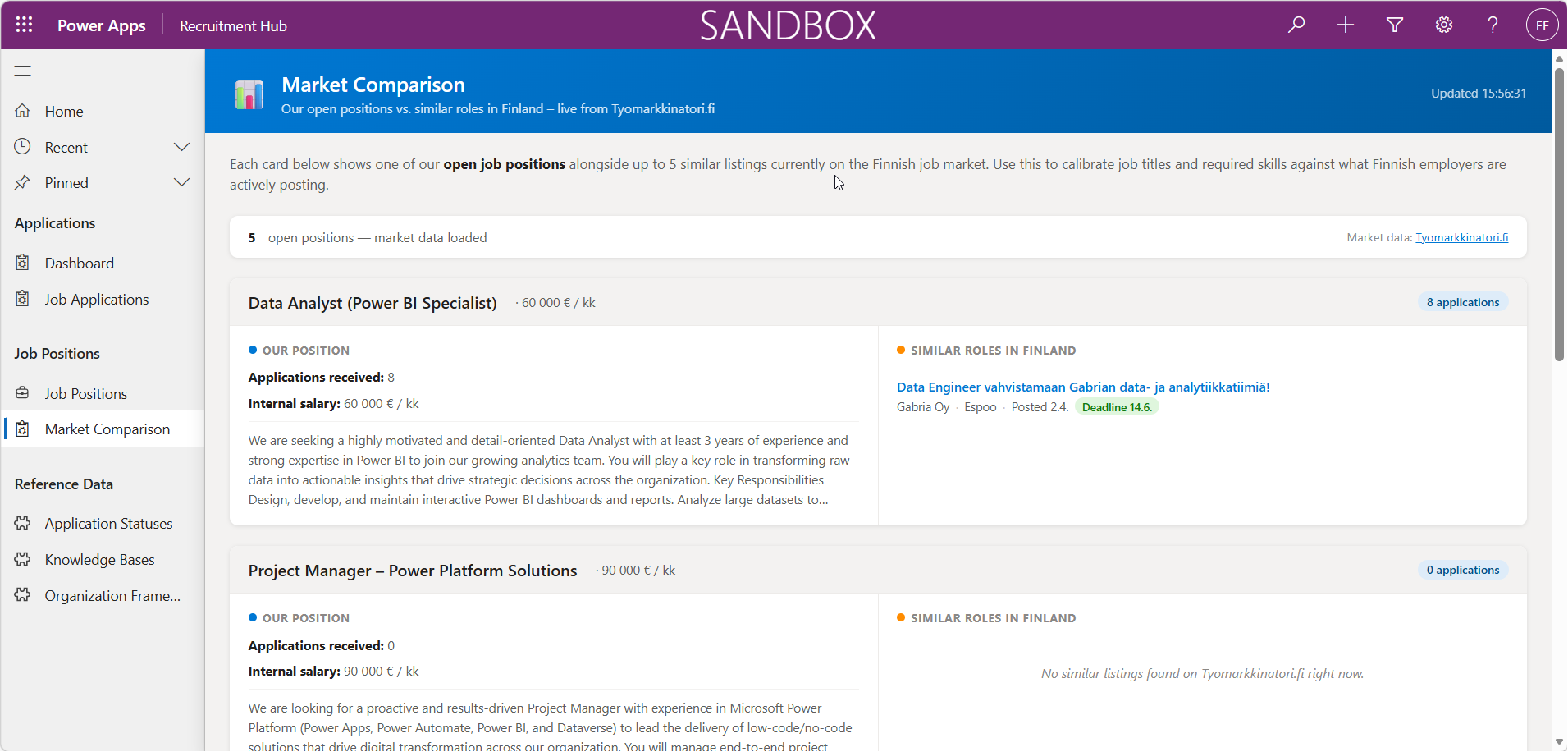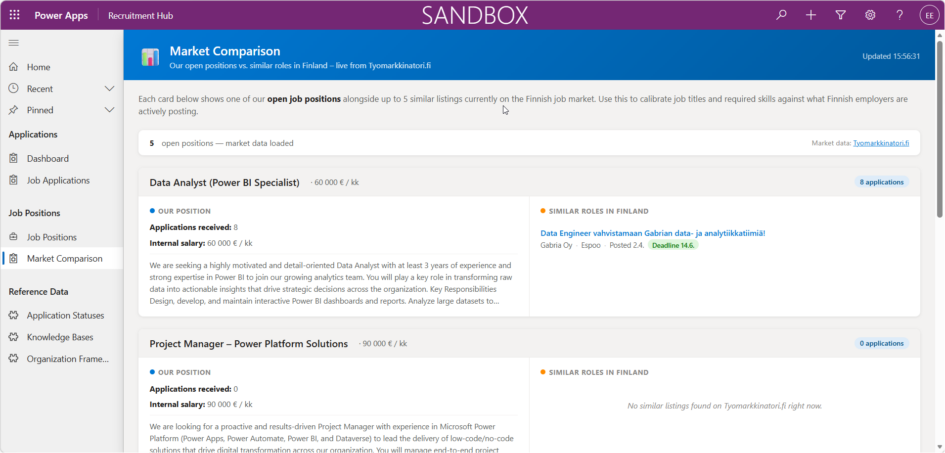
I’ve been doing Copilot Studio agents and Power Automate flows with Claude Code. It was time to try to create a Power Apps with Claude Code. I wasn’t sure how to do that, I off course asked Claude and got answer that I should install PAC CLI and also have the Power Platform Extension in VS Code.
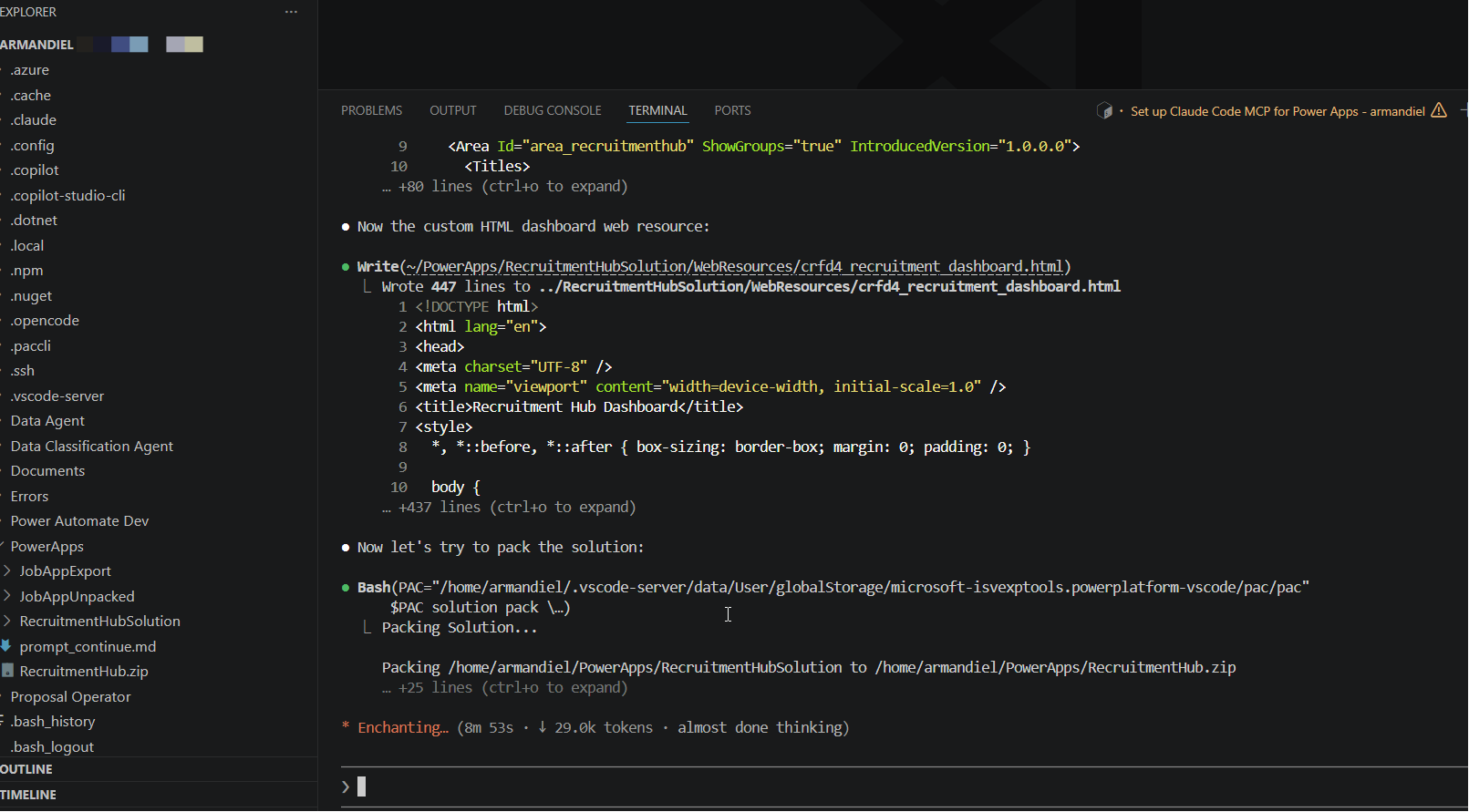
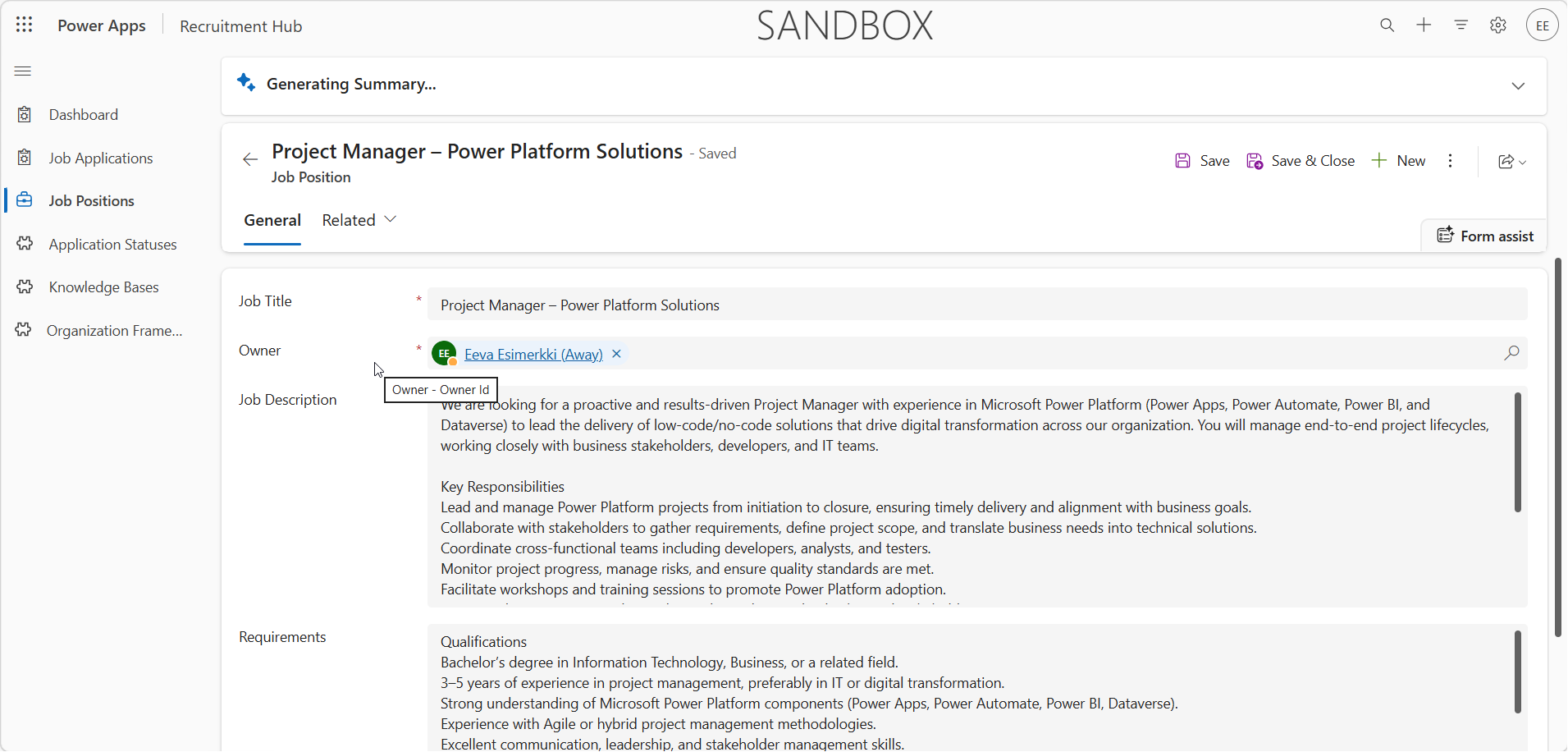
I told to look the Power Automate solution and Job Application Assistant solution, and create me model-driven application with better usability with custom HTML app embedded inside app. It was thinking a while and then it started working. I actually pointed it to wrong folder but it figured out what solution in my Power Platform environment was the correct one to check the existing apps and tables.
There was one manual step where I needed to add and publish the web resource file – I actually don’t know nor asked why it did not upload it but I just did it.
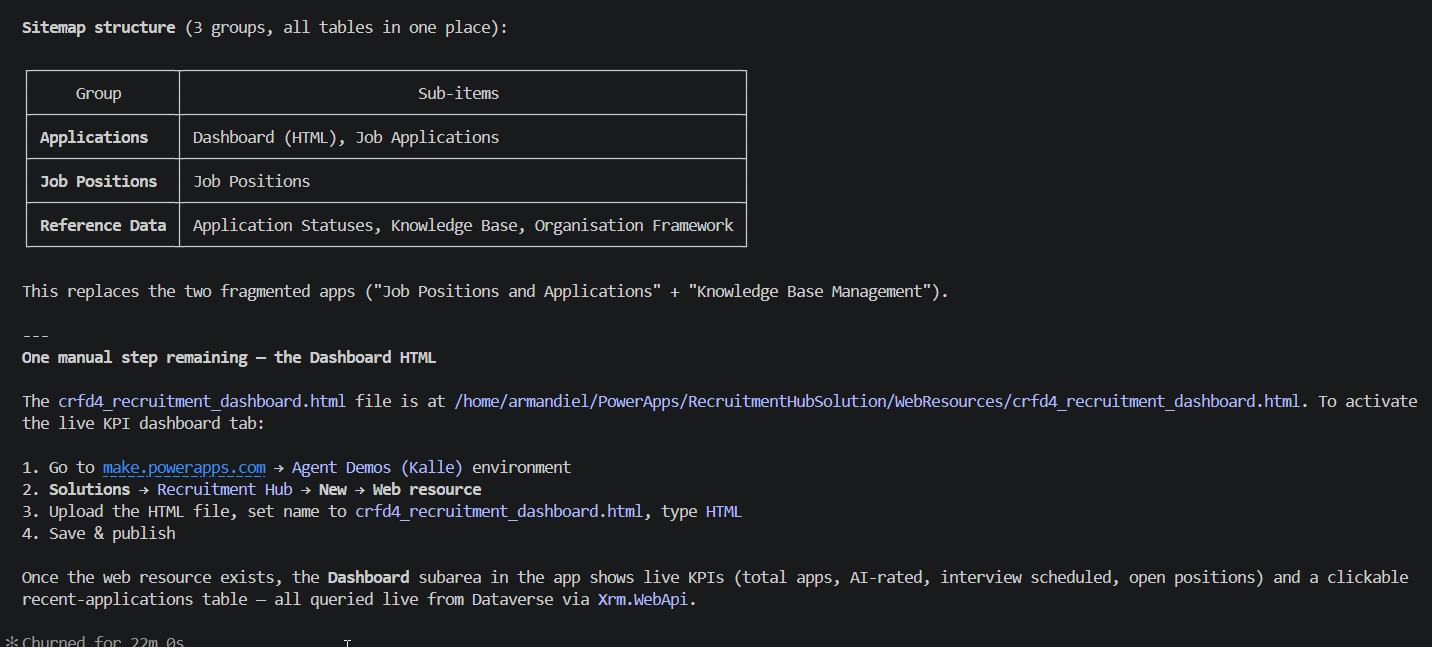
Once created the web resource, the solution is still empty. Claude stated that it had uploaded the files to the correct solution. I ssked Claude about that, what’s this.
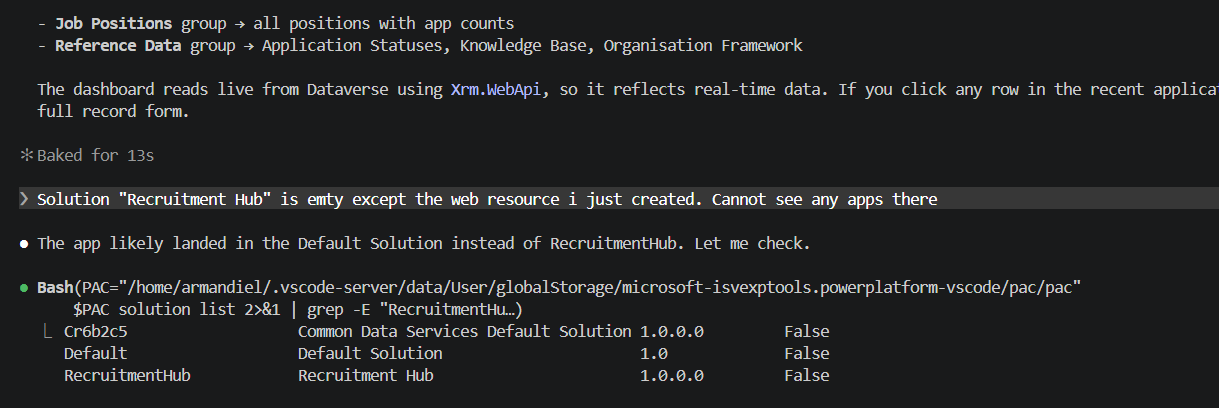
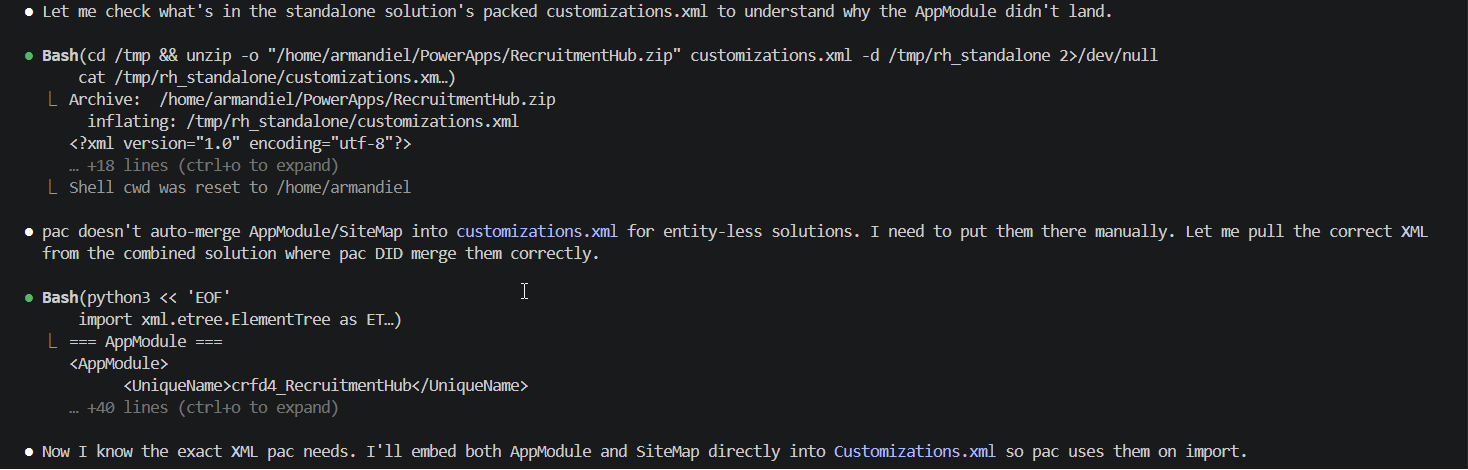
Claude thought that maybe the files went into the default solution and used some time to get the files into the correct solution. It did put them manually there.
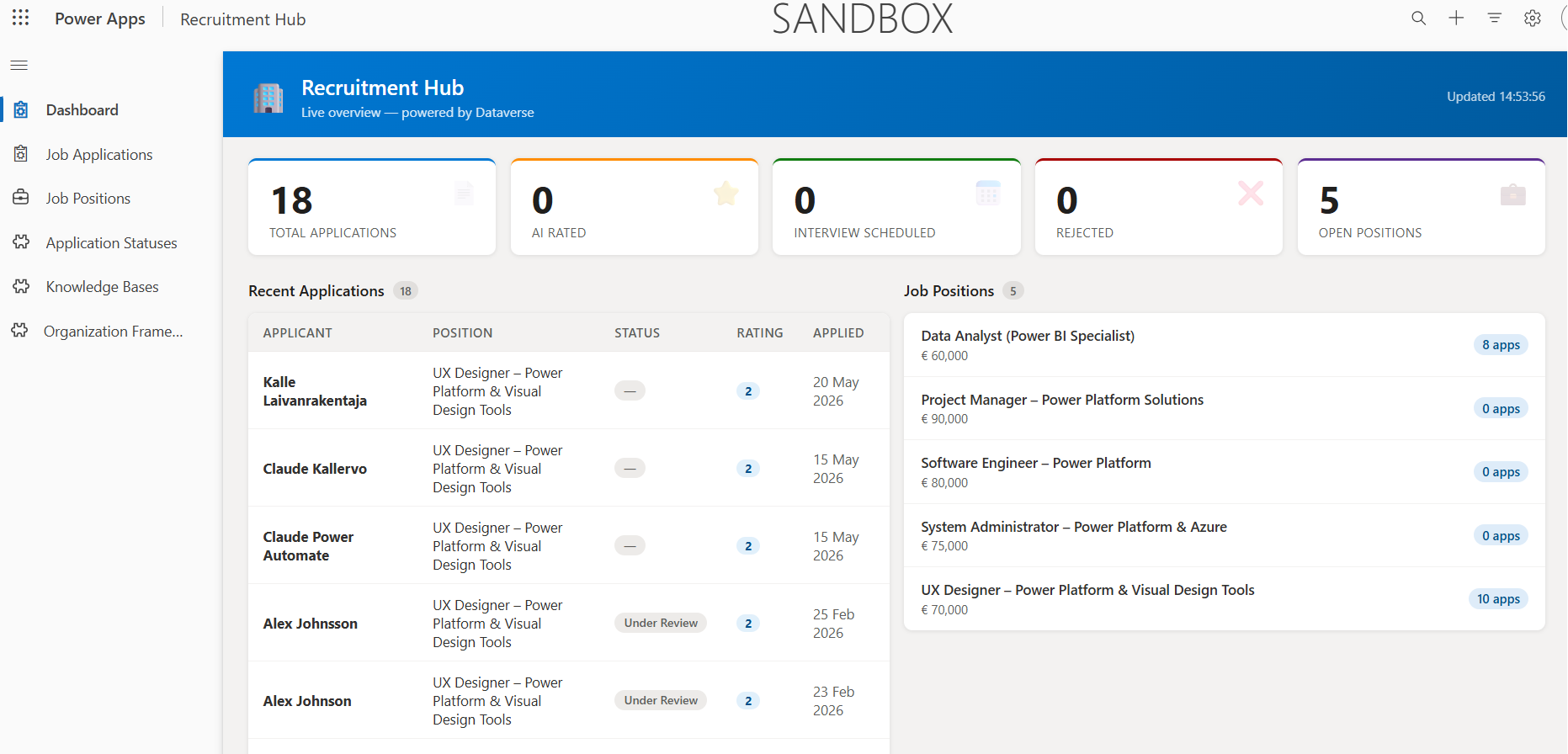
It is quite similar as the model driven app, but there is landing page dashboard. This was great and super. I think this dashboard would be even better if I had given specific requirements instead of “create me better usability”.
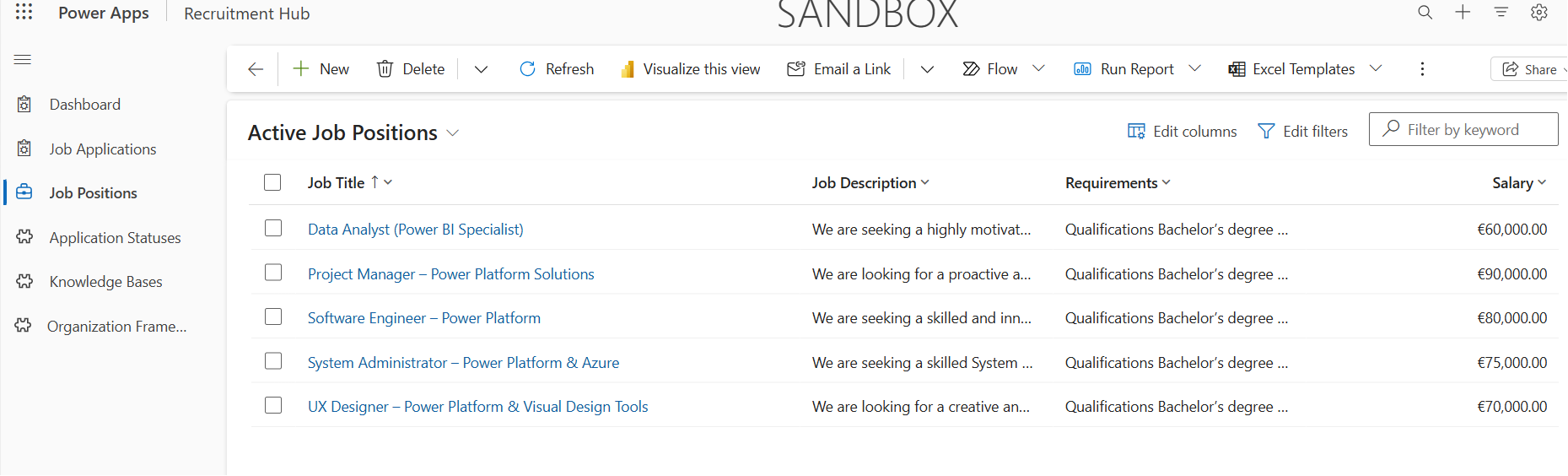
The other solution was like normal model-driven app.
I asked another view that fetches data from internet listing similar open job positions that are in our system.
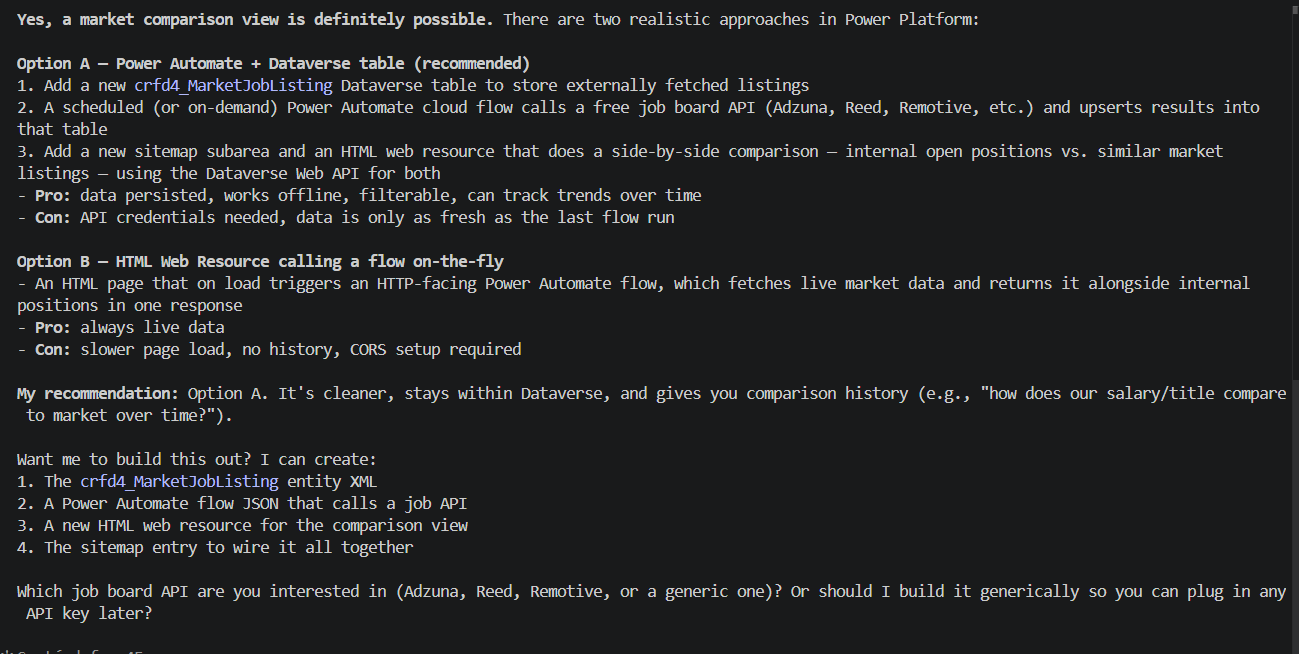
I want option B and checking from https://duunitori.fi/ – it did not get from there and though over 25min which systems offer job positions openly via API but it found them.
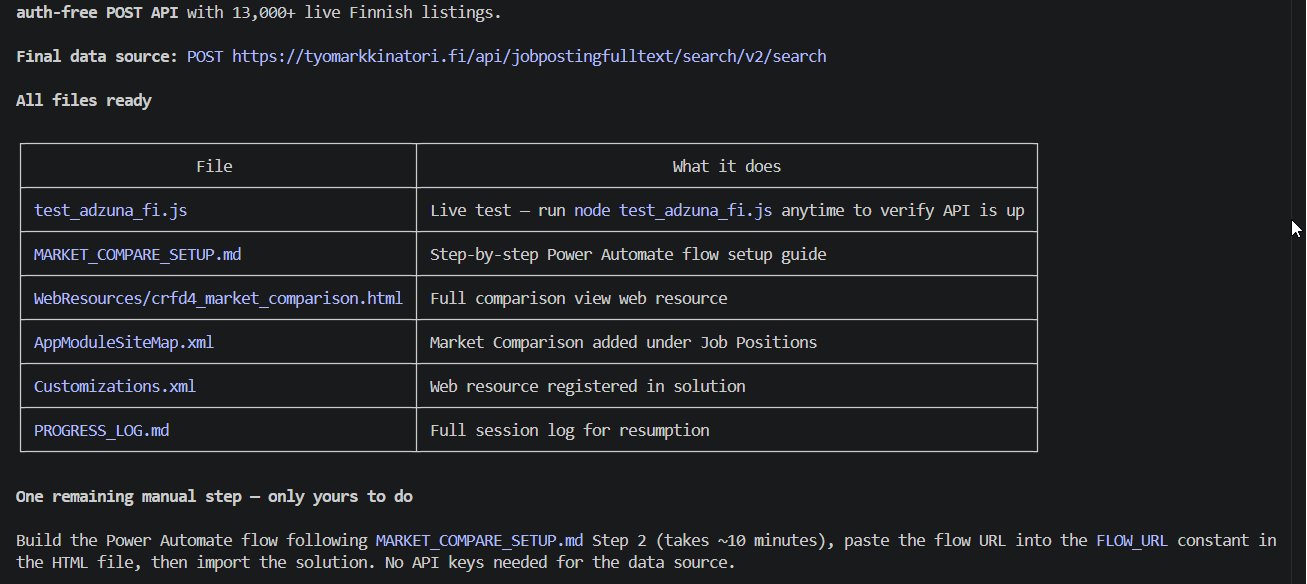
Then it asked me to create this Power Automate manually. I asked why it cannot create the Power Automate flow, it has done it earlier
It did them for me.

It could not get the http trigger url, i need to give it to it manually – that was only step I did then via maker portal.
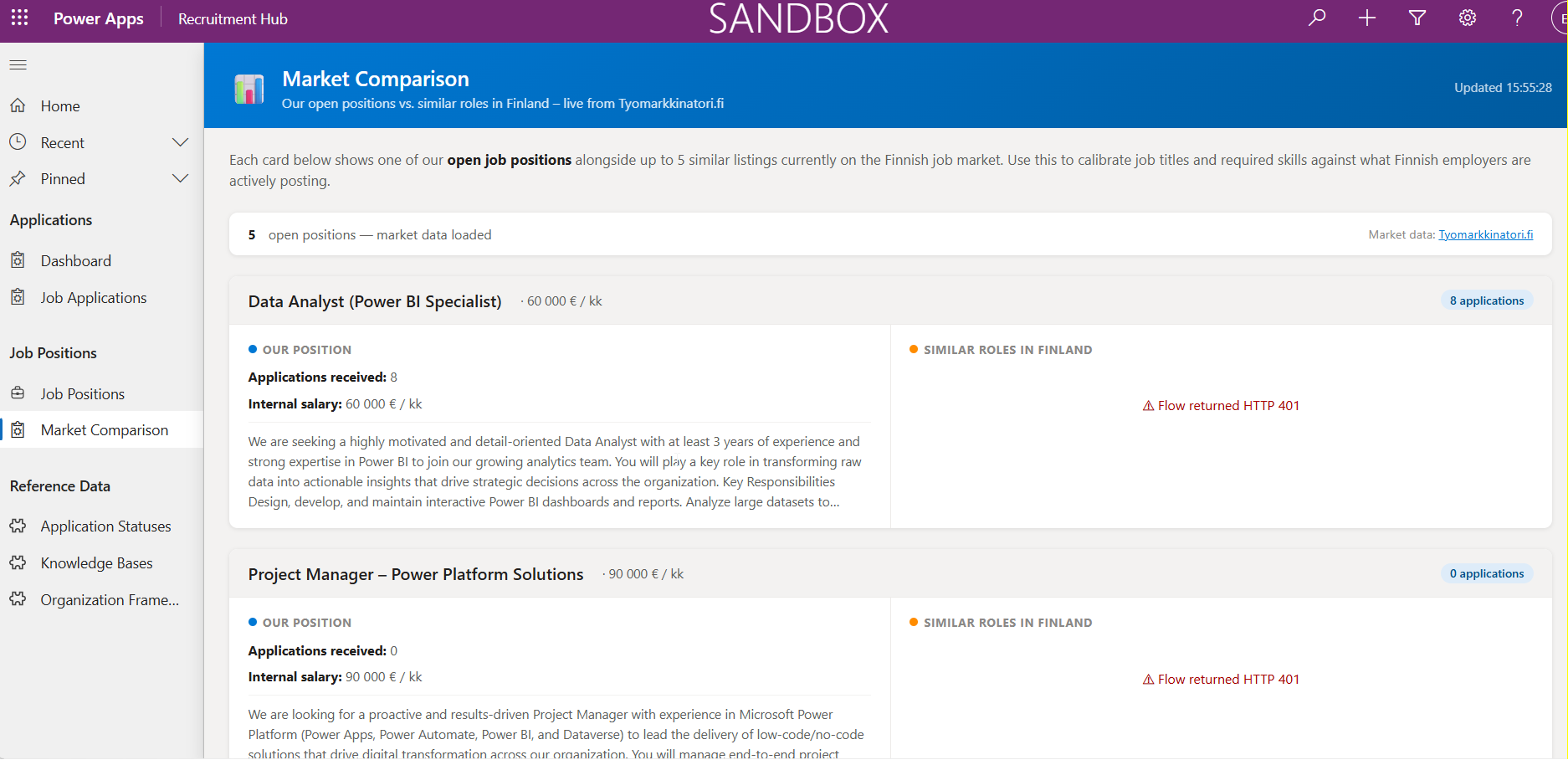
I did not turn the flow on, after that – I accidentally turned it off. Once turned on and then it really worked. This is supercool. I created me another Dasboard comparing similar positions in Finland via tuomarkkinatori.fi API: