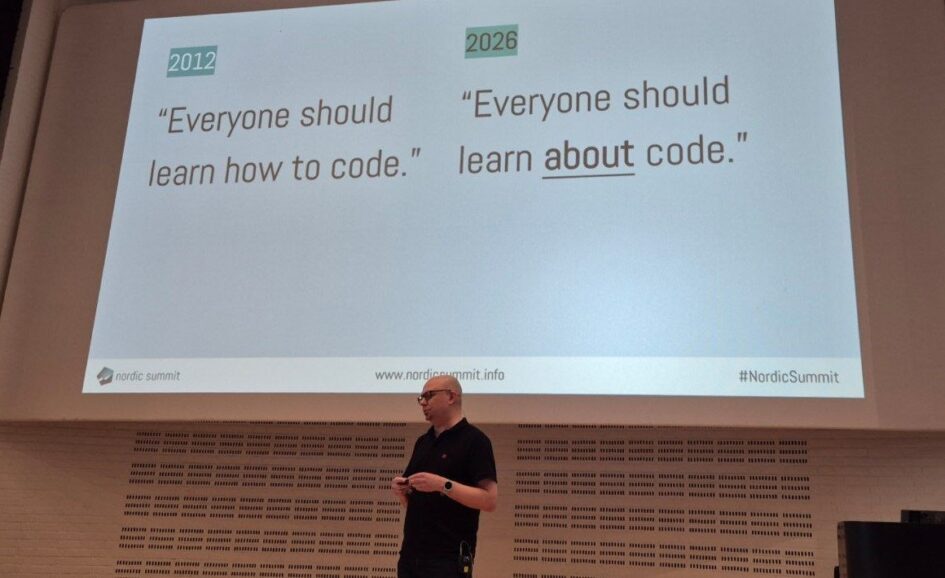
Jukka Niiranen got the big hall and ninety minutes at Nordic Summit 2026 for a deep dive called “Governance as Code for Power Platform”, and he said it was the first time he had ever been given that long. Jukka is an independent consultant and writes the Perspectives newsletter on Power Platform governance and licensing, and he opened with a confession that framed everything else: he is not a developer, he never learned to code, and AI is what forced him to start working with code anyway. This is my recap of the session. The opinions and the demos are his, the summary and any mistakes are mine.
Learn about code, not how to code
He was careful with the distinction. You do not need to produce code yourself, but you need to know what it is for, what tooling it needs, and enough of what real developers have built over the decades to use it without pretending to be one. He asked the room to sort itself: pro coders, low-coders who now use AI to handle code, and low-coders who do not touch code at all. The middle group was the majority. He was in the last group a year ago.
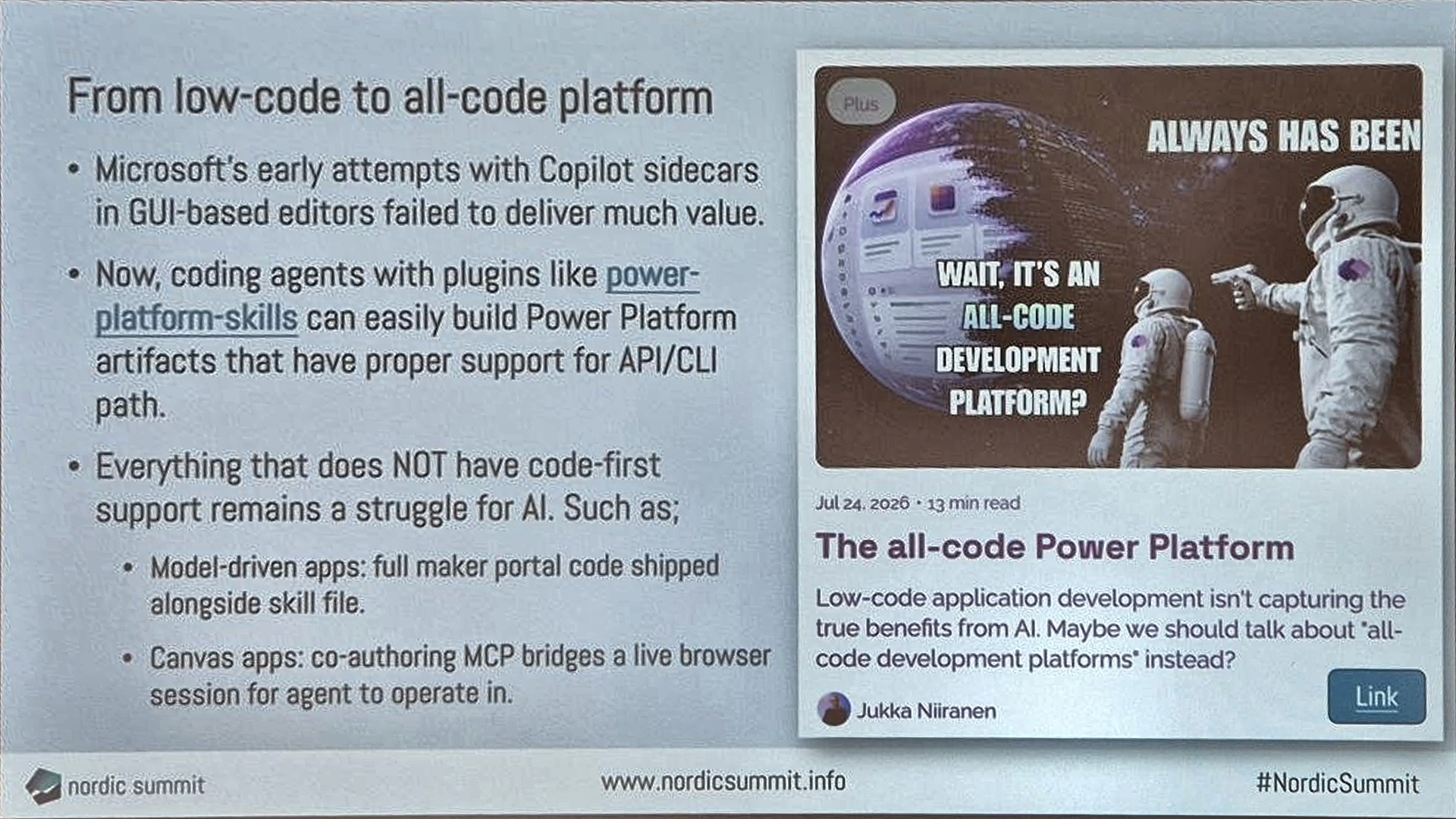
His reading of why this happened now was simple. Copilot sidebars in graphical editors did not deliver much, and the shift came around November 2025 when models became good enough that engineers let them write the code, and skills and plugins became the standard way to teach an agent a specific technology. Code, he said, is the UI for AI. What changed was not that models stopped making mistakes; it was that we gave them the same deterministic tools people have, terminals, scripts and APIs, and they turned out to be fluent in them.
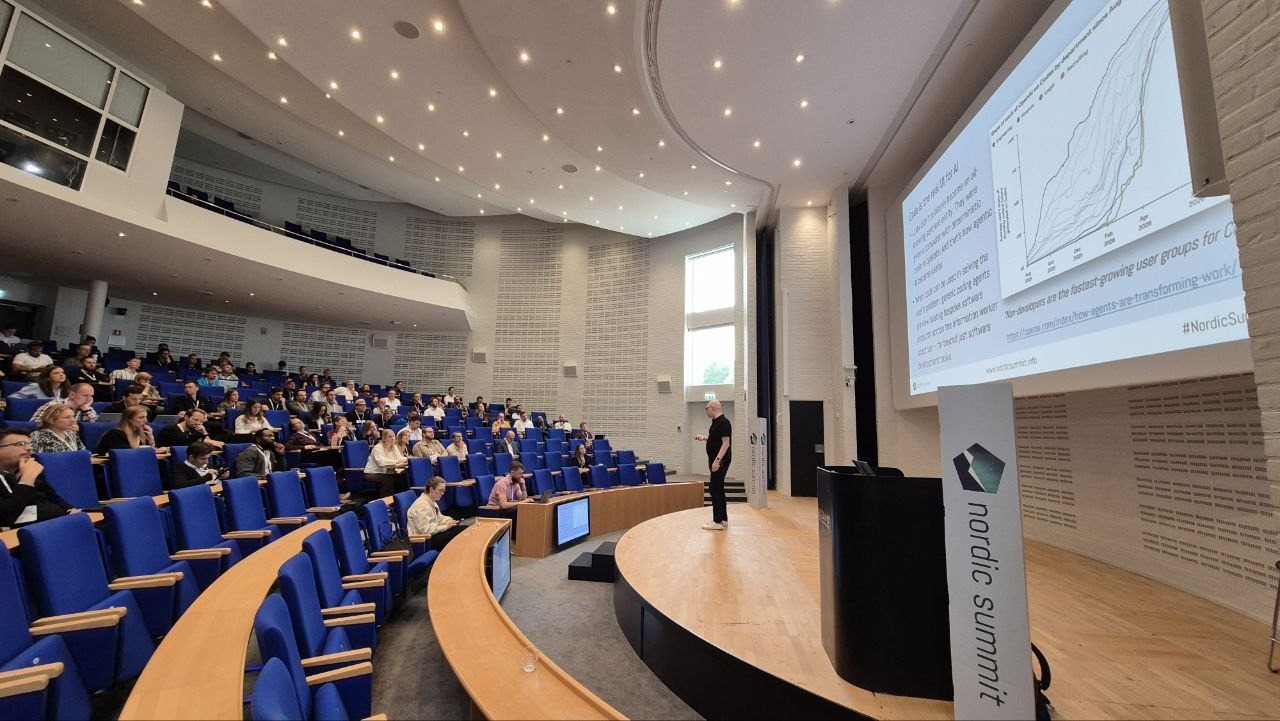
What the all-code shift does to Power Platform
Jukka has been calling it the all-code Power Platform since a blog post in July, and the argument is that the maker experiences we spent a decade building for humans are terrible for AI. His example from Microsoft’s own power-platform-skills repository: for model-driven apps the skill ships most of the maker portal as a JavaScript model so the agent can drive it, and for canvas apps a co-authoring MCP has to bridge a live browser session. Sometimes it works, often it does not, and in both cases the platform itself is the obstacle. Things that have a proper API and CLI path, like Code Apps, are simple for an agent to build.
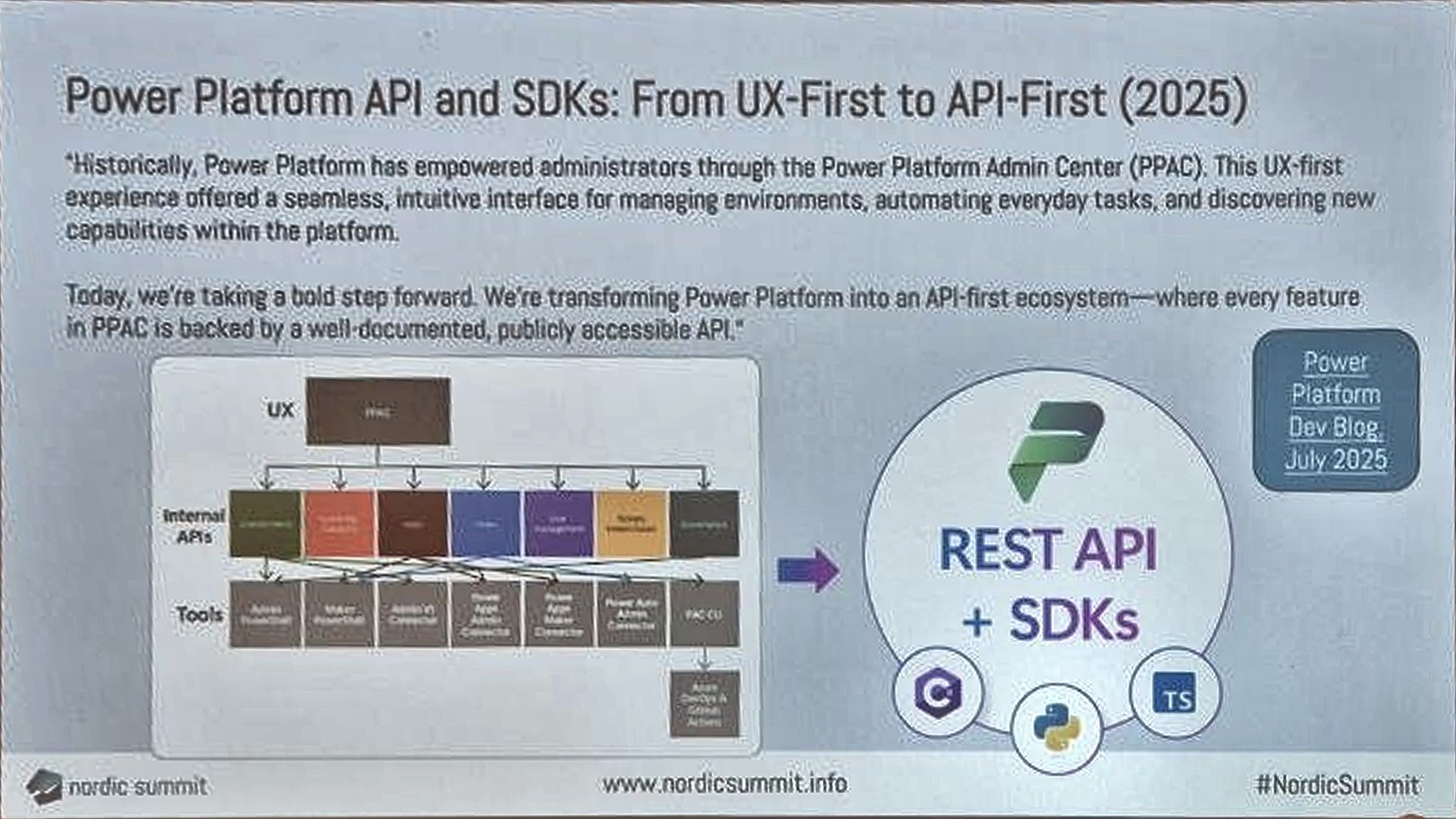
Then a moment of silence for the CoE Starter Kit. He deployed his first one in 2020, spent years on customer projects with it, and described keeping up with the release notes as almost a full-time job. The repository was archived in July. A lot of hands went up when he asked who had used it, and almost as many for who still does. His view of the replacements was measured. The Copilot agent kit covers only agents, and when he installed it he was back to activating sync flows in the right four-level order, and then hit a blocker because it now needs Copilot Studio credits for things that used to be free flows. Managed Environments are worth turning on, but the weekly digest emails are rudimentary and it was positioned in a way that made customers expect more than it does. What matters more is the direction Microsoft announced in July 2025: from UX-first to API-first, with every feature in the admin center backed by a public API.
Stage one: pac cli in the terminal
The demos followed a maturity ladder. First pac cli. A year ago it did not resonate with him as a low-code person; now that he chats with AI in a terminal anyway, running pac commands in the same terminal is no stretch. Three warnings before anything else: keep it updated, because the update he ran while preparing brought fifteen new command groups, mostly preview; always check which auth profile is active, because he told a story about enabling a feature in the wrong tenant last week while chatting with Claude; and note that the pac MCP server is no longer really needed, because agents read CLI help well enough on their own.
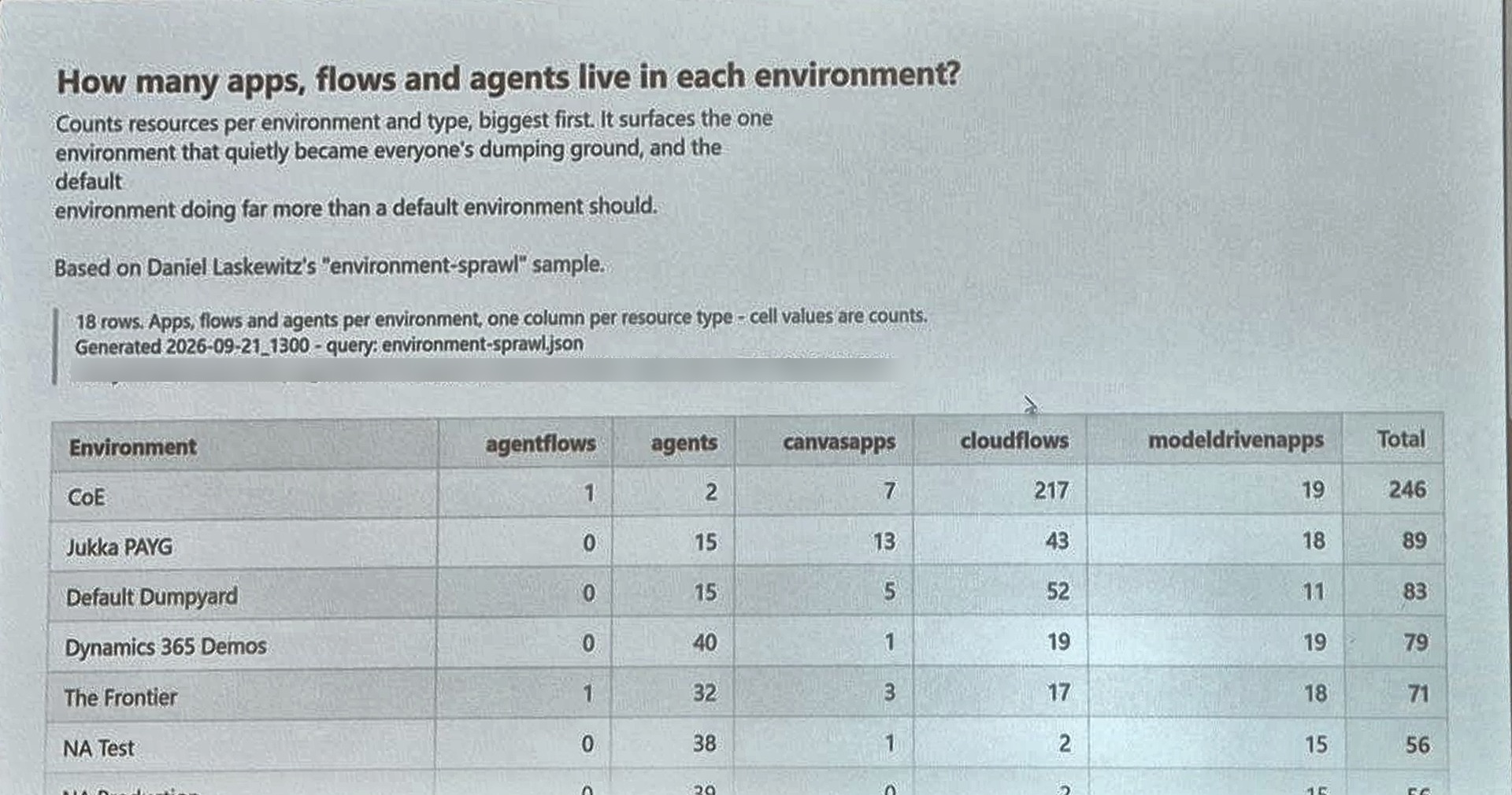
The inventory API is the same thing behind the admin center’s inventory page, and new items appear in it within minutes rather than after a nightly sync. He ran Daniel Laskewitz’s environment-sprawl query, got a table nobody could present, and then showed the step that makes it useful: ask Claude to wrap the query in a PowerShell script that produces an HTML page. He will not read the script. He trusts it not to be destructive and asks another AI to check it.
Stage two: community code, npm and all
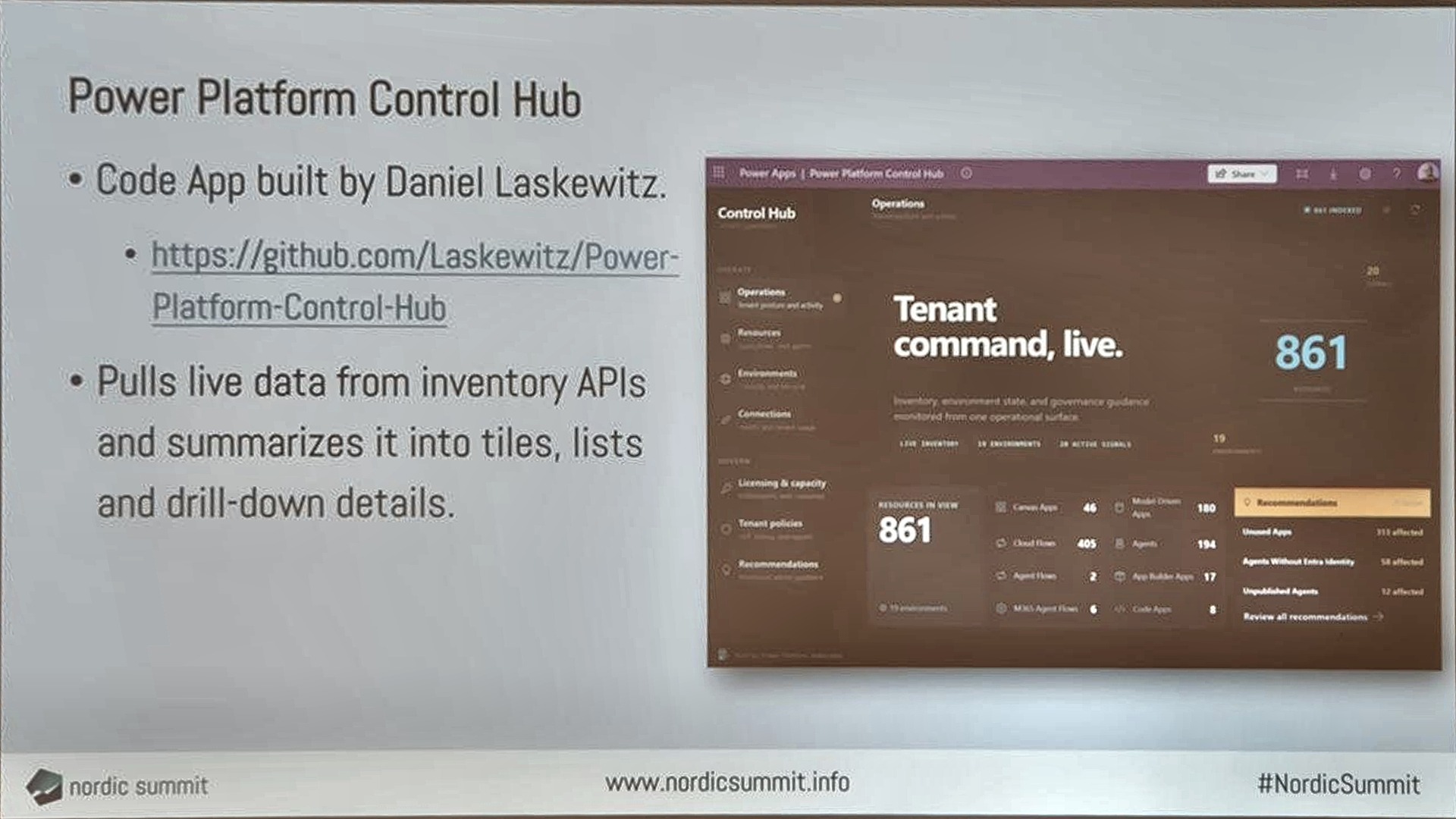
The second stage was running someone else’s code, in this case Daniel’s Power Platform Control Hub, a Code App that pulls live data from the inventory and admin APIs into a dashboard. The demo included the parts a low-coder has never seen: cloning the repository, npm install pulling 322 third-party packages, and his honest question to the room about whether anyone validates what those libraries do. Then pac code init, connection IDs pasted in, and a locally running app showing his real environments. His verdict: this is what managing the platform could look like, try it in a sandbox, and do not run it against production without validation.
Stage three: what he built himself
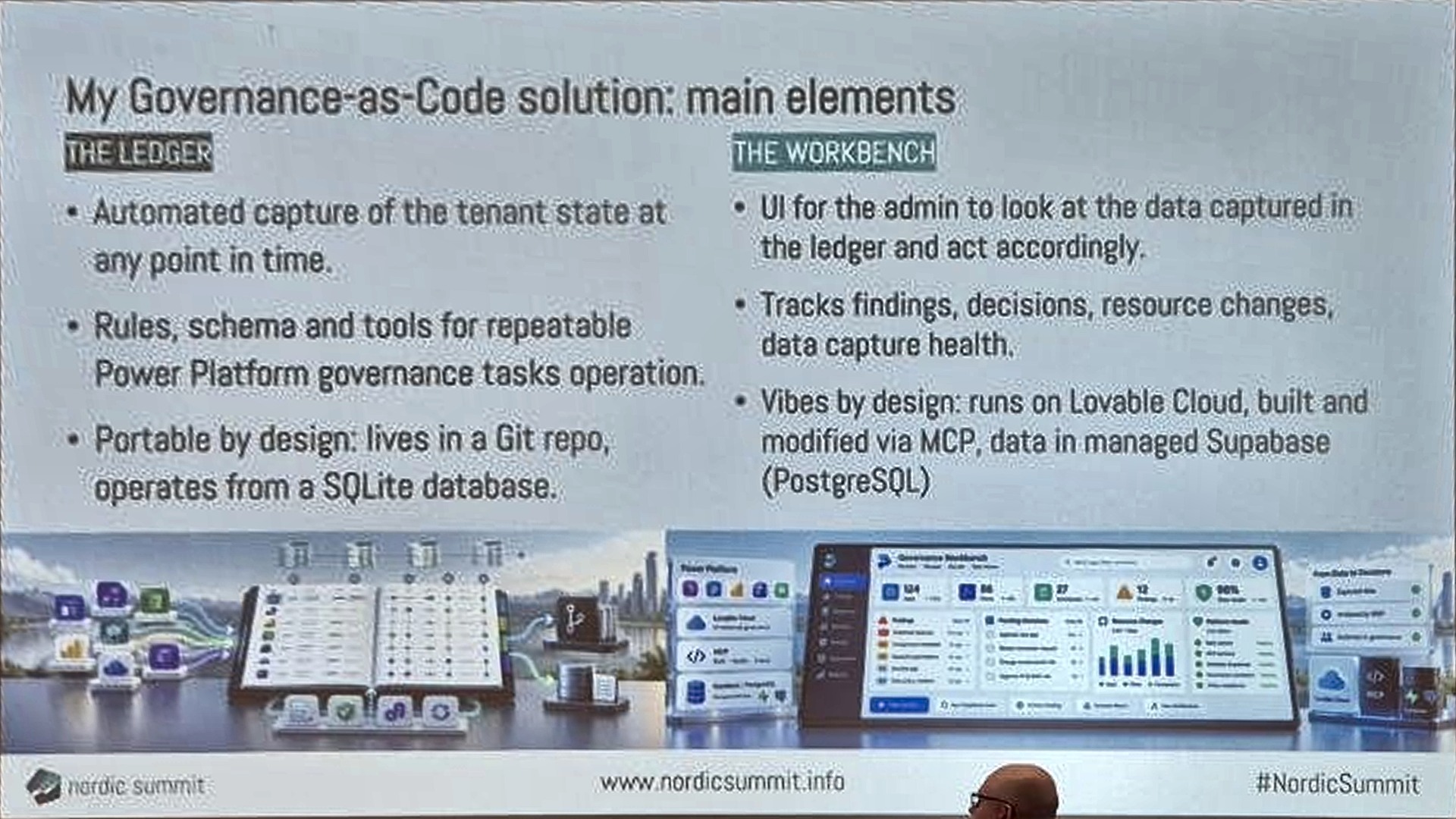
A dashboard is a picture of the tenant right now. Governance needs somewhere to enrich that picture: which environment is for what, which policies apply, who owns which app and why. The CoE kit had that, but customising it was never smooth. So he built his own, in two parts. The ledger is automated capture of the tenant state into a SQLite database in a Git repo, plus the rules and schema that make the governance tasks repeatable. The workbench is the admin UI on top, where findings are tracked and actions recorded. He built the workbench on Lovable Cloud without logging in to it, through MCP from his terminal, with the data in Supabase.
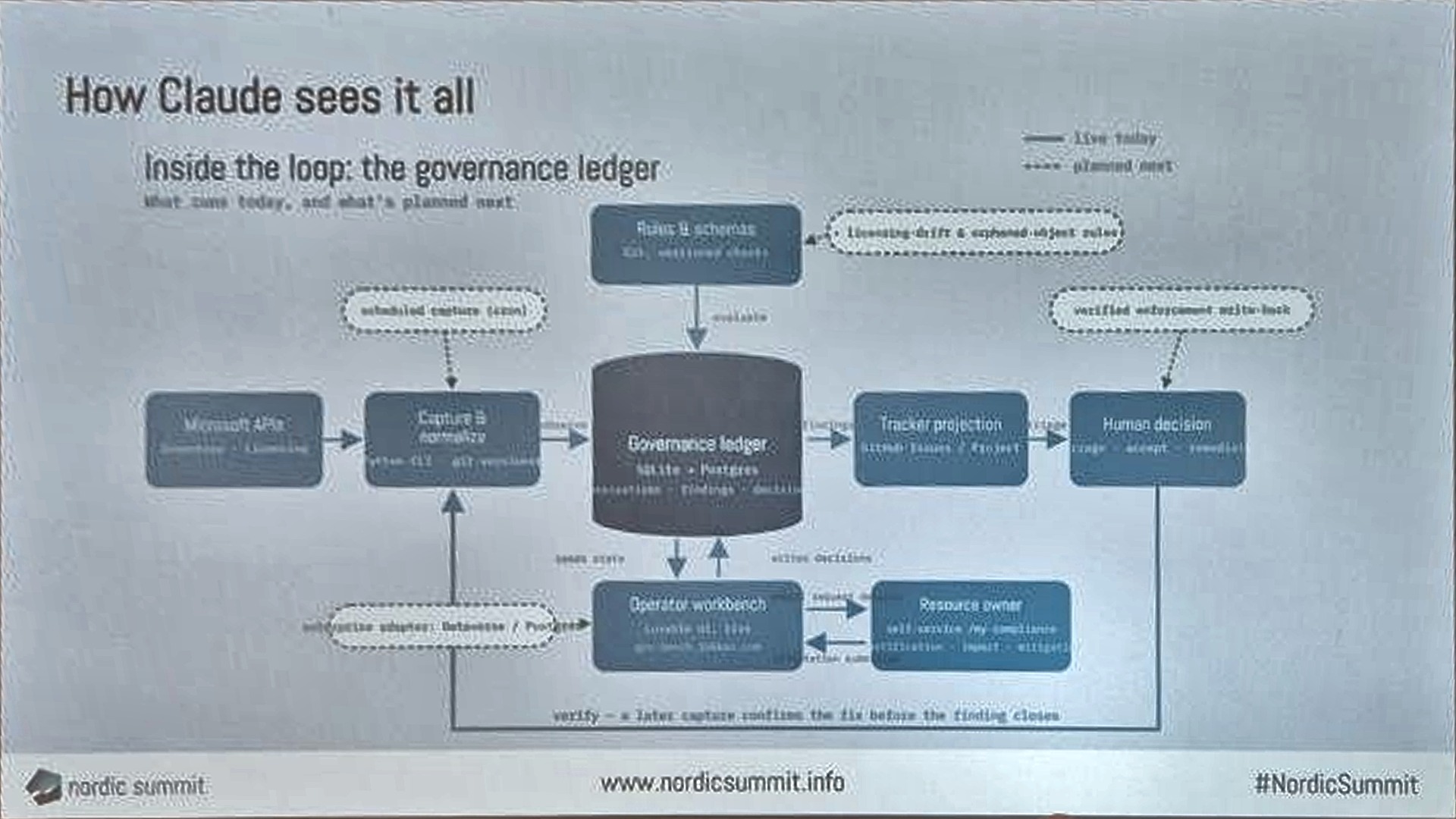
The live run was one prompt to Claude in the repo, refresh the capture, which ran the capture scripts against his tenant, wrote to the ledger and surfaced findings in the workbench: a stale app in a red zone environment, for example, with a one-click email to the owner asking for a description or a quarantine. The green, yellow and red zones from Microsoft’s governance guidance live in the ledger as data, so rules can reference them. The custom CLI commands are the tools the agent calls, which was his key design point: AI built the tools, and AI queries the system, but the same deterministic capture runs every time. No hallucinated actions.
Write the governance model for agents
The conclusion that stayed with me was about who the audience of a governance model is. We used to write them for humans, and even a dedicated admin could not answer every “how do we handle this scenario” question. For an agent that is easy, provided the rules are written so an agent can read them. So write the model for the AI, with one warning he borrowed from Steve Yegge: AI takes rules literally, and ambiguous or contradictory rules cannot be outsourced to it.
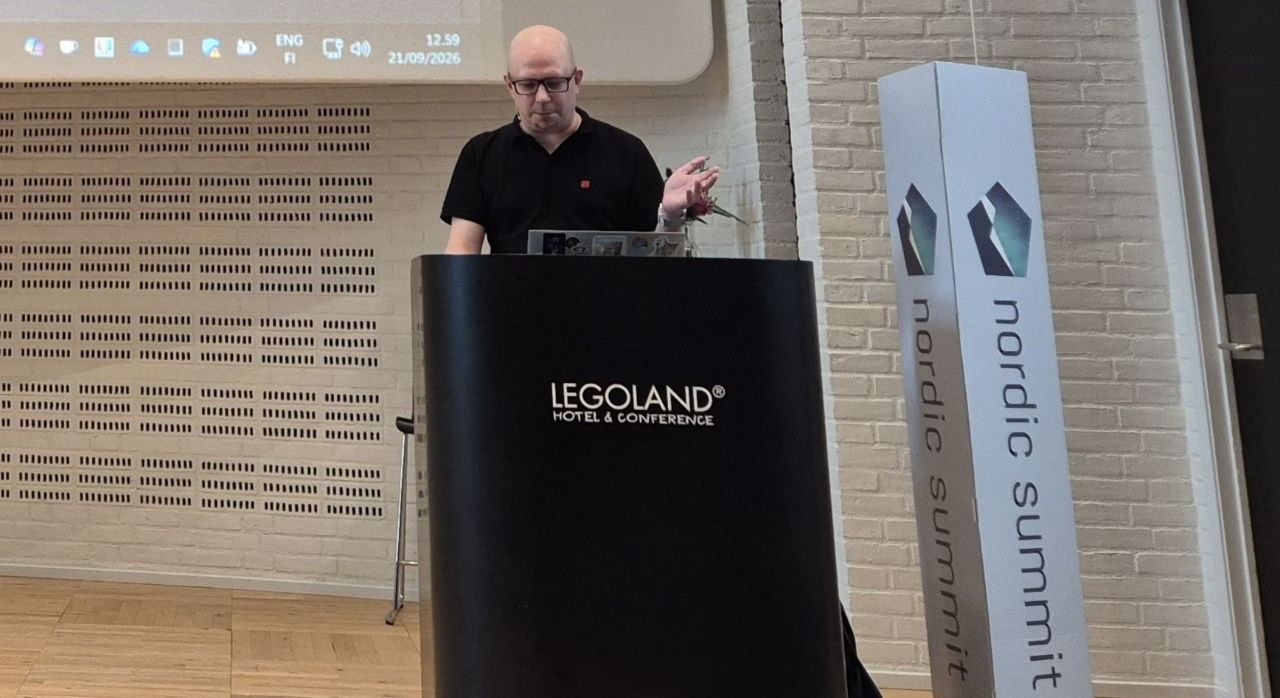
His final words were about cognitive load. There are no natural limits to what can be built now, so the limit has to be a decision, and the question to keep asking is whether the thing you vibed actually has value. He did not have an answer for governing the vibe-coded solutions themselves, and said so. The repo is not public yet, but he intends to publish it and blog about the approach, because nobody else seemed to be talking about what comes after the CoE kit.