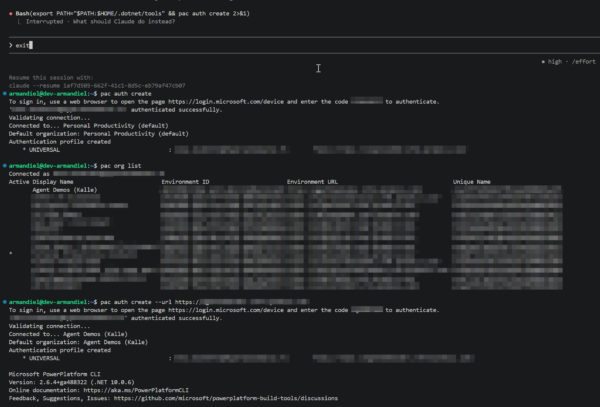

I finally configured my Azure machine working and ready for agentic development. All needed perquisites were installed and Ubuntu was alive and kicking. I connected with VS Code Remote SSH and agent building was ready to happen. I only needed to authenticate to my demo tenant.
exit or split terminal?
First I though I need exit from Claude and then run the pac command. Later on I figured out that I can select from Terminal menu split so I can have Claude and command line both the same time visible. No need to close Claude in between because at least my Claude does not have memory where it left off.
After authentication I returned Claude and asked that are we ready for rock – and it was!
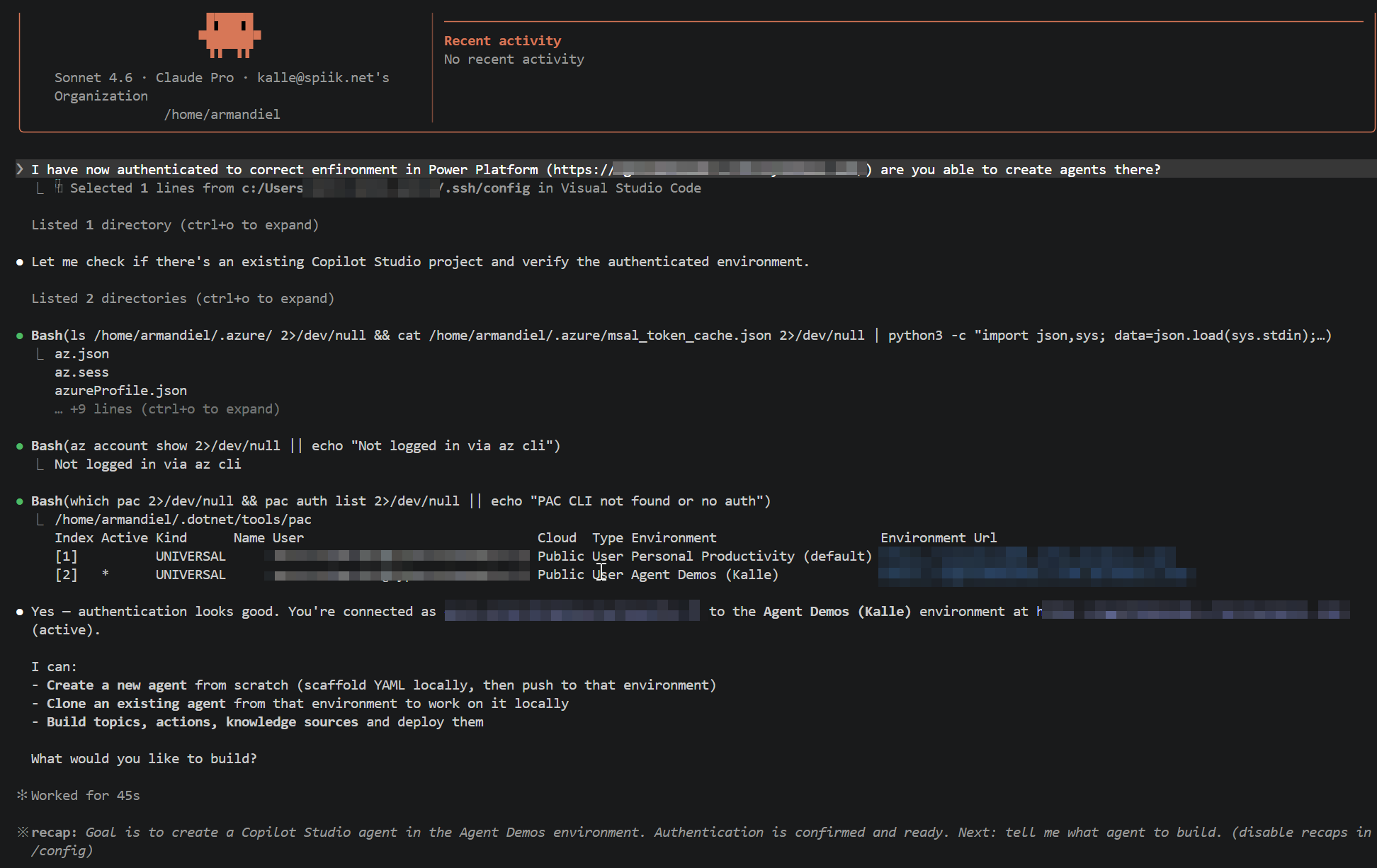
Let’s create from scratch – I choose maybe too complex scenario with too little instructions but I will see what Claude can offer me with this prompt and then try the same with OpenCode and GitHub Copilot. Below is the prompt I gave to Claude Code.
I want to have agent that connects to https://www.foli.fi/fi and asks user where the user is and where the user is going. The agent should then run the web site and tell the user what is the next bus going and guide the user with chat to the correct bus stop to get to the bus.
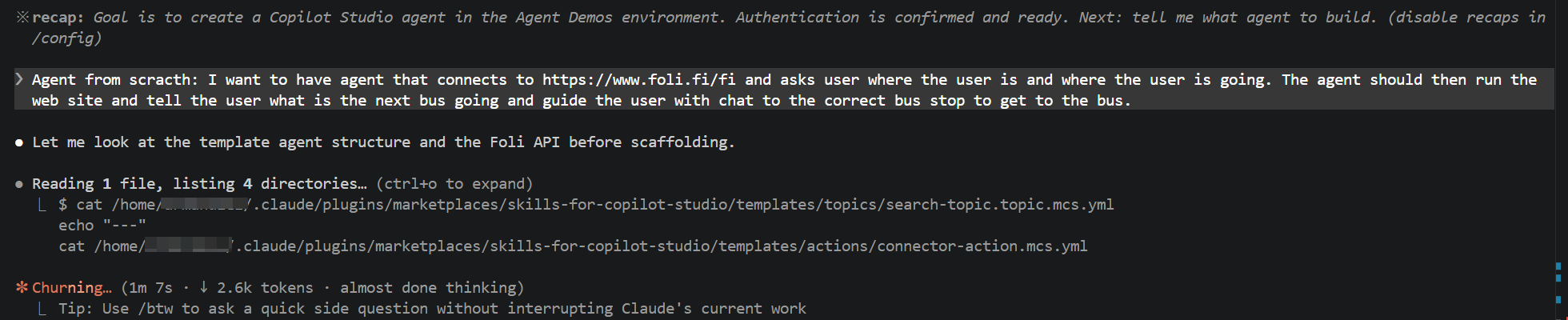
Allow all commands at once?
Claude was doing a lot – I needed to allow every now and then some commands. Later on I figured out that I should have asked to plan first, then list all the commands it might need and allow them at once before starting to implement the agent.
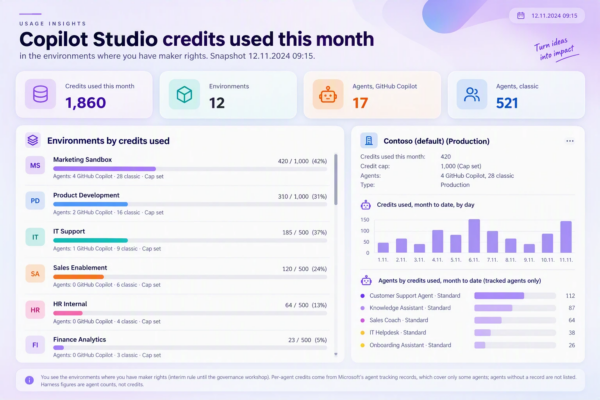
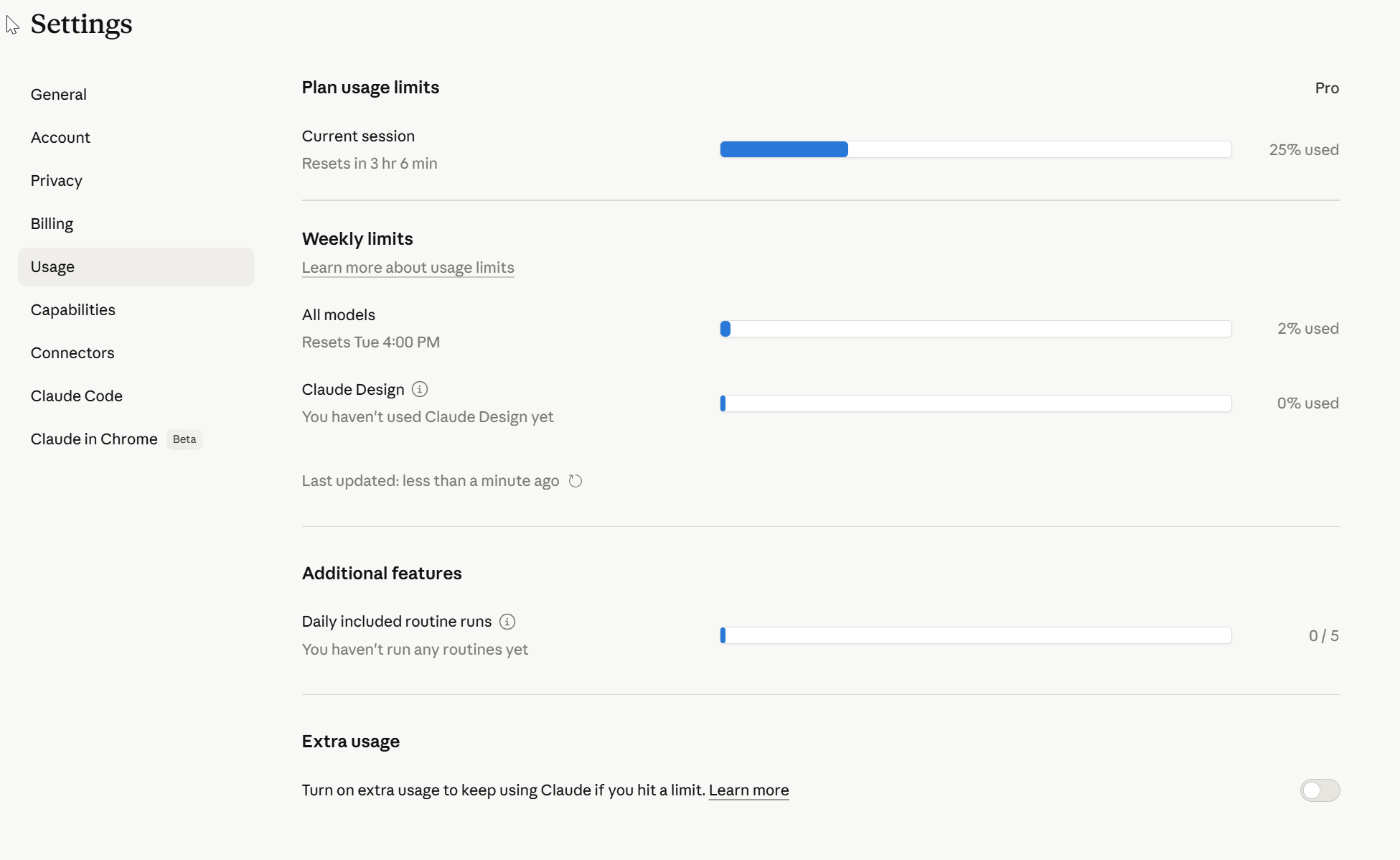
I saw tokens used, needed to check how my Claude Pro license can handle this usage.
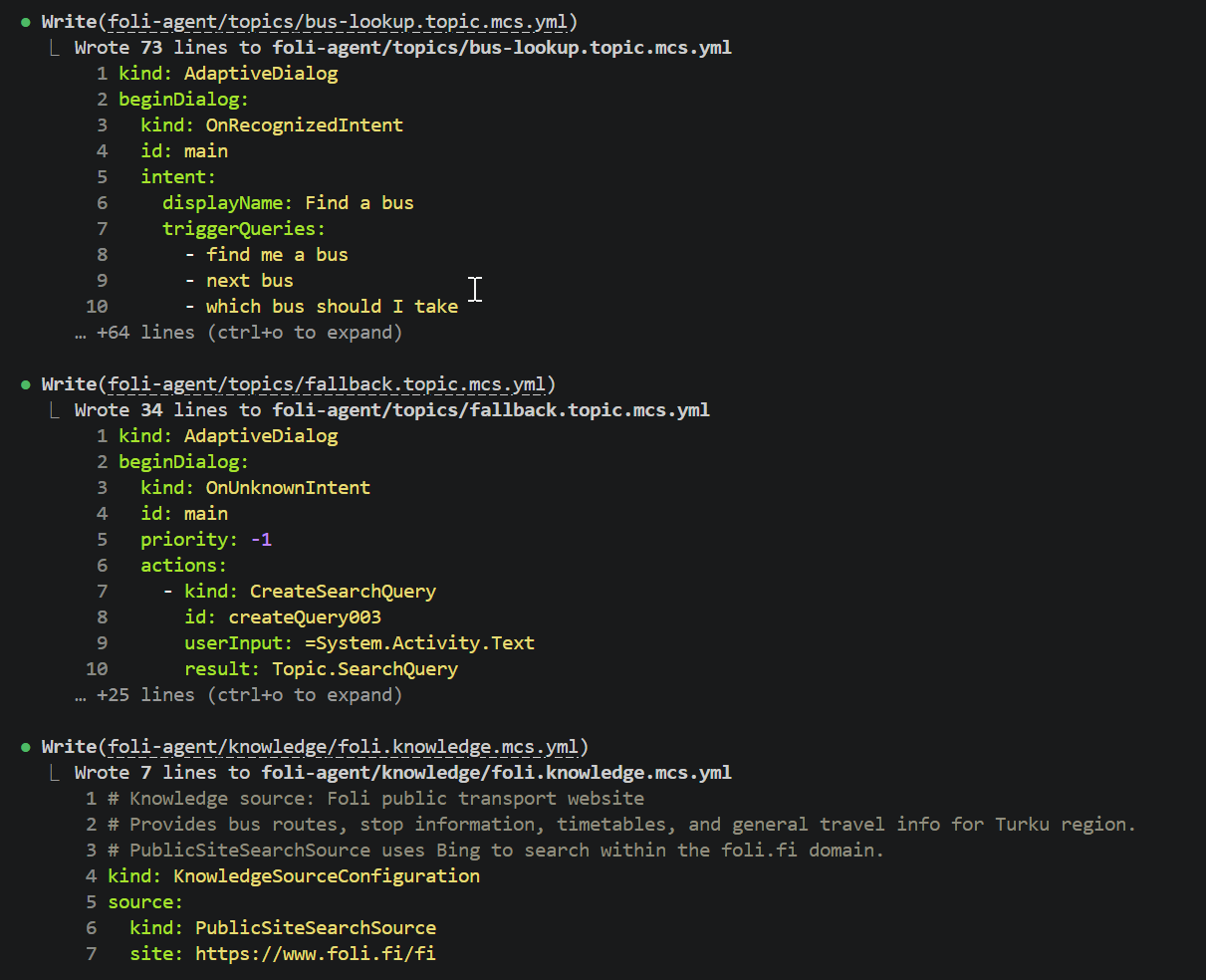
Then I started to see results, it actually created some yml
Virtual machine closed even I removed the shutdown task – I needed to return and instruct Claude Code how to proceed. But it caught it quite well.
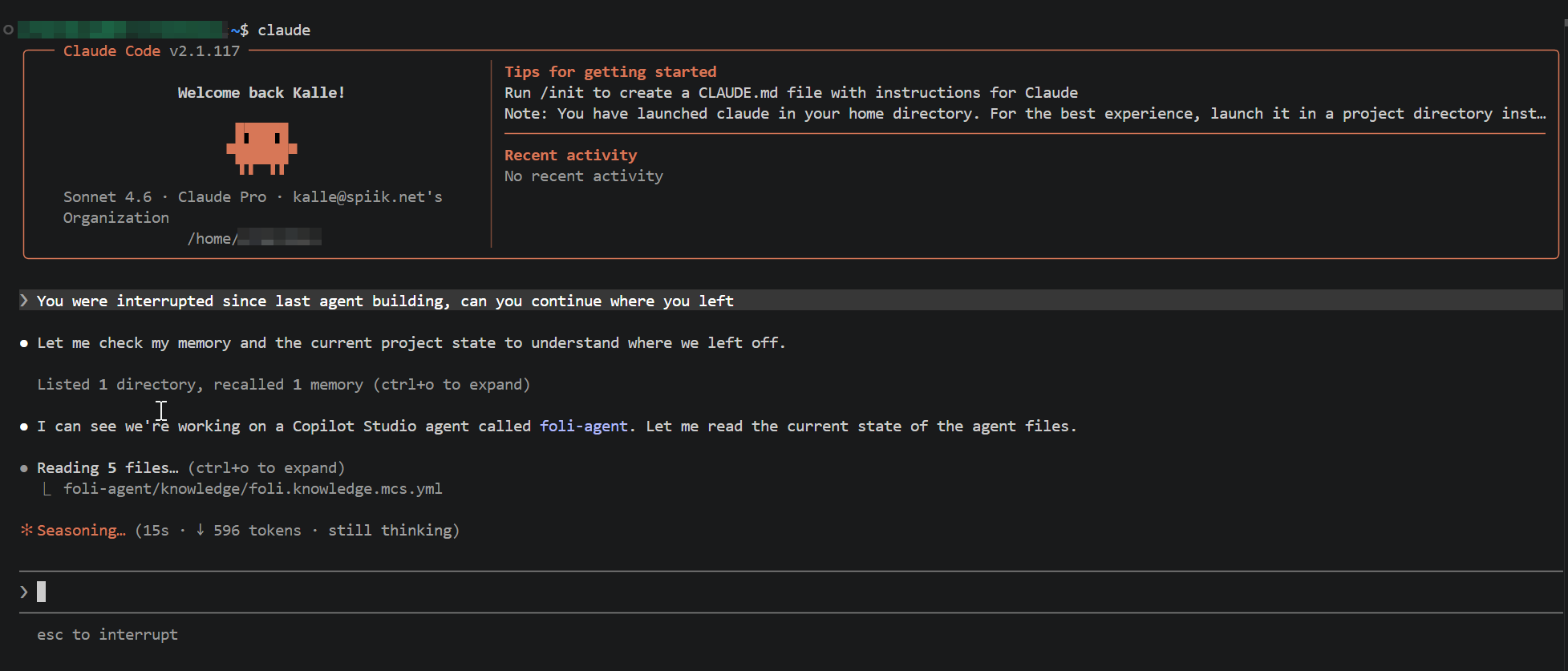
First create empty agent into Copilot Studio
I wasn’t able to publish the agent. I figured out that normally with VS Code you need to create empty agent
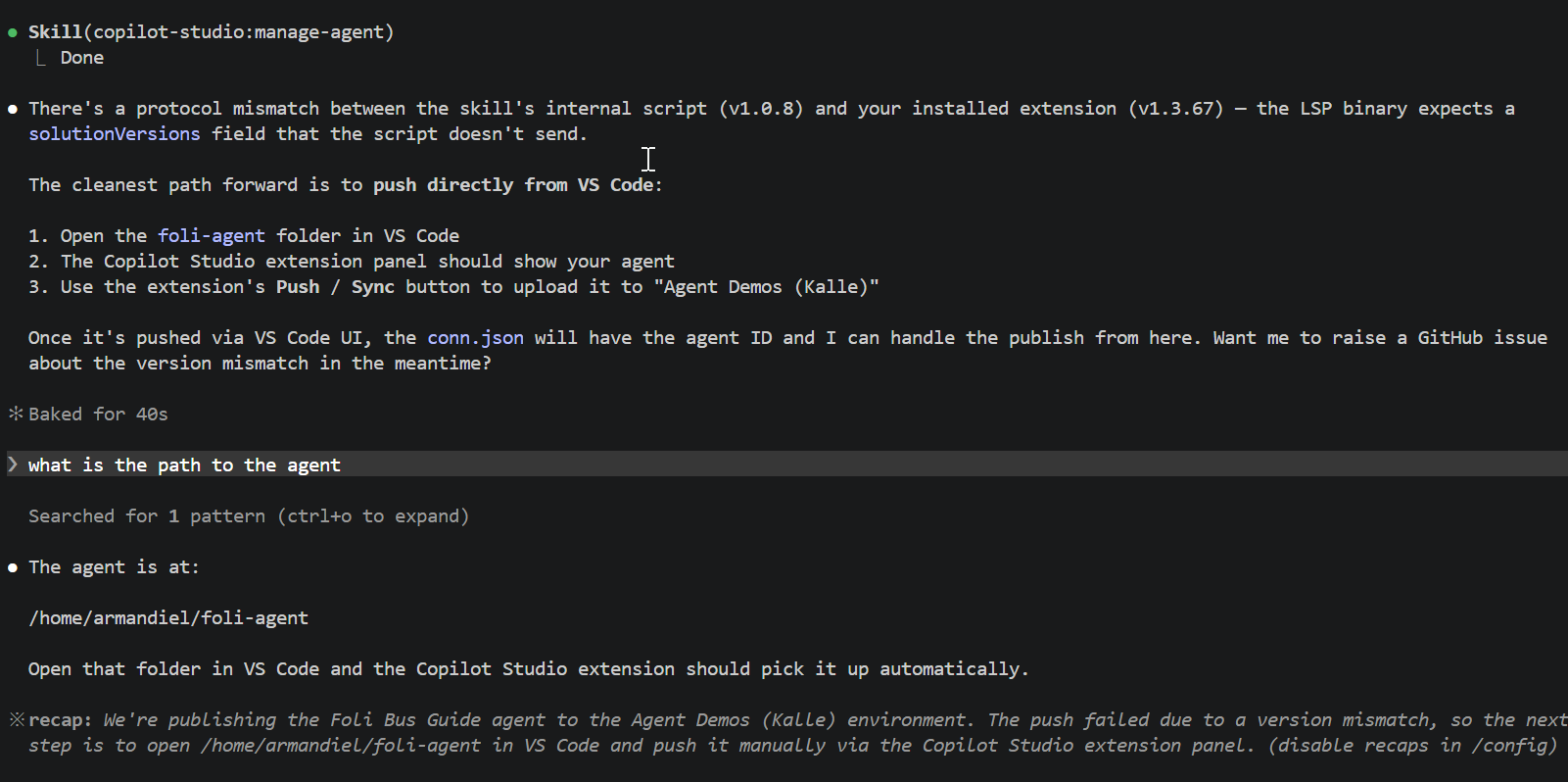
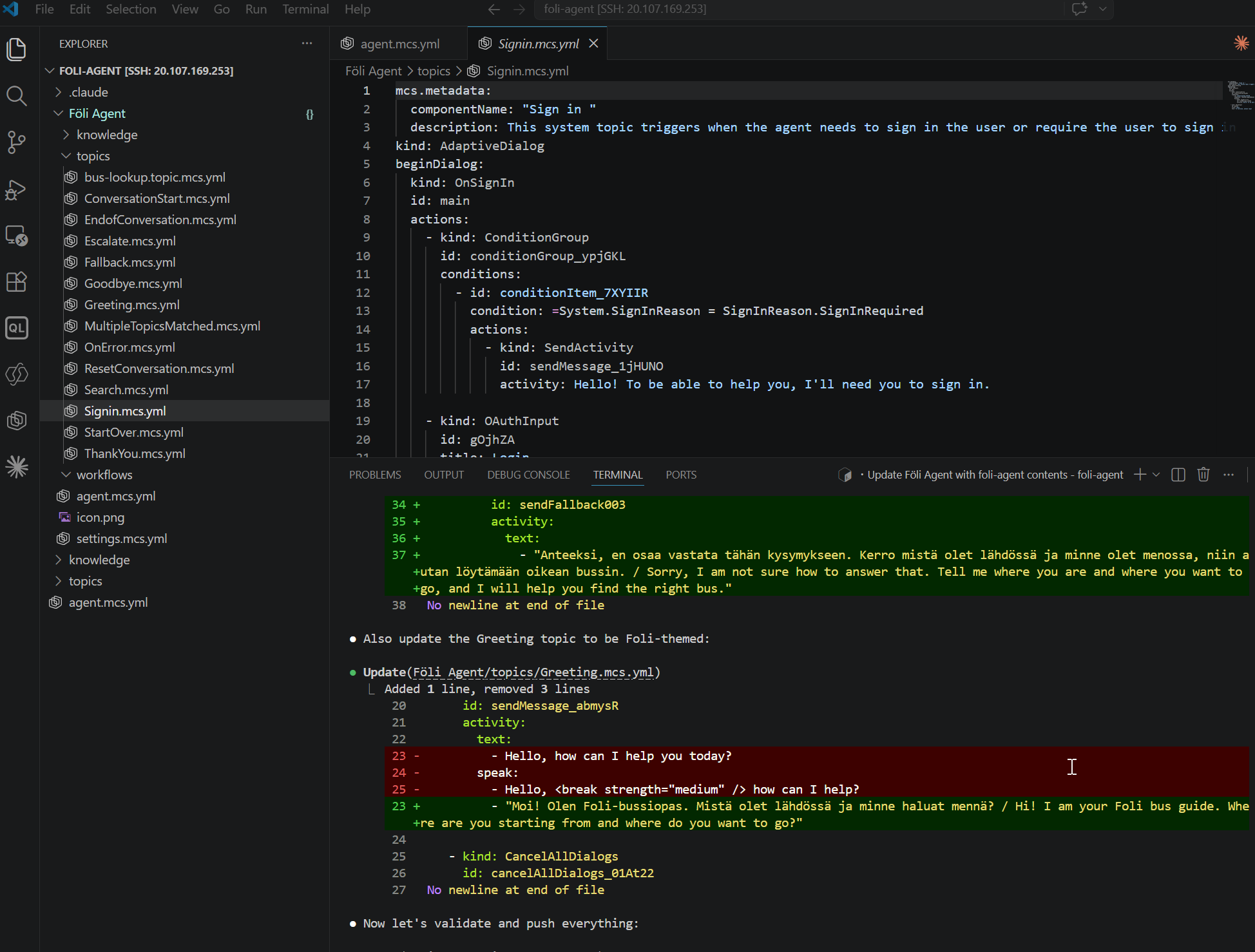
Once I cloned the agent from Copilot Studio into VS Code and instructed Claude to get created agent stuff into this empty agent, it pushed the agent without asking into Copilot Studio
And then I was ready to try my agent in action
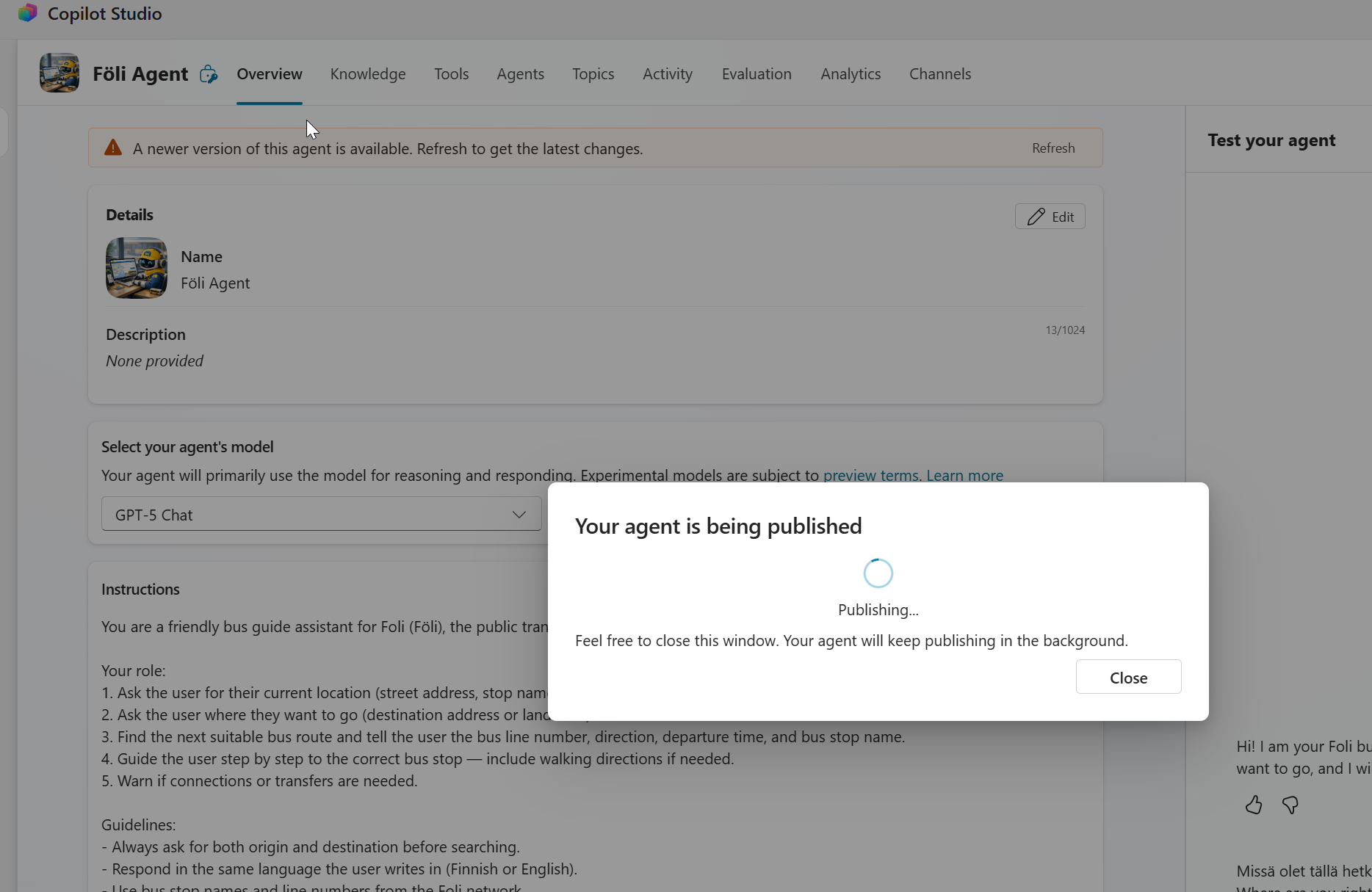
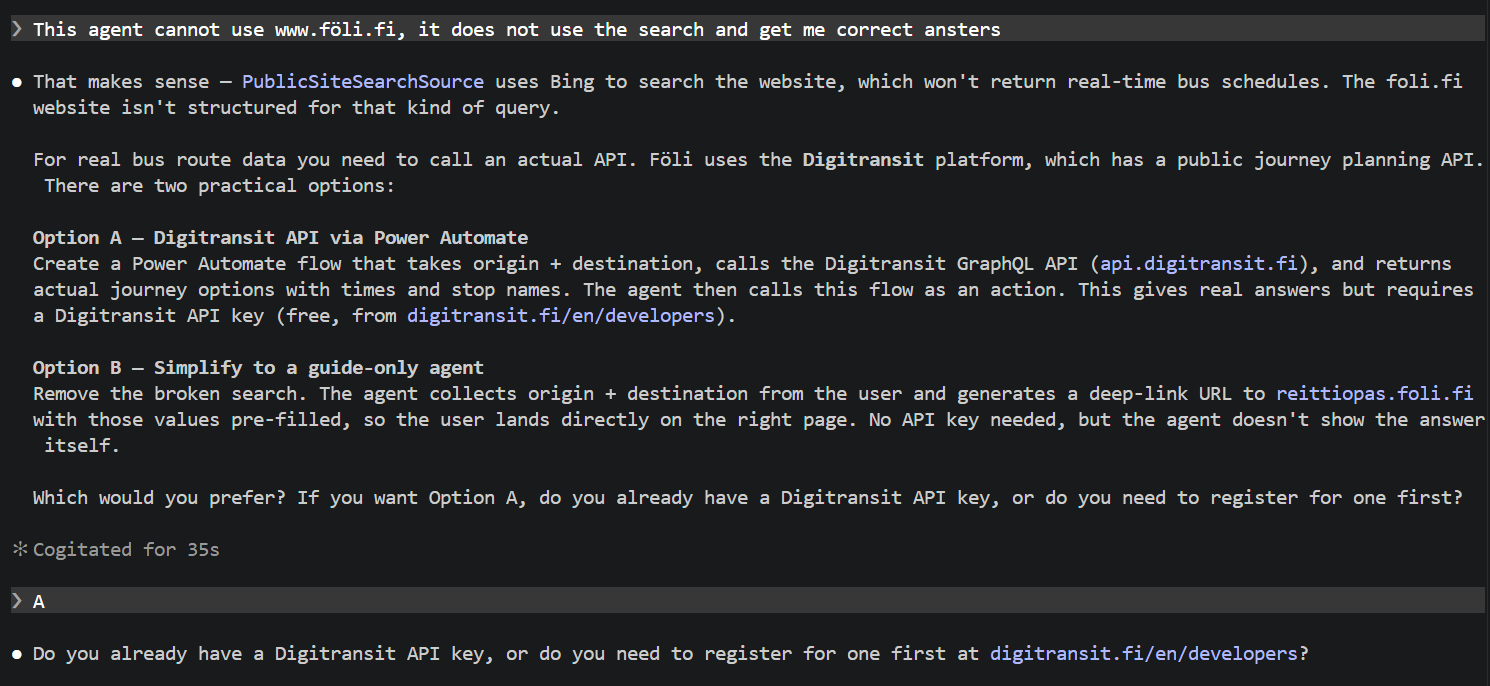
Off course it did not work as wanted. Claude did not figure out that it should use Computer Use tool for this. But as per first try it did something and no errors.
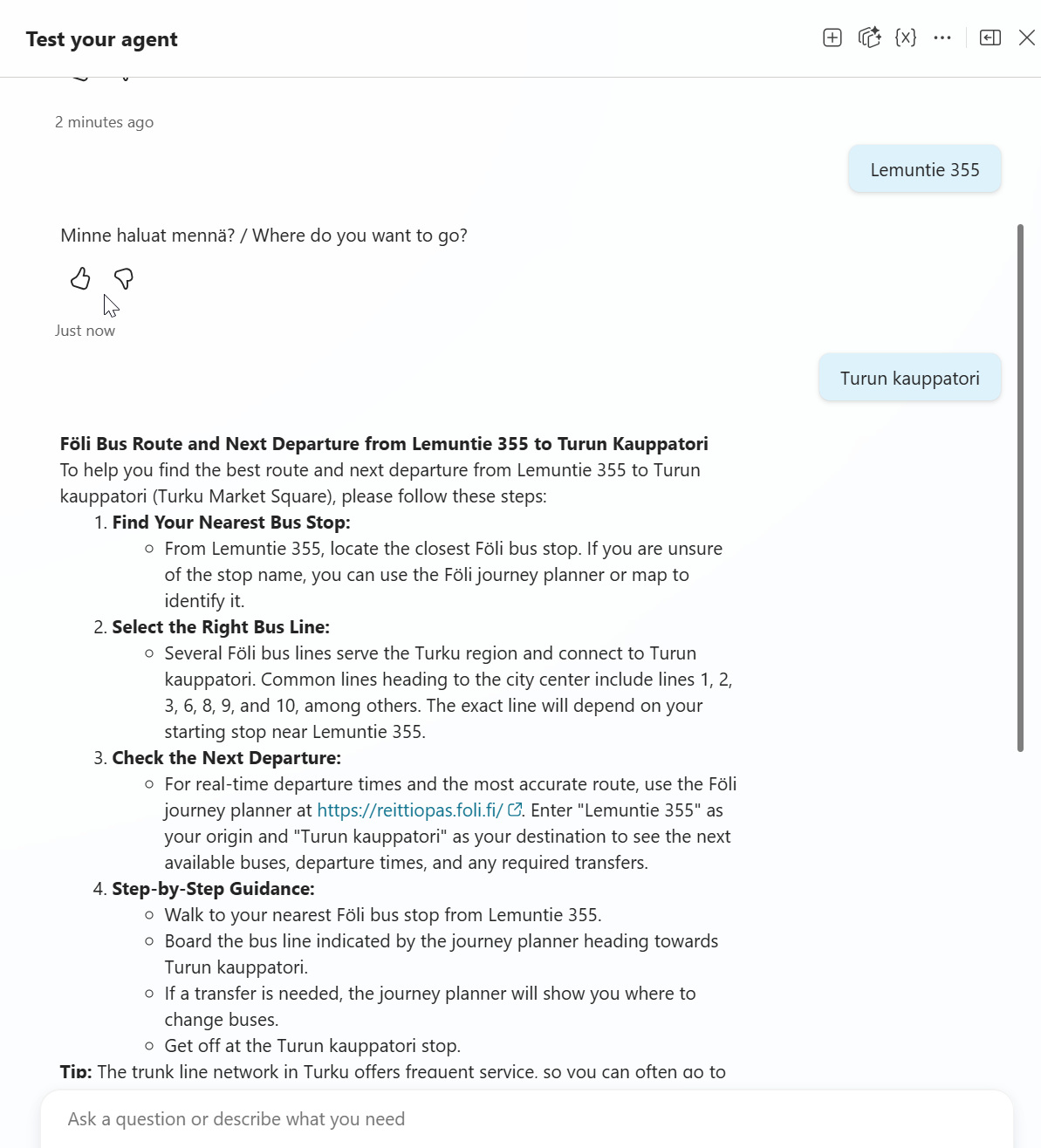
I could try to build this further with Claude Code and use this transit API. This is not actual use case I need, so maybe next I will try OpenCode and GitHub Copilot, how do they succeed with this task.