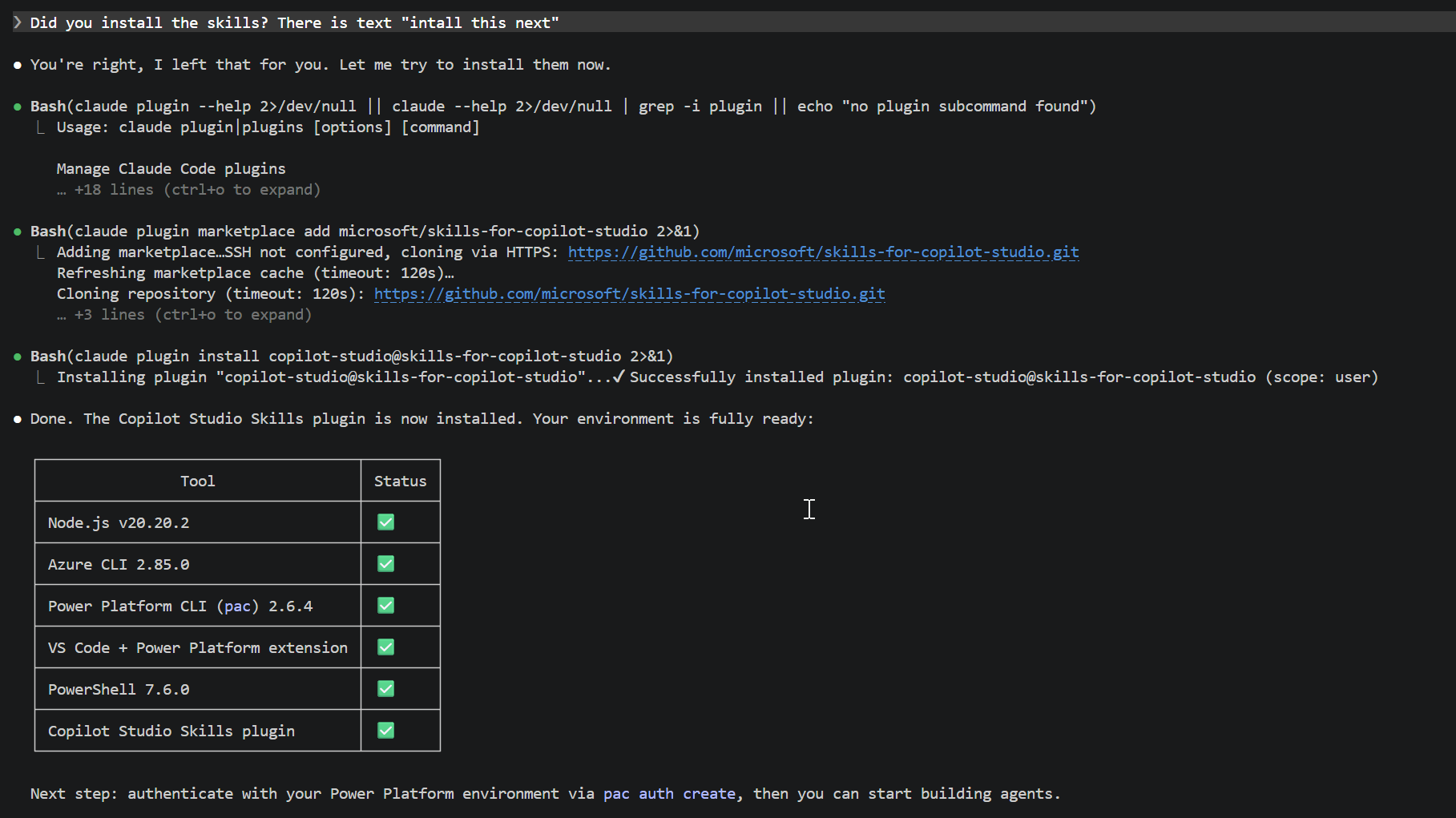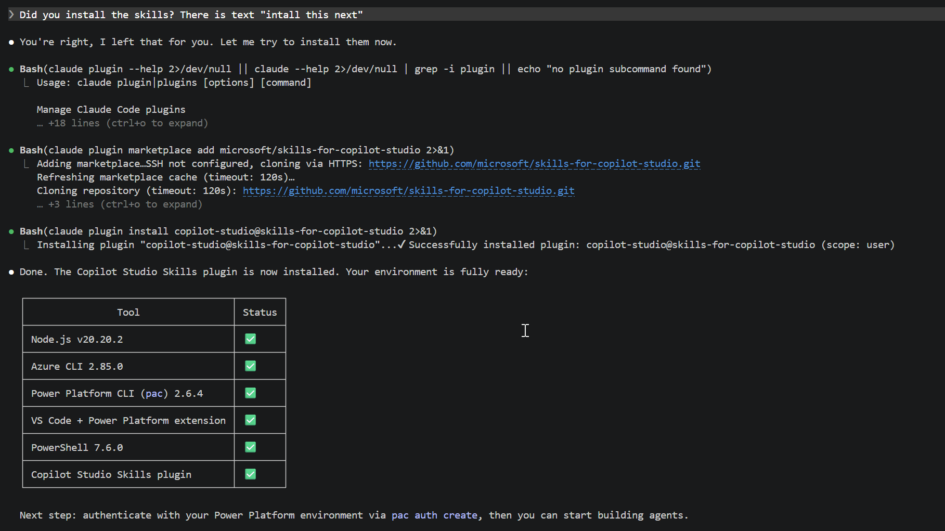
There’s a reason why I switched to low code almost 10 years ago and now end up putting together Ubuntu machine to get Claude Code installed so I can develop low code Copilot Studio agents. How f*** up is this – I really do not like to do stuff what I don’t understand using hours or days for putting up a development environment. And here I am.
Maybe I can help you do the same.
Loose your principals and get back to dark side…
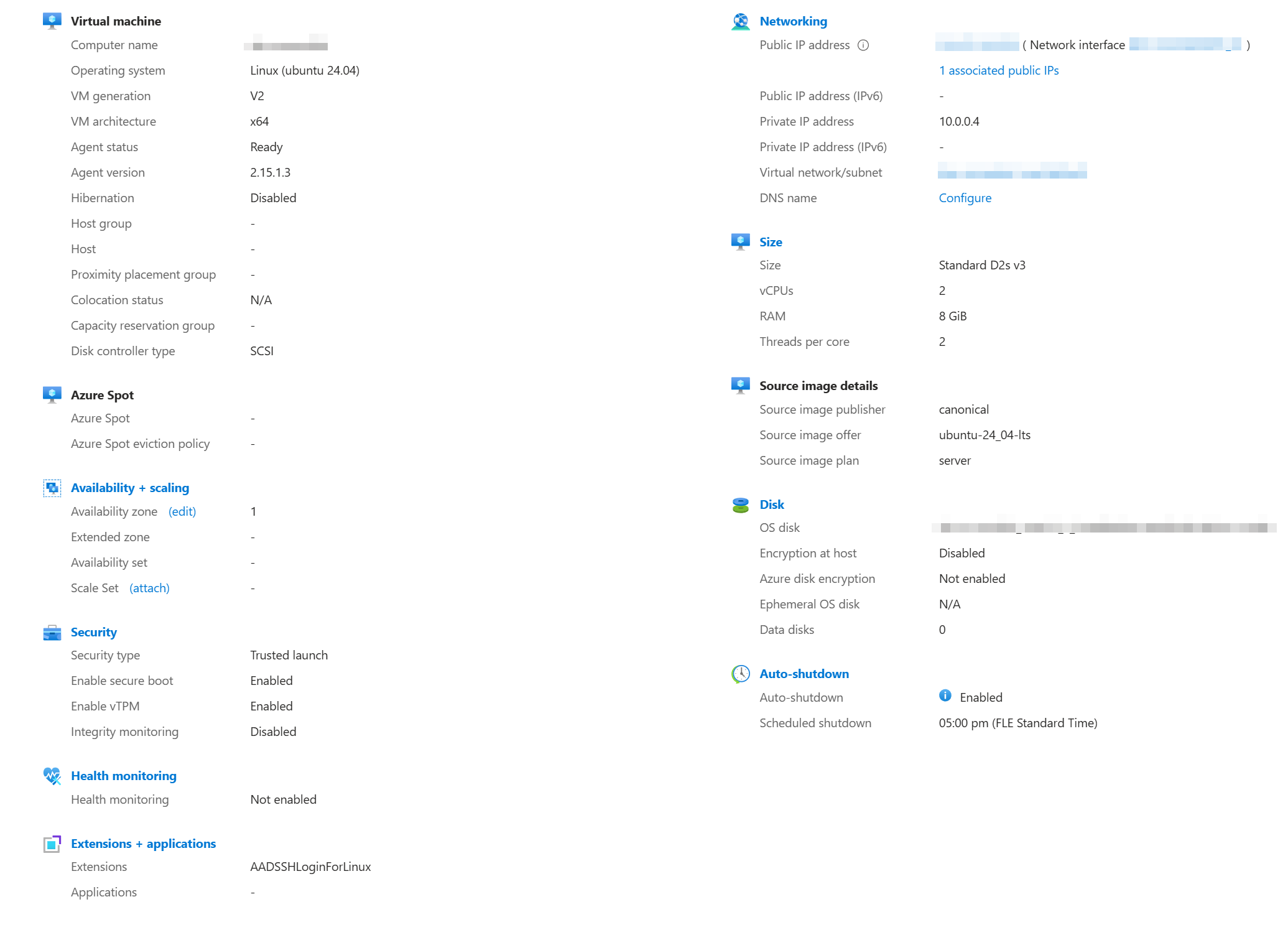
Create virtual machine
Selecting the correct virtual machine from Azure – I just consulted M365 Copilot and end up having this kind of setup: Linux ubuntu 24.04. Copilot ensured me that this is enough running Claude Code.
Connect to virtual machine
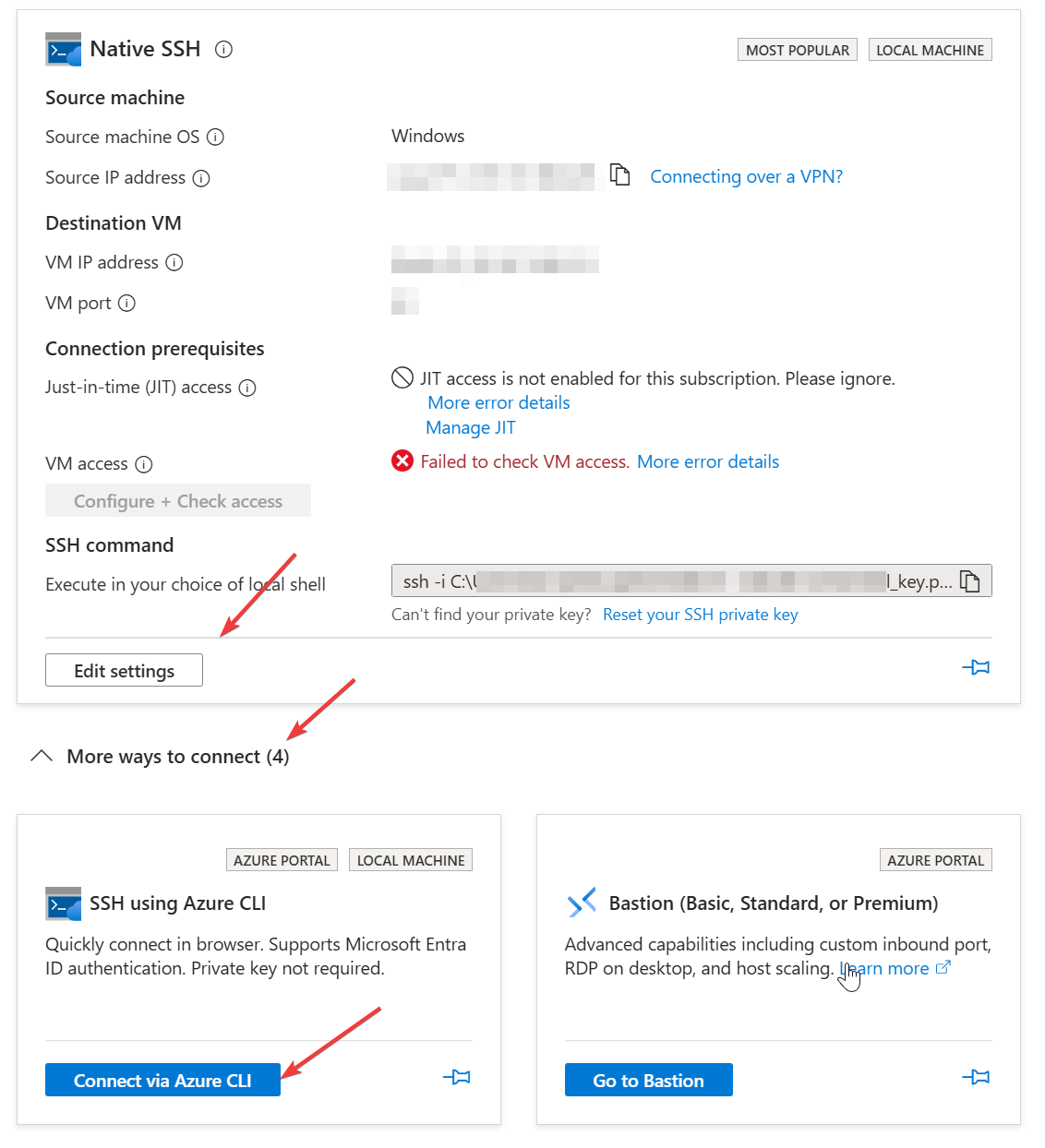
I had what-so-ever-no-clue why I could not connect to my virtual machine via SSH command, so I first connected with Cloud Shell (lowest arrow in below picture) and installed basic stuff like Node.js and Claude Code and something else. I gave the key file for the settings but could not connect anyways.
Install VS Code and Remote SSH
When iterated trough the cloud shell and tried to run VS Code – off course it did not open trough browser shell. I figured out that I need to open VS Code in my own laptop, install extension “Remote SSH” and trough that I could connect to my virtual machine. I was still missing ssh server from the virtual machine, so trough cloud shell and help of Copilot I installed there SSH server and started it, so I can connect from VS Code terminal.
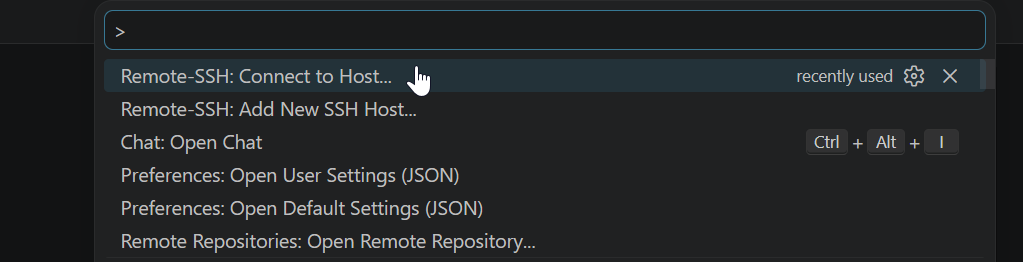
I added new SSH Host but it added only hostname and user name but was missing identity file. This was the key file I had saved to my laptop when creating the virtual machine. Once I put this SSH Host connection file (example below) in shape and put the key file url in my laptop, I finally got connection to my virtual machine.
Host ubuntu-dev
    HostName 10.0.0.99
    User username
    IdentityFile "C:\Users\<you>\.ssh\id_r"
    IdentitiesOnly yes
Install the rest of the stuff
By the way, you need to have Claude subscription – get it and pay 20€/month. I was trying to install the PowerPlatform CLI but was continuously missing something like DotNet or something else. I struggled the Linux interface quite long but still no go…
.. then I started Claude Code and asked help. 20 mins later Claude Code had installed all the rest for me and was good to go. Claude is nice, thank you Claude <3