

Featured
Picked from the blog
-

Killer toolset for Power Platform agentic development
I’ve always loved Batman with his tools and widgets. I was sold when Knight Rider had his self driving car Kit and remote control watch to talk to it. Suddenly…
-
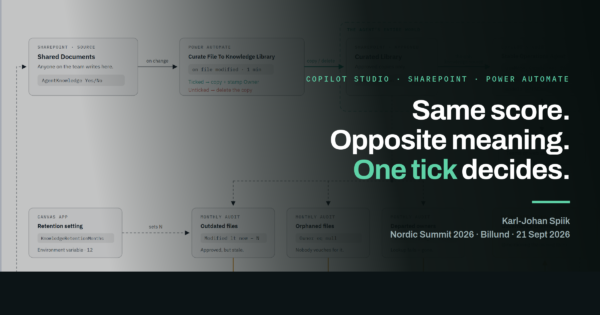
Same score, opposite meaning: what my Nordic Summit demo actually proved
I gave “From Smart Answers to Trustworthy AI: Designing Governed Copilot Studio Agents” at Nordic Summit 2026 in Billund on 21 September, in the Ideas room. I forgot to press…
-
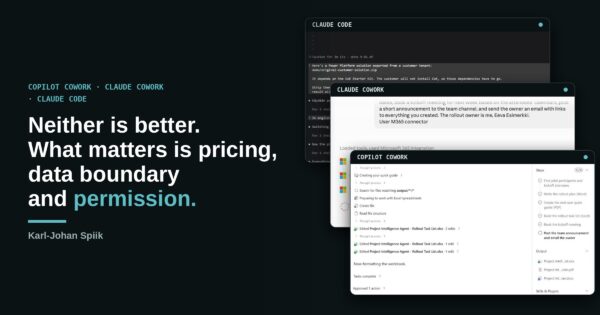
Copilot Cowork, Claude Cowork and Claude Code: five comparison tables
Most comparisons of AI tools ask which one is smartest or latest. In my daily M365 and Power Platform work…
-
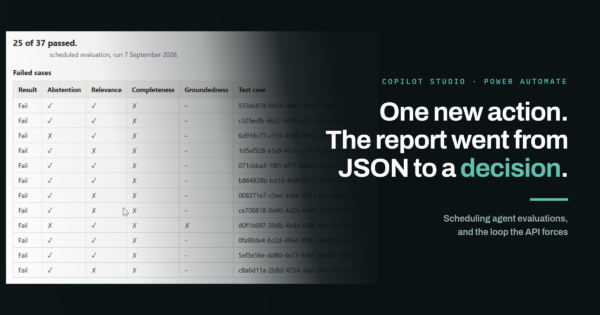
Scheduling a Copilot Studio agent test: the evaluation call returns a run, not a result
Agent instructions change constantly. Someone widens a trigger phrase, someone adds a knowledge source, someone rewrites a topic to remove…
-
Defensible beats impressive: designing a governed Copilot Studio agent
A confident wrong answer sounds helpful. It is the worst possible outcome, because nobody thinks to check it. “I don’t…
All posts
-
Create development environment for Dataverse for Teams
I had business case where specifications need customer to have Canvas Apps and Dataverse functionalities, but there was no intention to update all organization users…

-
Automate applications with AI and Power Platform
Mikko Eskola aimed to gather information on sustainability projects and I wanted to demonstrate how to do it efficiently with AI and Microsoft tools. The…

-
Responsibility assistant for JCI Finland with MS Power Platform
Demonstrating Microsoft Power Platform AI capability for project managers, board members, leaders or assistants for saving time in daily work by automating tasks Earlier this…

-
Headless learning solution in Teams
I created learning path solution in Teams with Power Automate flows and SharePoint lists. This solution works with basic business license without desktop programs. Business…

-
Adaptive card updating every minute with thumbnail picture
Coffee Watcher solution uses Canvas App to capture images and sends them to Power Automate flow for further processing. Parent flow calls object detection and…

-
Flows to use Object Detection and informing of fresh Coffee
Coffee Watcher solution uses Canvas App to capture images and sends them to Power Automate flow for further processing. I decided to detect objects in…

-
Solution architecture and trigger errors
Coffee Watcher solution uses Canvas App to capture images and sends them to Power Automate flow for further processing. When calling flow from app there…

-
Power Apps Canvas to capture picture every minute
Coffee Watcher solution is based on image recognition, this post will show how the Canvas App is developed. Most secure and compliant solution for production…

-
Teaching custom AI model for object detection
Coffee Watcher solution is based on image recognition, so let’s create the heart of the solution first. You need to have at least 15 pictures…

-
☕ Is there any coffee left in the coffee pot? ☕
🚀 Intelligent Coffee Watcher App with Power Apps, Power Automate and AI Builder. I’ve built Power Apps Canvas App that captures photos of our Turku…

- Agent 365 (3)
- AI Builder (6)
- AI Hub (12)
- AI Translator (3)
- Application Insights (2)
- Azure (19)
- Azure DevOps (7)
- ChatGPT (13)
- Claude Code (18)
- Cognitive Services (2)
- Copilot (40)
- Copilot Studio (69)
- Custom Connector (2)
- Database (3)
- Dataverse (37)
- Dynamics 365 (15)
- Error handling (2)
- GitHub (4)
- GitHub Copilot (7)
- Helpers (1)
- Logging (3)
- Logic Apps (4)
- Microsoft 365 (9)
- Offline (1)
- OpenAI (5)
- OpenCode (2)
- Planner (1)
- Power Apps (32)
- Power Automate (69)
- Power Pages (1)
- Power Platform (65)
- Security (16)
- SharePoint (10)
- Teams (15)
- VS Code (5)
- Yleinen (19)