

Featured
Picked from the blog
-

Five Microsoft agent tools, one licence review: on whose behalf, and how predictably?
Which agent tool should we use? Copilot Chat, Agent Builder, Copilot Cowork or Copilot Studio, and inside Copilot Studio you now choose a harness when you create the agent. There…
-
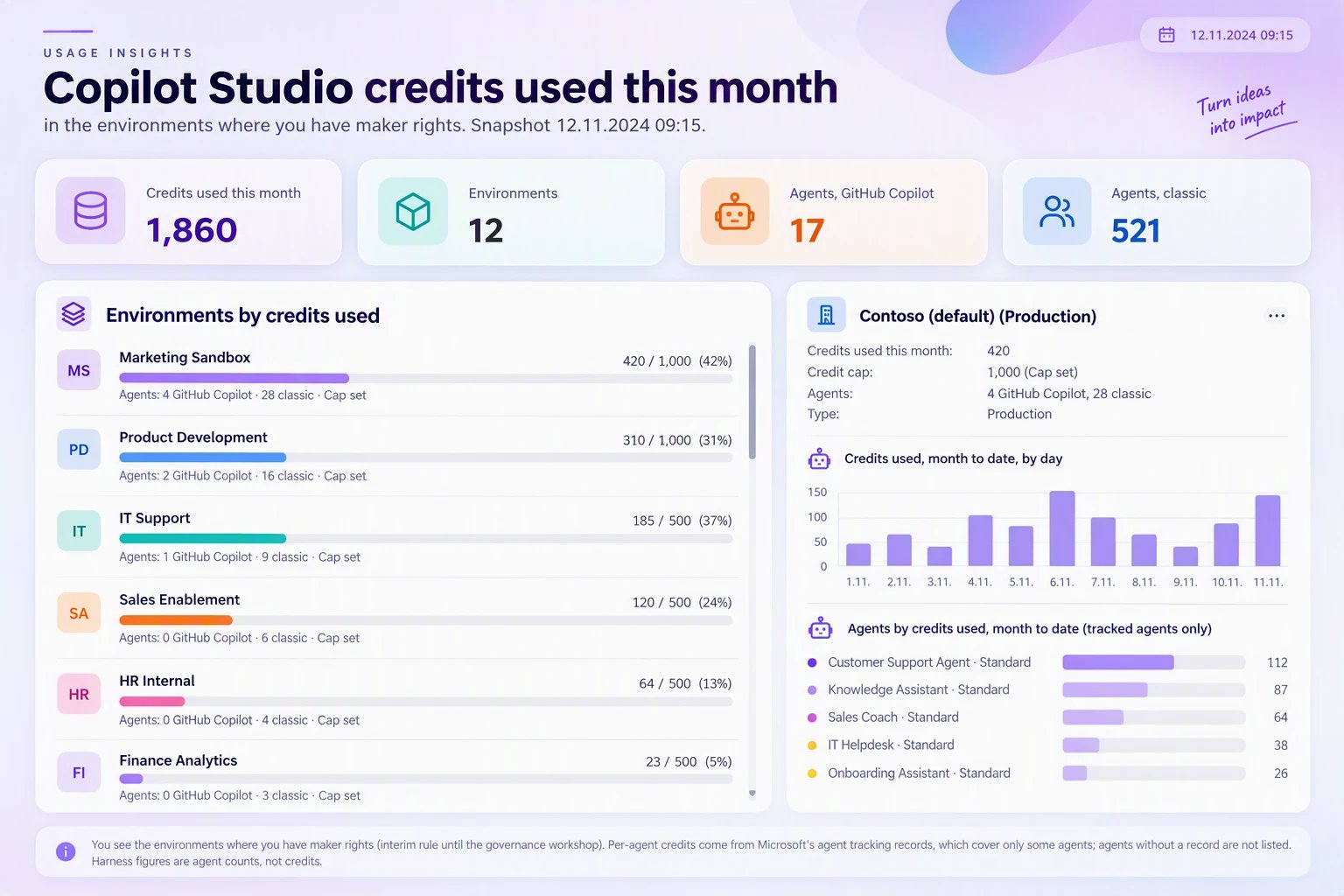
Agent owners should follow environment Copilot Credit usage – not the admins
I’ve always worked directly for the customer, serving the customer’s needs. When my work was mainly Power Automate flows, I made the progress visible by logging into Teams, so that…
-

Killer toolset for Power Platform agentic development
I’ve always loved Batman with his tools and widgets. I was sold when Knight Rider had his self driving car…
-
Same score, opposite meaning: what my Nordic Summit demo actually proved
I gave “From Smart Answers to Trustworthy AI: Designing Governed Copilot Studio Agents” at Nordic Summit 2026 in Billund on…
-
Copilot Cowork, Claude Cowork and Claude Code: five comparison tables
Most comparisons of AI tools ask which one is smartest or latest. In my daily M365 and Power Platform work…
All posts
-
Flows to use Object Detection and informing of fresh Coffee
Coffee Watcher solution uses Canvas App to capture images and sends them to Power Automate flow for further processing. I decided to detect objects in…

-
Solution architecture and trigger errors
Coffee Watcher solution uses Canvas App to capture images and sends them to Power Automate flow for further processing. When calling flow from app there…

-
Power Apps Canvas to capture picture every minute
Coffee Watcher solution is based on image recognition, this post will show how the Canvas App is developed. Most secure and compliant solution for production…

-
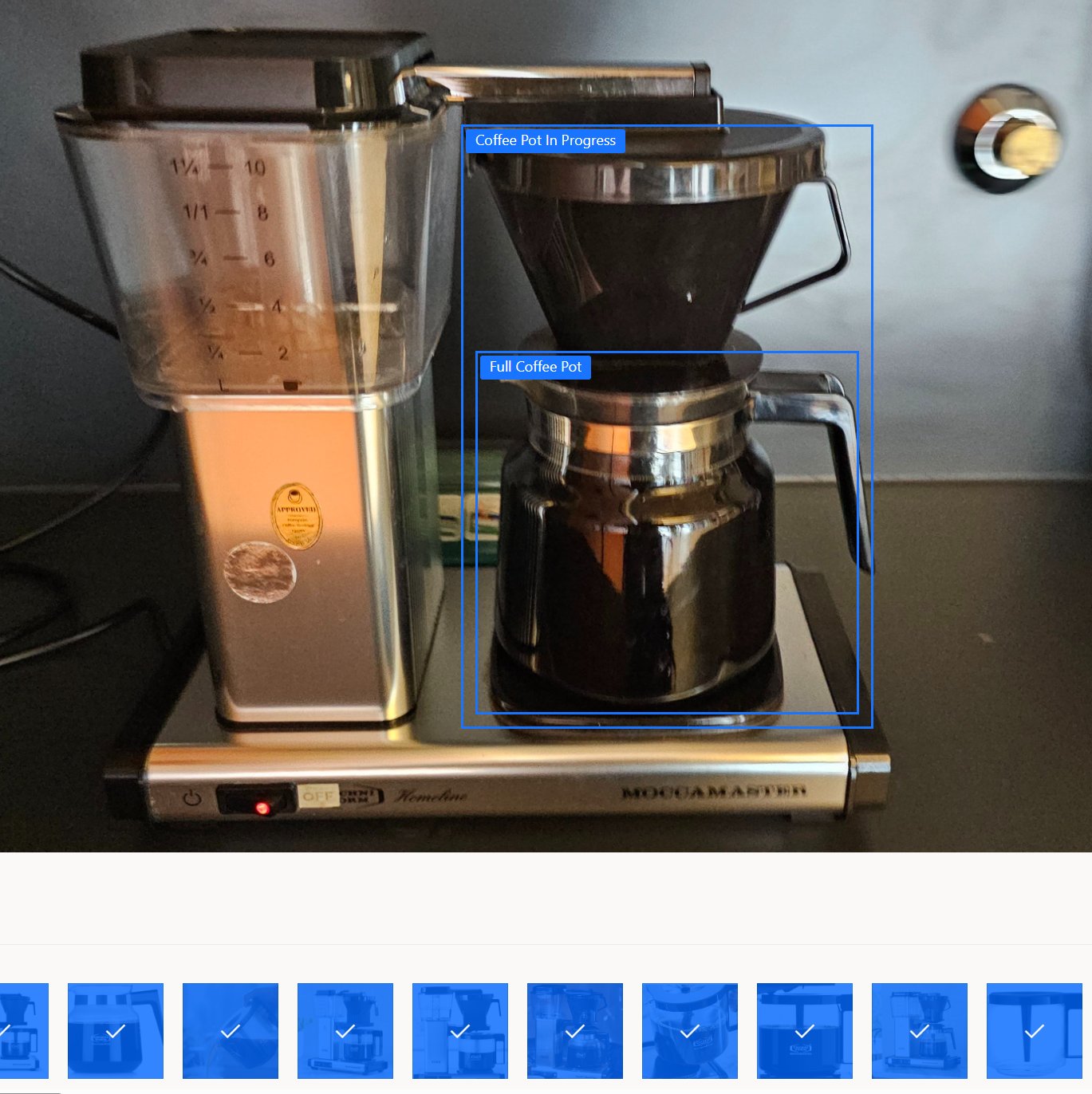
Teaching custom AI model for object detection
Coffee Watcher solution is based on image recognition, so let’s create the heart of the solution first. You need to have at least 15 pictures…
-
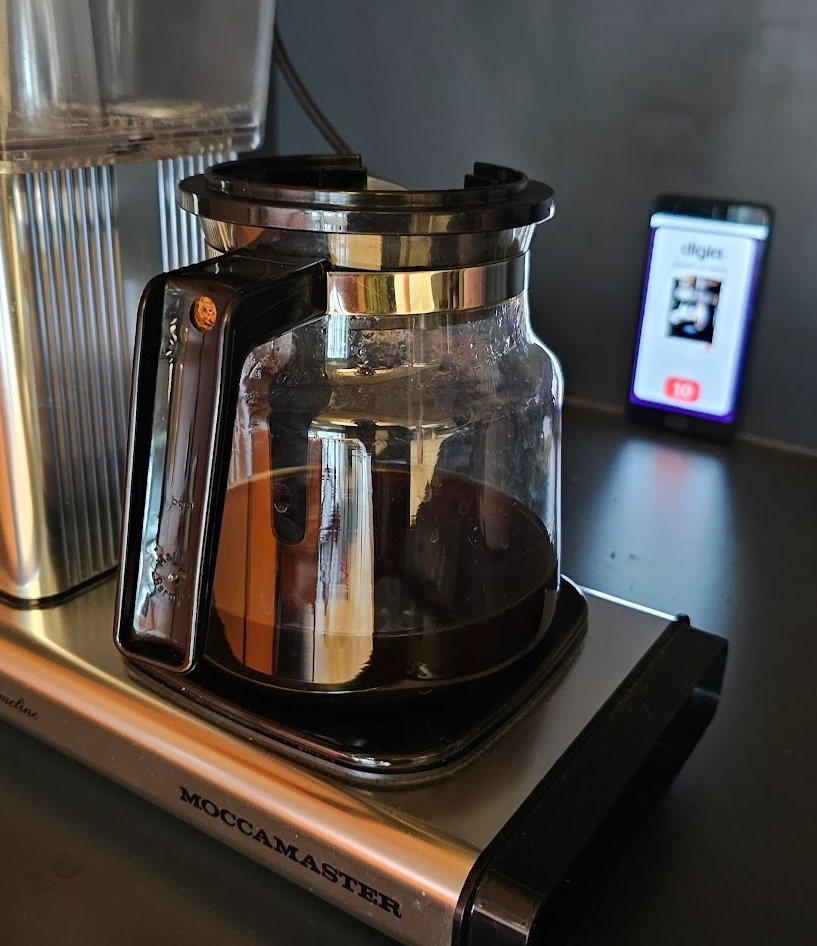
☕ Is there any coffee left in the coffee pot? ☕
🚀 Intelligent Coffee Watcher App with Power Apps, Power Automate and AI Builder. I’ve built Power Apps Canvas App that captures photos of our Turku…
-
Enrich Offline Profile with Online Dataset
How to get data from Dataverse into Canvas App outside the offline profile filters? Previous post demonstrated how to create two different Canvas Apps and…

-
Bypass Canvas Apps Offline Profile
Power Apps Canvas renewed the offline functionality so that there is offline profile, which saves data with selected filter into your mobile device when there…

-
Setup custom user settings with custom page in Model Driven App
Custom user settings can be saves into Dataverse. In previous post I described how to read the settings with Power Automate before notifying user in…

-
Handle user settings from Dataverse with Teams notification
Custom user settings can be saves into Dataverse. In previous post I described how to create the table and set permissions. This post describes how…

-
Enhancing User Experience with Custom Settings in Power Platform
In the realm of digital solutions, the ability to tailor user experiences is paramount. Our team specializes in crafting solutions that not only announce or…

- Agent 365 (3)
- AI Builder (6)
- AI Hub (12)
- AI Translator (3)
- Application Insights (2)
- Azure (19)
- Azure DevOps (7)
- ChatGPT (13)
- Claude Code (19)
- Cognitive Services (2)
- Copilot (42)
- Copilot Studio (72)
- Custom Connector (2)
- Database (3)
- Dataverse (37)
- Dynamics 365 (15)
- Error handling (2)
- GitHub (4)
- GitHub Copilot (7)
- Helpers (1)
- Logging (3)
- Logic Apps (4)
- Microsoft 365 (12)
- Offline (1)
- OpenAI (5)
- OpenCode (2)
- Planner (1)
- Power Apps (32)
- Power Automate (69)
- Power Pages (1)
- Power Platform (66)
- Security (20)
- SharePoint (11)
- Teams (15)
- VS Code (5)
- Yleinen (19)