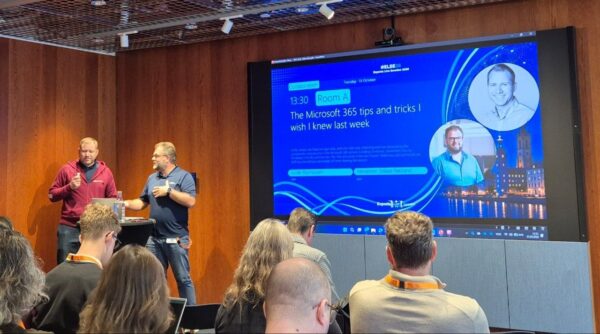

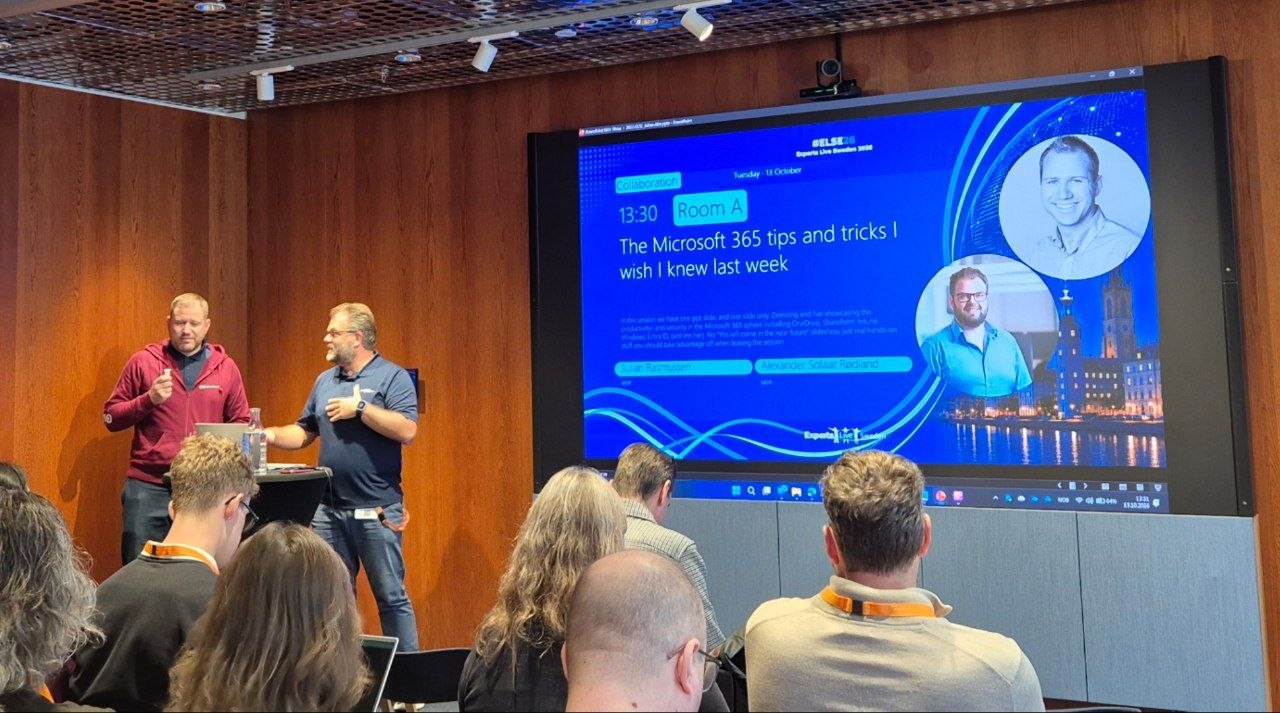
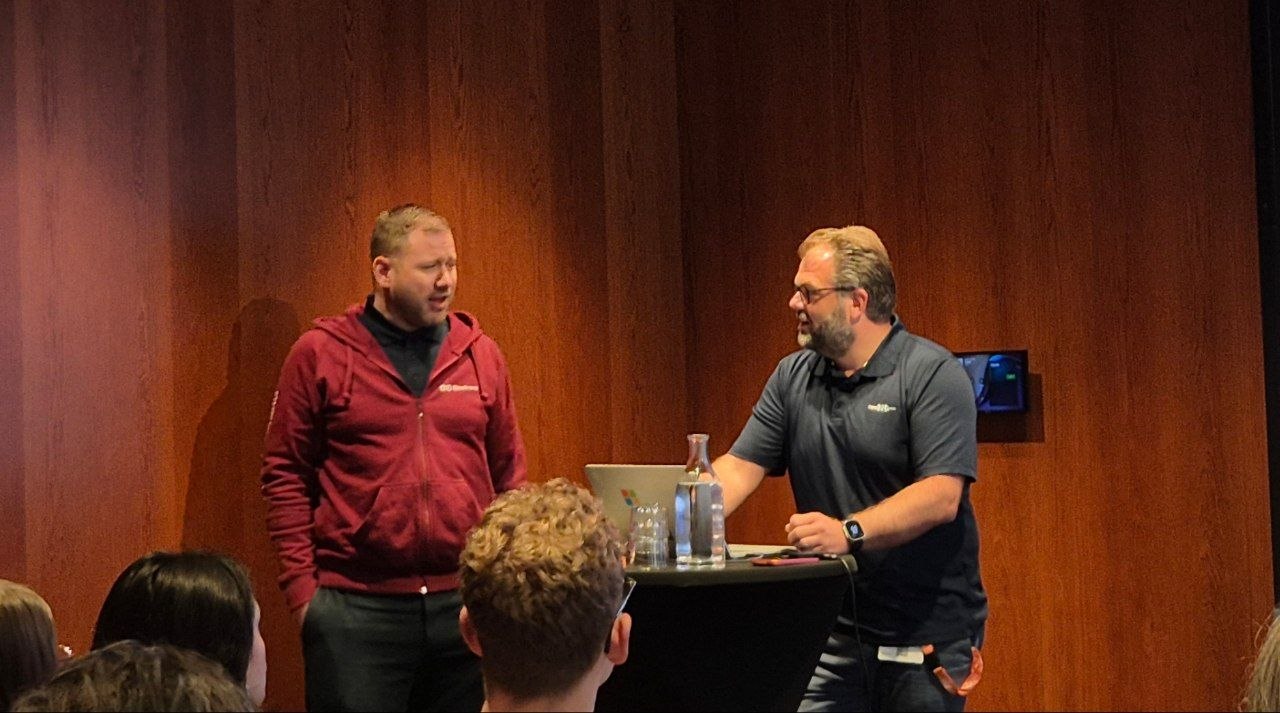
“The Microsoft 365 tips and tricks I wish I knew last week” at Experts Live Sweden in Stockholm on 13 October 2026 had one promise in its abstract: one PowerPoint slide, and everything else live. Julian Rasmussen, Senior Consultant at Point Taken, took the identity half from Entra ID. Alexander Solaat Rødland, Modern Work Engineer at Storebrand, took the modern workplace half. Both are Microsoft MVPs. They kept the promise: one slide, then demos, and the occasional “you are going to ruin my demo now”. I took notes with AI, so the details below are my summary, and any mistakes are mine.
Test the break glass account, then add a break glass app
Julian opened with a true story. A customer wanted to block sign-ins from a list of countries and built a conditional access policy that did the opposite: it blocked everything except one country. 315 employees could not sign in for three days. Everyone has a break glass account, he said, but when he asked how many in the room had actually tested theirs, few hands went up. Tip one: test it.
His second line of defence was a break glass application. An app registration in Entra ID with the Microsoft Graph application permission to read and write conditional access policies, plus a client secret. With the application ID and the secret you can connect through Graph and switch off or delete the policy that locked you out. An application does not need the same exclusions from every user policy that an account does. If you use conditional access for workload identities, it needs its exclusion there.
Access packages, delegated
Next was a new feature in the My Access portal: you can delegate your approvals and access reviews when you go on holiday, with a start and an end date. Julian’s team gives Copilot access through an access package, and he approves the requests. A year ago to the day he started three months of parental leave, and he wished the feature had existed then. A manager can also request an access package on behalf of a direct report.
An access package can bundle groups, applications, SharePoint sites and Azure resources, and Entra roles have been in preview for a long time. A PIM-enabled group can be added as an eligible member or owner. The part I found most interesting: requests can now be made for agent identities too, so the sponsor of an agent can request an access package, including API permissions, on the agent’s behalf.
Guests and the seven day backup
Guest user governance has moved into Lifecycle Workflows. You can scope a workflow to all guests, to guests in a group, or to all guests except a group. The exception matters: when an MSP brings a hundred guest accounts into your tenant, you do not want the inactivity cleanup to lock out your security partner. The workflow can ask the sponsor to confirm the guest is still needed, remove guests whose access package assignment has ended, and handle the guests of a sponsor who leaves. You choose whether to disable, delete, or disable and delete after a number of days.
Then Entra ID backup and recovery. Every tenant has it, and it covers seven days, but it can only restore objects that are soft deleted. If an admin hard deletes, the backup is gone. His tip was to protect the hard delete: create an authentication context, use it in a conditional access policy that targets your administrators and blocks access, and add the delete actions to that context under protected actions in Roles and admins. In the demo the targeted admin tried to delete a user and failed.
“You have backups in Entra, but you cannot trust them unless you stop your admins from hard deleting.” (paraphrased)
He also showed the Agent 365 view with an E7 licence: the agents in the tenant, their tools, and local agents running on users’ computers. Without E7 you can still see that local agents exist, he said, but not which devices they run on.
Whiteboard goes, ink canvas comes
Alexander started with news that had not been public the week before: Whiteboard is being retired as a standalone app. Its replacement is a new ink canvas app from the Microsoft Store that works on any device with a pen. It can turn handwritten notes and mock-ups into text with AI. The catch, for now, is that it only supports personal Microsoft accounts. A work account version is expected, but there is no date. He also had a Scout demo ready, and then Microsoft announced that Scout becomes part of Copilot. Two demos lost in two weeks, which is the reality of Microsoft 365 tips.
Intune rings and SharePoint file requests
For Intune admins: you can now roll out any Win32 app or device configuration in rings, with your own start and end times, instead of hitting every device at once. Modern workplace teams want everyone to get a feature on the same day. Service desks want it gradual, because things break.
In SharePoint his tip was about the request files feature, which gives anyone with the link permission to upload files to a folder. If you restrict sharing to existing guests at tenant level, the feature disappears. His recommendation: allow new and existing guests at tenant level, set every site to existing guests only, and enforce that in your site and team provisioning, so only the sites that need file requests get them.
Copilot in SharePoint is not Copilot in Edge
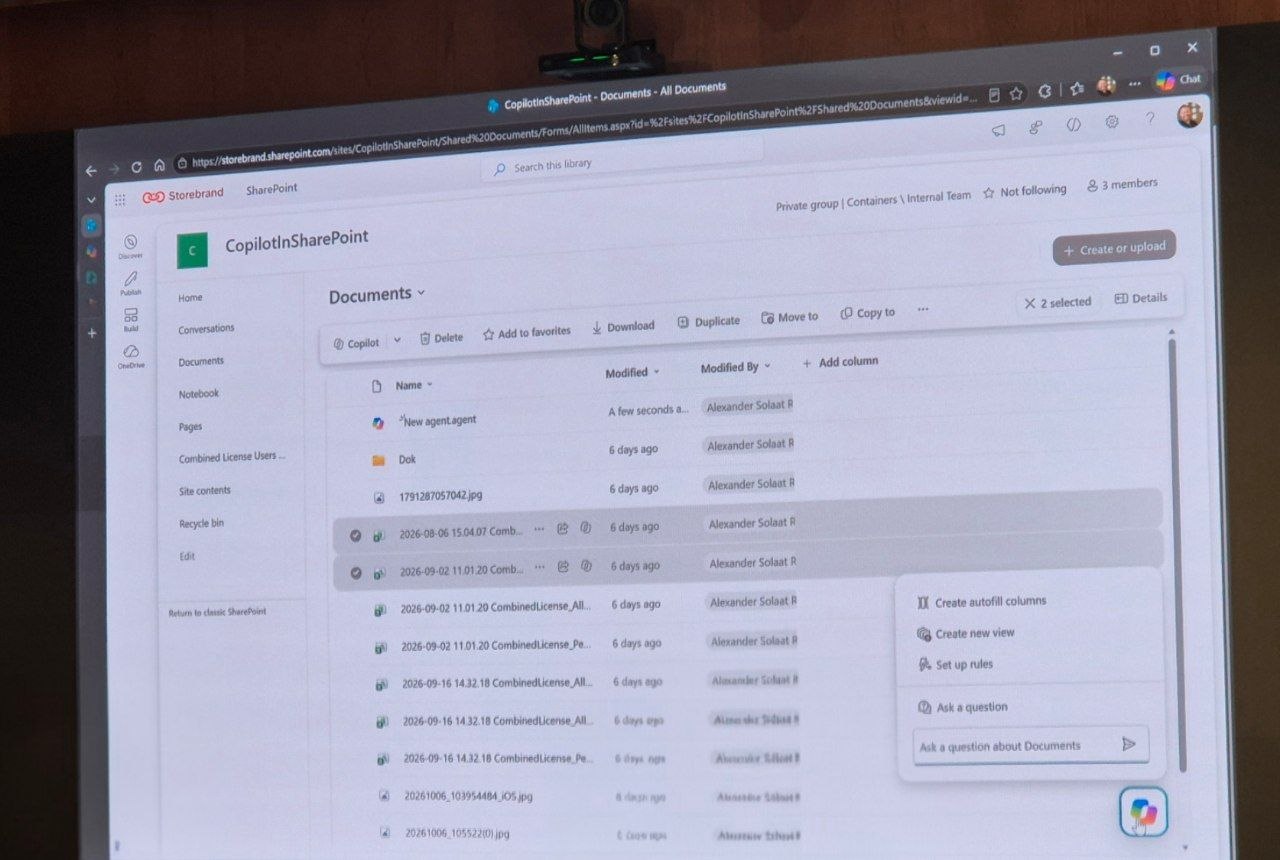
The name is confusing, and he said so: there is Copilot everywhere. Copilot in SharePoint is rolling out and has skills you do not find elsewhere. Select files in a library and create an agent from them, and everyone with access to the site can use it. It can create autofill columns that tag and fill metadata, set up rules, create views, and turn a CSV file into an HTML page you can read instead of opening Excel. He expected it to be enabled by default within a month or two.
His last demo was Copilot Cowork with access to Edge, enabled from the admin settings. In the Microsoft 365 app, Copilot tells you what to do. With Cowork it opens a virtual Edge session and clicks through the task itself, for example downloading last week’s LinkedIn reach and building an Excel report with pivot tables. It is powerful, he said, but every run consumes credits.
The final tip was bookable time in Outlook on the web: a new view of Microsoft Bookings where you set your own hours and can make a link valid for a single booking. Then they finished on time, which Alexander called his best tip.