
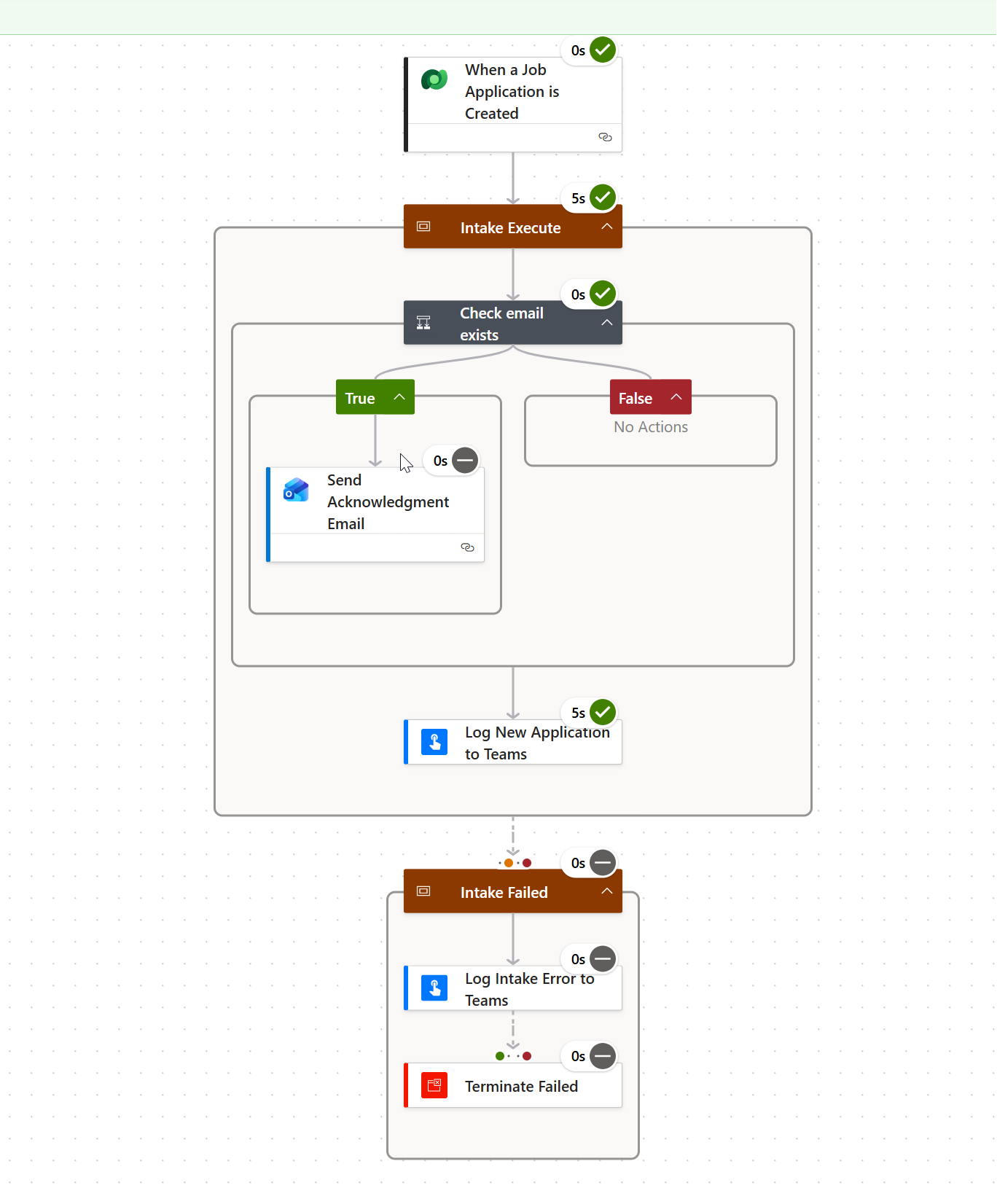
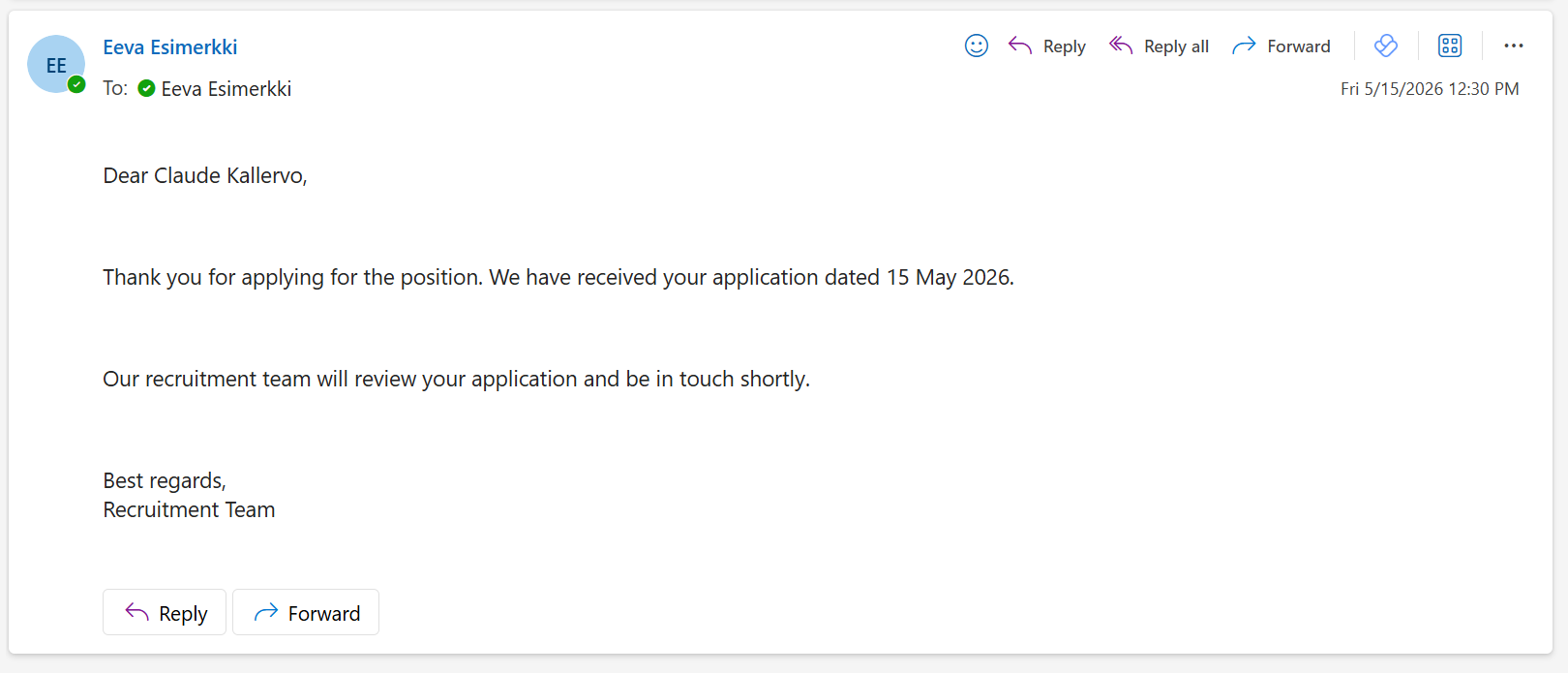
I created Power Automate flows with Claude for existing demo functionality it was time to test them. I used Claude to create me smoke test cases meaning happy path. I took the first flow into designer and looked what it had done. I was positively surprised since those flow followed my error handling path using child flows I used in existing flows for logging status into Teams.
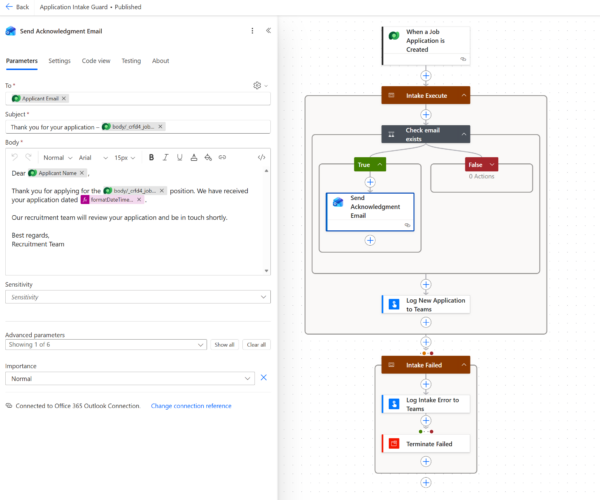
Triggers when a new JobApplication record is created. Sends an acknowledgement email to the applicant (if email exists) and posts a notification card to the Teams Recruitment channel.
Even the email was formatted quite well using the parameters form Dataverse table row. I think it recognized that my Copilot Studio agent has this flaw that when saving the application the first time the email address of the user is not updated into Dataverse.
I fixed that part manually since it was just adding one question and parameter to agent and flow and then applied again and got the response in email from the Power Automate flow.
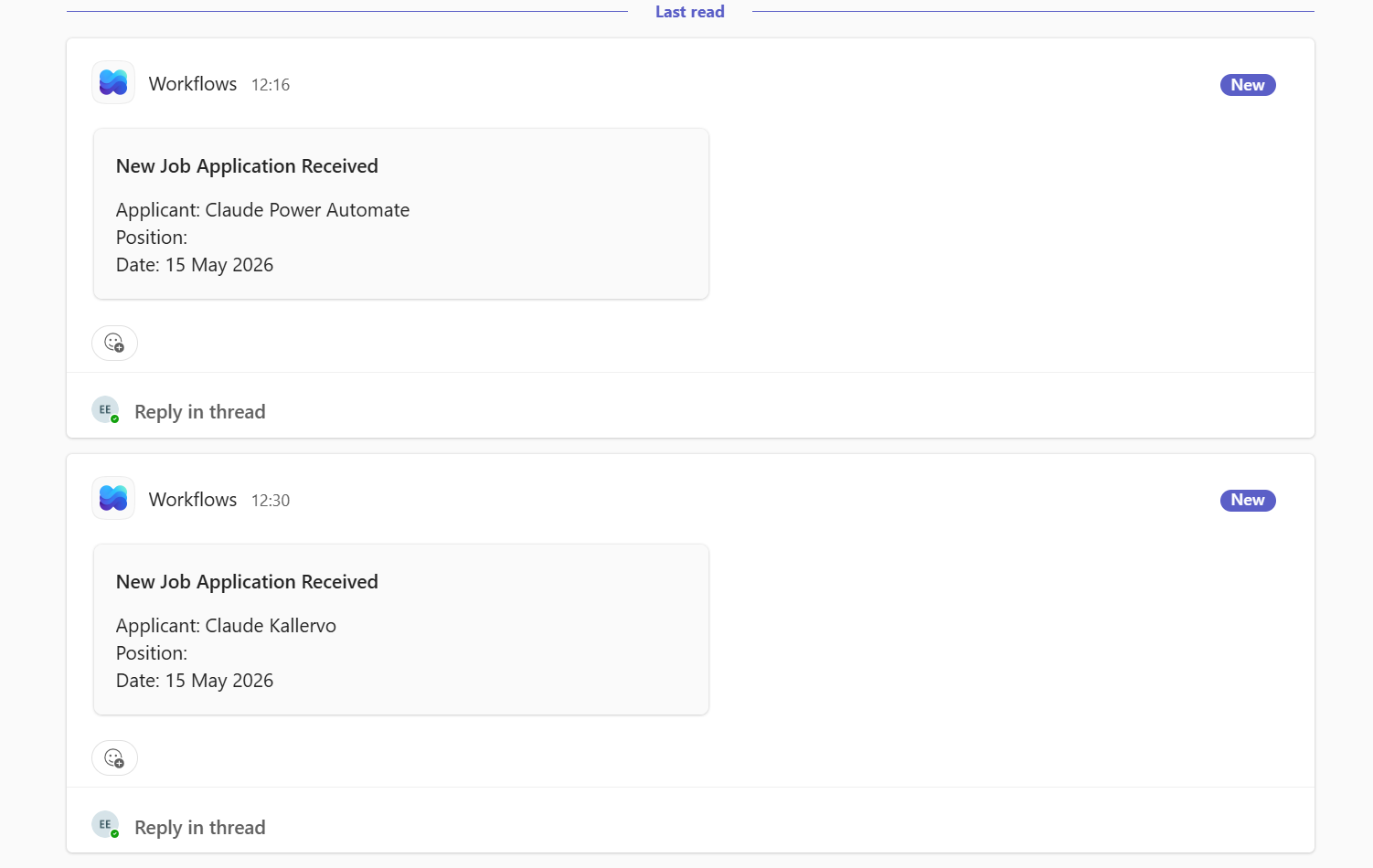
Then I went to Teams and saw that logging is working. At this far I’m happy about the updates Claude Code added to my demo case.
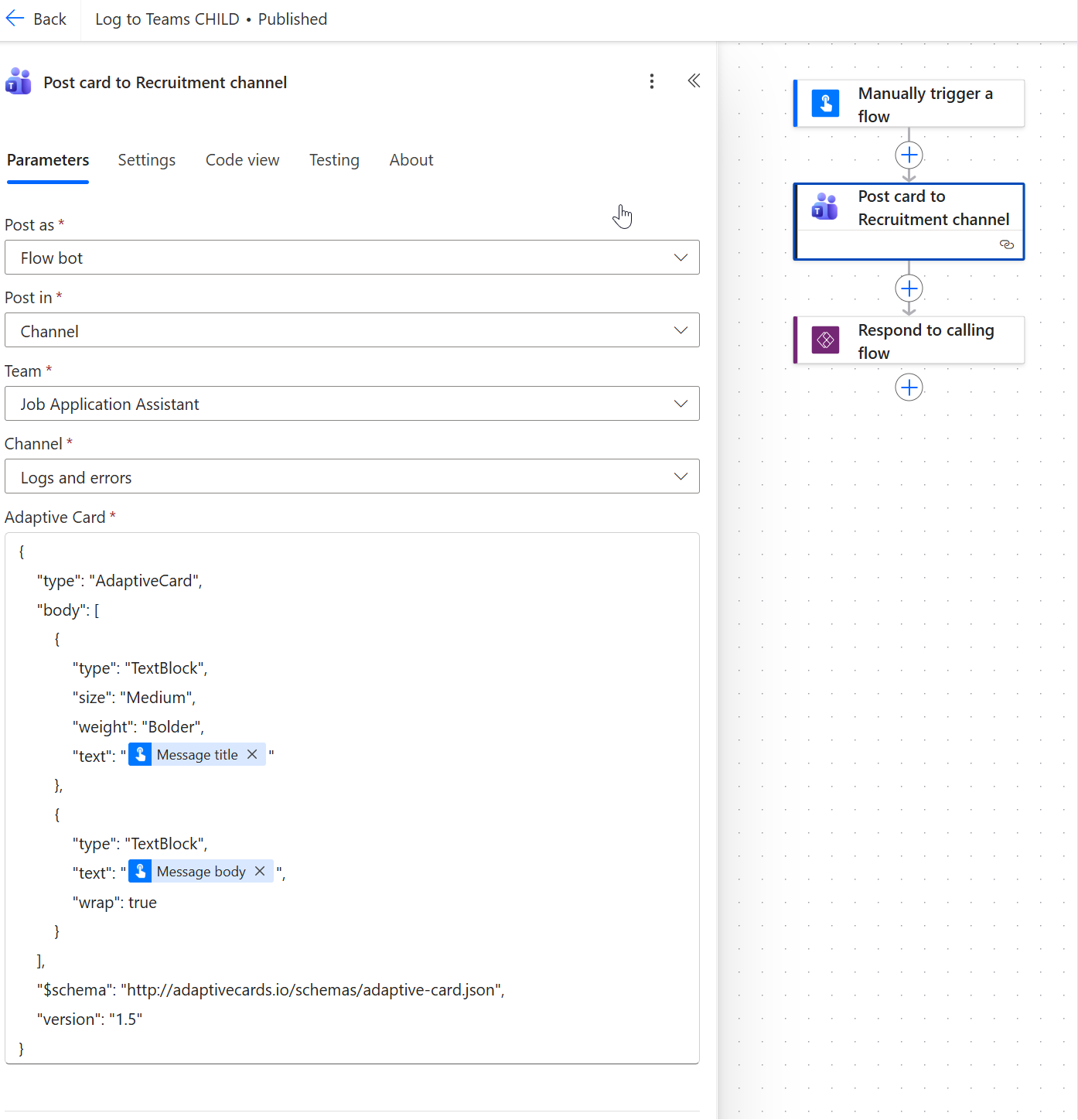
It used child flows
Claude really saw my way of logging from original use case and copied this functionality as well. I can use the child flows.
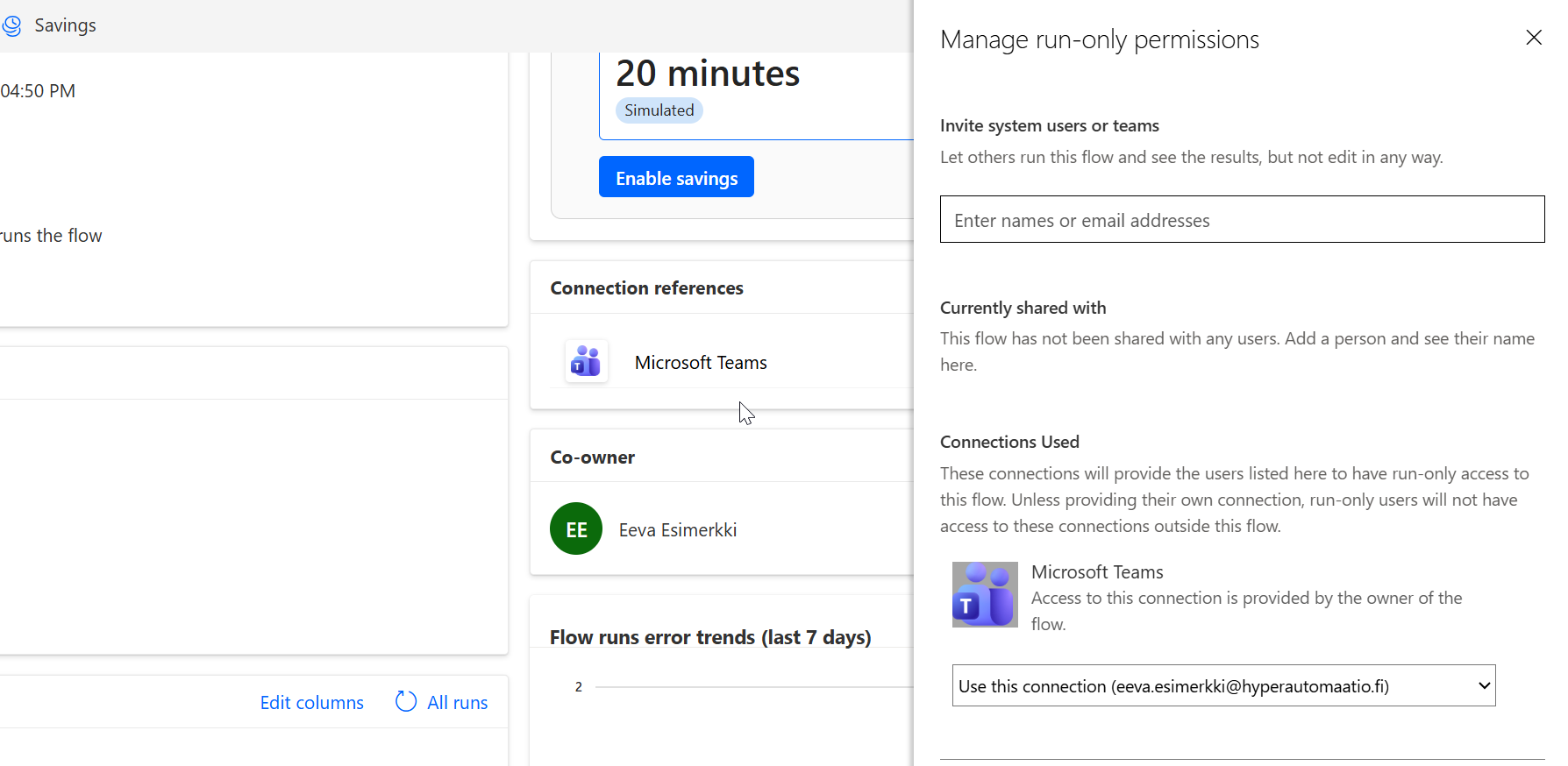
It even copied the run only user as I have set in the original solution
Now I’m dropping off the table
It used my earlier AI hub prompt and build functinality where the CV is rated after the applicatoin is saved into tabe.
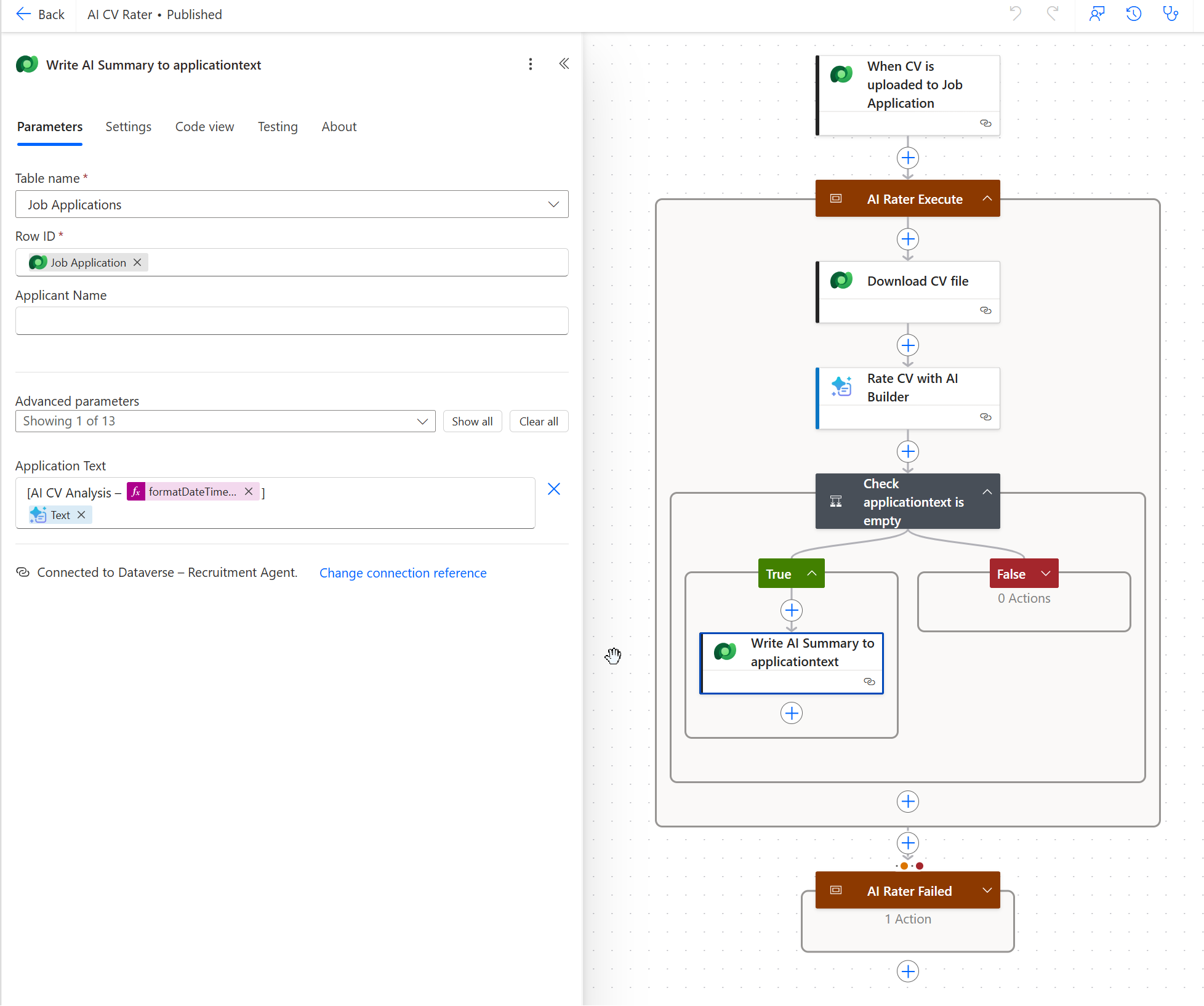
Since I did not have proper instructions the flow writes the summary in the wrong column in the Dataverse table but this is easy fix – for example I create new column and change it here. I’m still quite proud that it could reason how to create all these and fulfil the functionality and extend missing gaps based on existing solution.
With proper specifications Claude Code can really speed up solution development and save a lot of time from developer creating Power Automate flows for the developer. I will not introduce the rest of the flows since the business case isn’t finalized but I got the answer to my question: Can Claude Code implement flows – YES