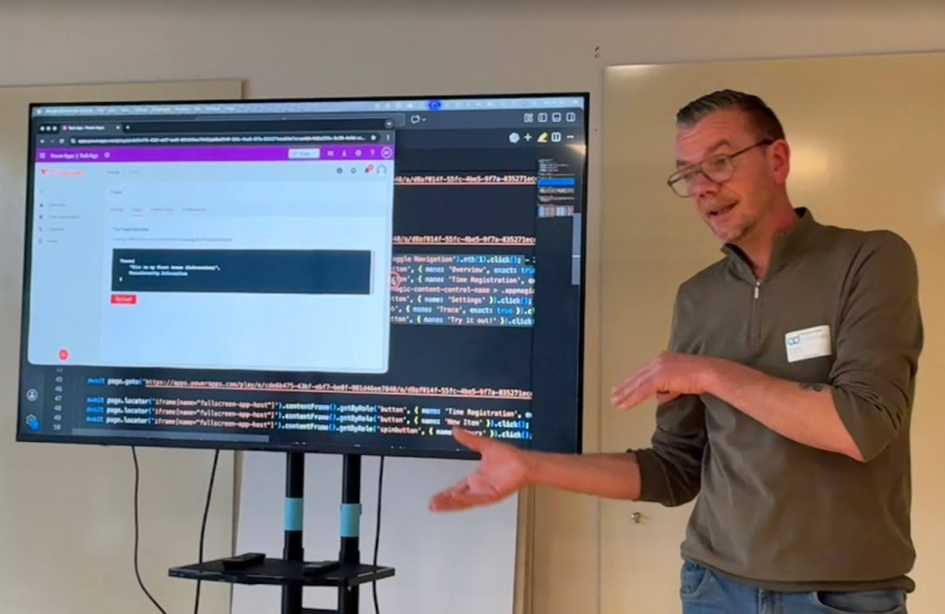
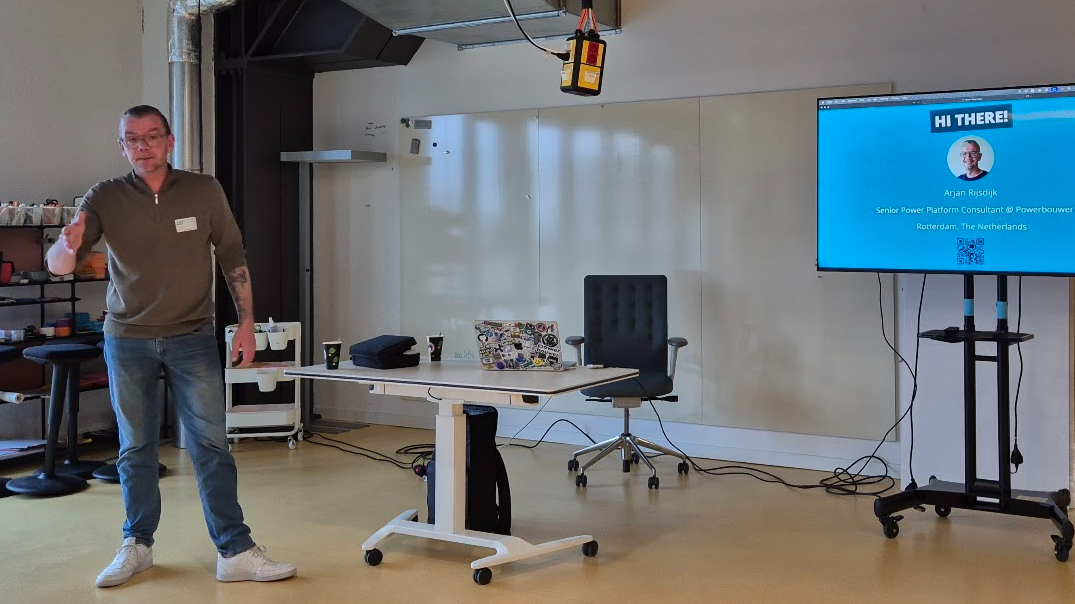
At CollabDays Bremen 2026, I attended the session “Play it (w)right: automate your end-to-end tests in the Power Platform.” held by Arjan Rijsdijk (slides). This was one of the most practical, demo-rich experiences of the entire event, and it completely reshaped how I view testing in low-code solutions.
The speaker delivered a lively, example-driven walkthrough of how testing doesn’t have to be slow, painful, or an afterthought. Instead, when done right — and automated — it becomes a core part of delivering reliable, scalable Power Platform solutions.
The session promised three main focuses:
- Using and extending the Power Apps Live Monitor
- Exploring Power Apps Test Studio
- Deep-diving into Playwright for end-to-end automation
…and it delivered on every one of them.
⭐ Why Testing Matters — Especially in Low‑Code
The presentation began with the reality we all know:
Testing is crucial — even in low code — but we rarely give it the attention it deserves.
The pressure to deliver quickly often overshadows robust validation. Yet with AI-driven features and complex integrations becoming the norm, risks increase dramatically. Small changes can break critical functionality, and without automated regression tests, you won’t catch them until users do.
Key points that resonated:
- Low-code does NOT mean low risk.
- AI adds unpredictability — prompts, dynamic logic, and automation can shift behavior unexpectedly.
- We need safety nets that catch regressions early.
- Testing shouldn’t be a final phase; it should be part of everyday development.
I loved the speaker’s main message, repeated throughout the session:
Testing is a mindset, not a milestone.
🔍 Start with Monitoring: Live Insights into App Behavior
Before even talking about “testing,” the speaker highlighted something equally important: monitoring.
Power Apps Live Monitor offers:
- Real-time logs of actions, errors, and performance
- The ability to trace custom events using Power FX
- Sharing monitoring sessions with other users
- Integrating telemetry into Application Insights
- Detecting bottlenecks, slow formulas, and failing connections
One memorable demo showed how custom traces can include JSON metadata, severity levels, and timestamps to measure execution times (e.g., analyzing a ForAll + Patch operation).
Monitoring isn’t just debugging — it’s the foundation for writing meaningful automated tests.
🧪 Testing Tools Inside the Power Platform
The next part of the session covered the tools Microsoft provides today for test automation, focusing first on Power Apps Test Studio.
This tool lets you:
- Record user actions (with caveats)
- Write tests in Power FX
- Use Assert() functions to validate values
- Build test suites
- Automate playbacks
However:
- Modern controls don’t record well
- Components often aren’t recognized
- Reporting is minimal
- Only works for Canvas Apps
Still, for basic regression checks inside Canvas apps, it’s a valuable built‑in option — especially when combined with Test Engine.
Test Engine enhances what Test Studio can export. It allows:
- YAML-based test plans
- Screenshots in steps
- Power Platform CLI execution
- Running tests in CI pipelines (GitHub or Azure DevOps)
It’s more technical, but great for automation-first teams.
🎭 The Star of the Session: Playwright
The highlight of the session — and what the audience clearly came for — was the deep dive into Playwright, Microsoft’s open-source framework for browser automation.
Why Playwright is a perfect match for Power Platform:
- Works across Chromium, Edge, Firefox, WebKit
- Supports TypeScript, JavaScript, Python, .NET
- Captures actions automatically with Codegen
- Handles iframes (crucial for Canvas apps)
- Can run in UI mode or headless mode
- Generates full HTML reports
- Includes detailed trace viewers
- Supports device emulation, parallel testing, and accessibility checks
Power Apps apps run inside deeply nested iframes — and Playwright handles this gracefully. The demo showed how element locators, ARIA attributes, and naming conventions can identify controls reliably.
Examples shown in the session:
- Logging into an app
- Navigating through menus
- Clicking buttons
- Entering form data
- Validating fields using assertions
- Capturing screenshots
- Producing detailed reports with test steps, stack traces, and videos
One particularly impressive part was ARIA Snapshot Testing, which lets you validate UI structure (menus, lists, headers) in a YAML-like assertion — a powerful method for layout consistency.
🤖 AI‑Powered Testing with Playwright Agents
The final section was a look into what’s coming next.
Playwright now includes AI-supported agents:
- Planner — explores your app and generates a test plan
- Generator — converts the plan into runnable test files
- Healer — analyzes failing tests and automatically repairs selectors or logic
The speaker demonstrated how these agents can analyze an app, produce test cases, generate the code, and even adjust locator strategies when the UI changes.
This is still early-stage, but the potential is huge:
The future of testing is AI-augmented test generation and self-healing scripts.
🚀 My Takeaways From the Session
This was one of the most insightful and practical sessions at CollabDays Bremen for anyone building production-grade Power Platform solutions.
What I took away:
- Testing shouldn’t wait — it should be integrated from day one.
- Monitoring gives the visibility needed to build better tests.
- Test Studio is good for fast internal checks, but limited.
- Test Engine adds pipeline automation.
- Playwright is the gold standard for end‑to‑end testing across modern web apps, including Power Platform.
- AI-driven test planning and healing will soon become part of daily workflows.
Automated testing makes solutions more robust, reduces risks, and — most importantly — saves time in the long run.