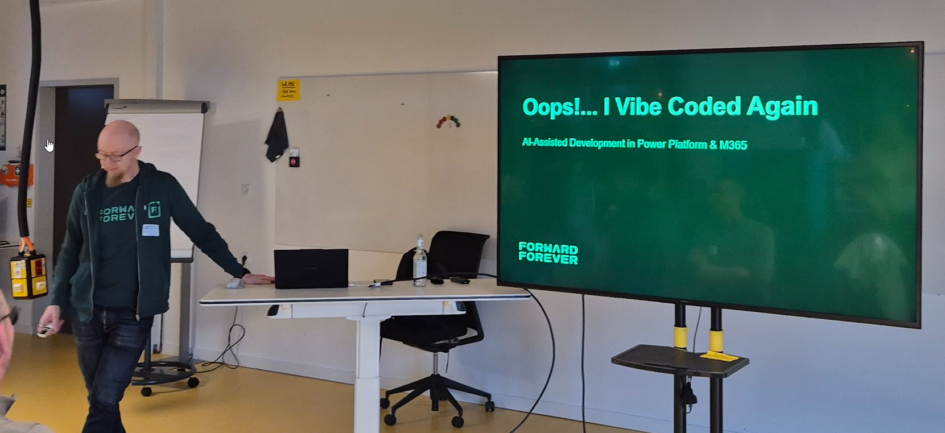
At CollabDays Bremen, I joined a session titled “Oops!…I Vibe Coded Again: AI-Assisted Development in Power Platform & M365.” prented by MVP Timo Pertilä. Going in, I already had a good sense of what vibe coding is in theory, but this session gave a far more grounded and realistic look into what AI-assisted development can (and can’t) do in real-world Power Platform projects.
AI is powerful, but messy. Helpful, but unpredictable. Exciting, but not magic.
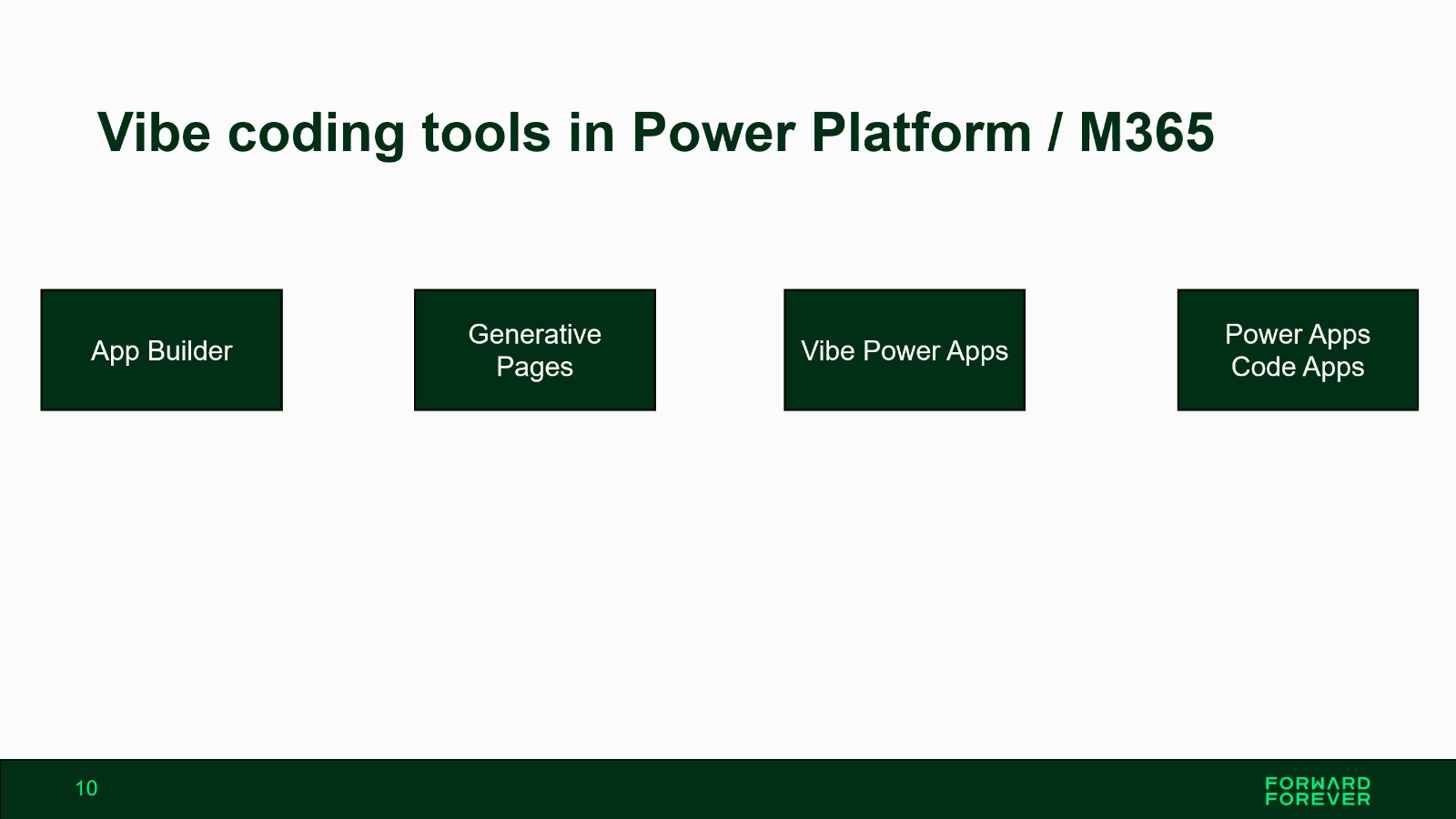
1. App Builder — Natural Language App Creation Inside Microsoft 365
App Builder is Microsoft’s lightweight, prompt-driven app creation tool embedded directly into Microsoft 365 Copilot. Instead of opening Power Apps, you simply describe the app you need, and the agent generates it.
Key capabilities (from Microsoft sources)
- Build apps entirely through natural language prompts inside Microsoft 365 Copilot.
- Converts your prompt + optional files (Word, Excel, emails) into a Product Requirements Document and builds the app from it.
- Generates a React-based app automatically hosted in Microsoft 365 with a SharePoint backend.
- Ideal for lightweight productivity tools, dashboards, trackers, and team utilities.
- No external data connections; backend is Microsoft Lists/SharePoint.
- Designed for non‑enterprise scenarios and personal/team-level use.
My takeaway
App Builder is the fastest “idea‑to‑working‑app” experience Microsoft has ever shipped. Great for simple internal tools—not for large business apps.
2. Generative Pages — AI‑Generated React Pages for Model‑Driven Apps
Generative Pages are the most impressive technology in the Power Apps ecosystem right now. You describe a page in natural language, attach optional sketches, pick your Dataverse tables, and Power Apps generates a fully functioning React page.
Key capabilities (confirmed by Microsoft)
- Creates fully functional React-based pages using natural language.
- Integrates directly with Dataverse and supports CRUD operations.
- Full transparency: you can inspect the generated React code and iterate using the agent.
- Supports images/wireframes to guide UI generation.
- Allows connection to external sources via Virtual Entities.
- Fully ALM-compatible: solution-aware and environment‑movable.
My takeaway
Unlike traditional custom pages, Generative Pages eliminate Power Fx entirely. The performance difference is noticeable, and this is the future of model-driven UI work.
3. Vibe Power Apps — The New AI-Native App-Building Experience
Vibe Power Apps (vibe.powerapps.com) is Microsoft’s new AI-native experience that builds an entire application—requirements, data model, code, UI—based on a natural-language description.
Key capabilities (as documented)
- Generates a full plan, Dataverse tables, and a React front-end from a single prompt.
- Represents a shift from low‑code to intent-driven app creation.
- Output is not a canvas app—it’s a React/TypeScript code app with generated structure.
- Uses multiple AI agents (Analyst, Researcher, Builder) to break down requirements and implement features.
- Integrated into Power Platform governance (solutions, DLP, security).
My takeaway
Vibe Power Apps is the most radical change in Power Apps history. It builds full applications, not screens—and it requires solid governance discipline because it outputs code-based assets, not low‑code components.
4. Power Apps Code Apps — Full Developer Control with Power Platform Governance
Code Apps bring pro-code development into Power Apps. Instead of building a canvas or model-driven app, you build a React/TypeScript web app in VS Code and run it inside Power Platform.
This is the “pro‑developer counterpart” of vibe coding.
Key capabilities (confirmed)
- Build web apps using React, Vue, TypeScript, and modern tooling like Vite.
- Apps run inside Power Platform and inherit platform governance (DLP, connectors, authentication).
- Full Microsoft Entra authentication out-of-the-box.
- CLI-driven app lifecycle (init, build, push, deploy).
- Perfect for complex UI, custom integrations, advanced logic, or performance-sensitive apps.
My takeaway
This is where AI + pro-code meet. With GitHub Copilot supporting the code workflow, Code Apps are ideal for enterprise-grade scenarios where canvas/model-driven apps hit their limits.
How the Four Tools Fit Together
| Tool | Best For | Strength | Limitations |
|---|---|---|---|
| App Builder | Quick team tools | Fastest experience; purely prompt-based | Not enterprise-grade; SharePoint backend only |
| Generative Pages | Model-driven UI | High-performance AI-generated React pages | Only in Model-Driven Apps; Dataverse required |
| Vibe Power Apps | Full app creation | Generates plan + data + code end-to-end | Preview; US-only; requires governance discipline |
| Power Apps Code Apps | Pro-code apps | Full developer control inside Power Platform | Requires coding skills and developer tooling |
Overall Reflection From the Session
This session clarified one thing above all:
AI is not replacing makers — it’s changing what we do.
Makers will spend less time dragging controls and more time:
- validating AI-generated structures,
- safeguarding data models,
- refining UI/UX,
- ensuring governance is correct,
- integrating systems properly.
AI accelerates everything… but it also breaks things unexpectedly, as the live demos showed. Human judgment still matters more than ever.